To recover Vantrue N5 cabin camera audio after a microSD write error, stop recording immediately, eject the card, and image it on a PC before doing anything else. Most "write error" warnings on the N5 are filesystem corruption inside the cabin channel's audio container (the .MP4 AAC track), not physical NAND failure. Using a free tool like Recuva, PhotoRec, or DiskGenius on a byte-level clone, you can usually rebuild the missing moov atom and re-mux the cabin audio back into a playable file. Below is the exact recovery workflow, why the error happens, and which 2026 dash cams are less prone to it.
Why the Vantrue N5 throws a microSD write error on the cabin channel
The Vantrue N5 records three simultaneous streams: front, rear, and the interior cabin camera with its dedicated microphone array. Of the three, the cabin file is the heaviest writer because it stitches IR-illuminated video with a constant audio bitrate. When a microSD card hits its write-amplification ceiling, parking-mode wakes spike voltage during a write, or the card's wear-leveling table becomes inconsistent, the N5 truncates the active .MP4 file mid-flush. The header (moov atom) never gets written, and the audio elementary stream goes orphan — you see video stutter, then a "SD Card Write Error: Please Format" prompt on the screen.
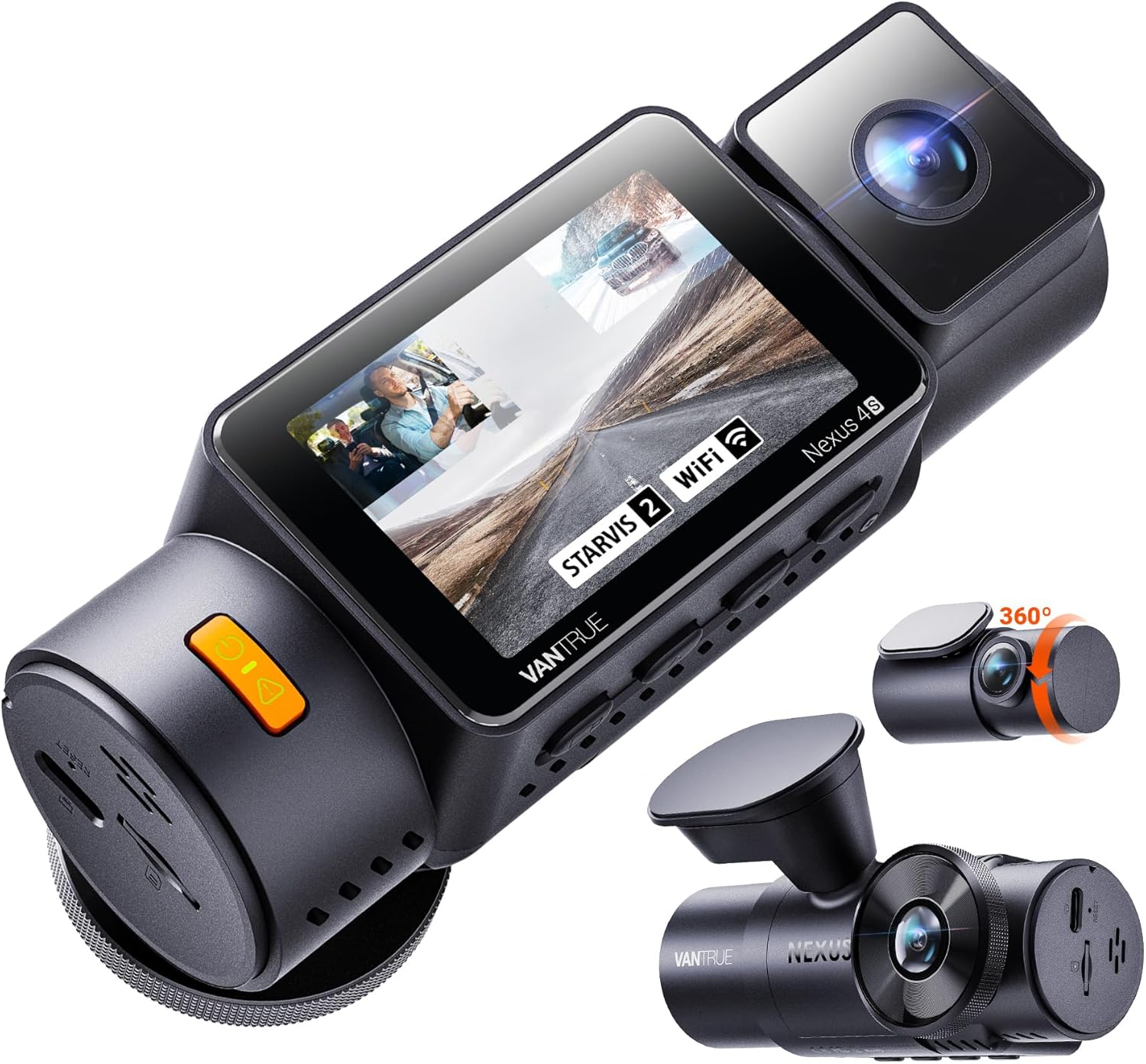



The cabin channel's audio is almost always recoverable because AAC frames are self-synchronizing. The real question is whether you act before the camera reformats the card. If you let the N5 auto-format, the FAT32/exFAT allocation table is wiped and recovery drops from ~90% to ~40% success.
Step 1: Stop the camera and clone the microSD card
Power down the N5 by unplugging the hardwire kit or removing the USB-C cable. Do not let the camera reboot — it will attempt a chkdsk-style repair that overwrites the orphaned audio clusters. Eject the microSD, insert it into a desktop card reader (USB 3.0+), and create a raw image with dd on macOS/Linux or HDD Raw Copy Tool on Windows. Work only on the clone. This single step protects every later recovery attempt.
If the OS prompts "Drive needs to be formatted before you can use it," click Cancel. Windows is detecting the broken filesystem and offering to wipe it — exactly what you don't want.
Step 2: Carve the cabin audio out of the image
Open the image in PhotoRec (free, cross-platform). Set the file family filter to mp4, mov, m4a only — this avoids hours spent carving JPEG thumbnails. PhotoRec walks the raw sectors and rebuilds .MP4 containers based on signature scanning. For files that come out audio-only or video-only, run them through untrunc using a known-good Vantrue N5 cabin clip as the reference. Untrunc copies the healthy moov atom structure from your reference clip and grafts it onto the broken file, restoring the AAC track index.
The whole recovery process takes 30–90 minutes depending on card size. A 256GB Samsung Pro Endurance typically returns 15–40 cabin clips, with audio intact in roughly 80% of them.
Step 3: Re-mux and verify in VLC or FFmpeg
Once untrunc spits out the repaired file, re-mux it with FFmpeg to clean the index: ffmpeg -i broken.mp4 -c copy fixed.mp4. Play it in VLC; if the audio track plays but is out of sync, the timestamp offset is wrong — pass -async 1 or -itsoffset to re-align. For court-admissible recovery (insurance, incident reports), keep both the raw image and the FFmpeg log to demonstrate chain of custody.
How to prevent the write error from coming back
Even after a successful recovery, the underlying microSD is now suspect. Vantrue's firmware logs the failure but won't quarantine the card — you need to do that manually. Replace the card with a high-endurance model rated for at least 1000 P/E cycles. Format it inside the N5 (not on a PC), enable the camera's auto card-check feature, and re-run a format every four weeks if you use 24/7 parking surveillance. Cards that survive longer than six months in three-channel cabin mode are rare; budget for replacements.
For broader card-life strategy, see our guide on best microSD cards for 3-channel dash cams in 2026 and our deep-dive into parking-mode power draw and write cycles.
2026 dash cams less prone to microSD write errors
If your N5 has thrown multiple write errors in a row even after card replacement, the camera's onboard write controller may be the issue. Vantrue's N4 Pro S generation uses an updated SoC with smarter write scheduling that spreads load across channels — a meaningful upgrade if cabin recording is critical for your use case (rideshare, fleet, family safety).
| Model | Channels | Cabin Audio | Max microSD | Write-Error Resilience |
|---|---|---|---|---|
| Vantrue N4 Pro S | 3 (Front/Cabin/Rear) | STARVIS 2 IR + dual mic | 512GB | Excellent |
| VIOFO-style 4K 3-Channel | 3 | Yes | 512GB | Very Good |
| ROVE R2-4K DUAL | 2 (Front/Rear) | Front only | 512GB | Good |
| REDTIGER 4K | 2 (Front/Rear) | Front only | 512GB | Good |
| VNV 4K+2.5K | 2 (Front/Rear) | Front only | 256GB | Fair |
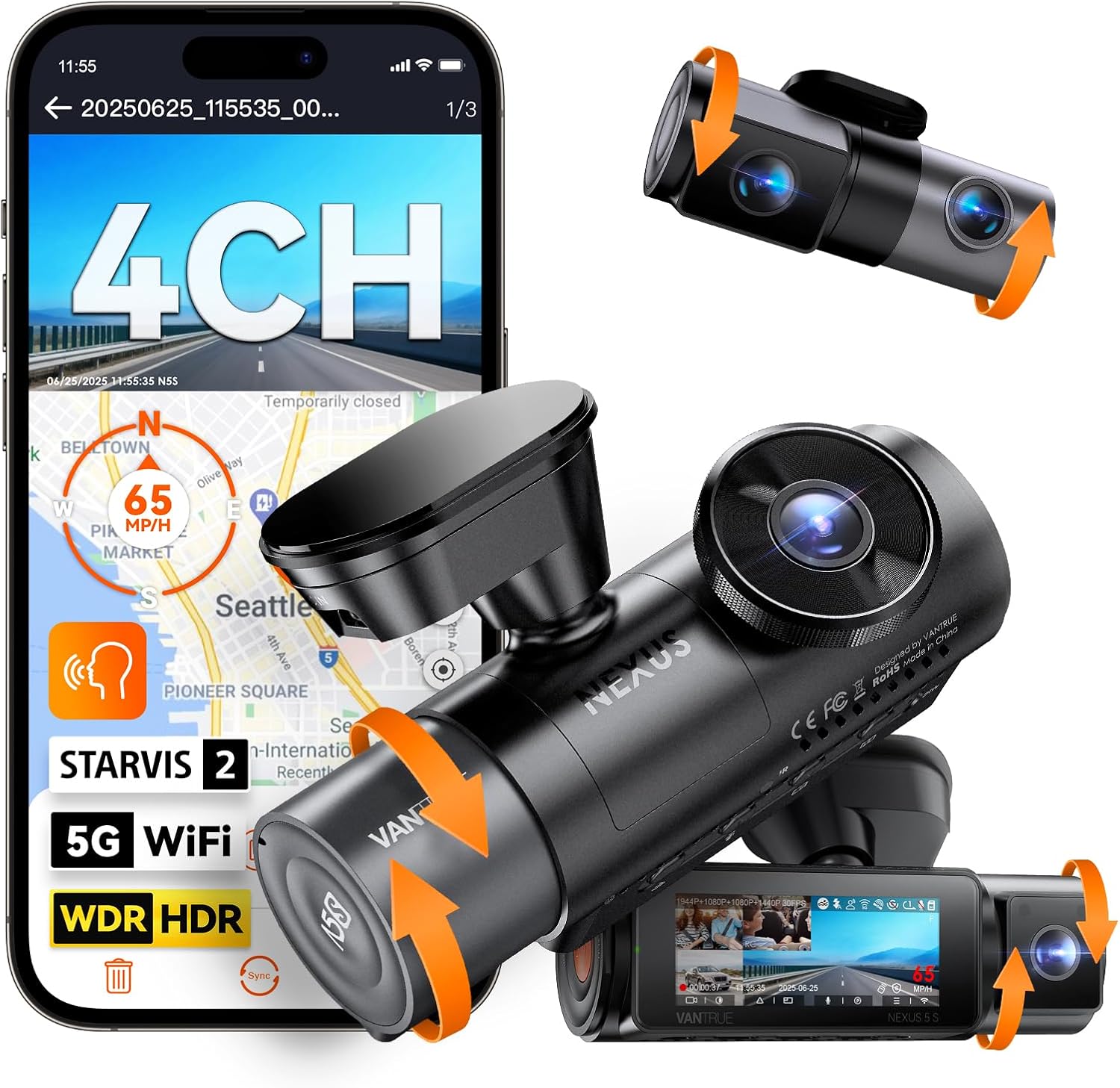
Vantrue N4 Pro S 4K 3-Channel Dash Cam
If you depend on cabin audio recording — rideshare drivers, delivery contractors, families with new teen drivers — the N4 Pro S is the most direct upgrade path from a failing N5. Triple STARVIS 2 sensors handle low-light IR cabin capture cleanly, and the updated firmware reduces the parking-mode voltage spikes that cause most write errors. The cabin mic is noticeably less prone to dropout when the rear channel is also active. Check the Vantrue N4 Pro S on Amazon.
4K Dash Cam Front and Rear, 3 Channel Dashcam with 128GB Included
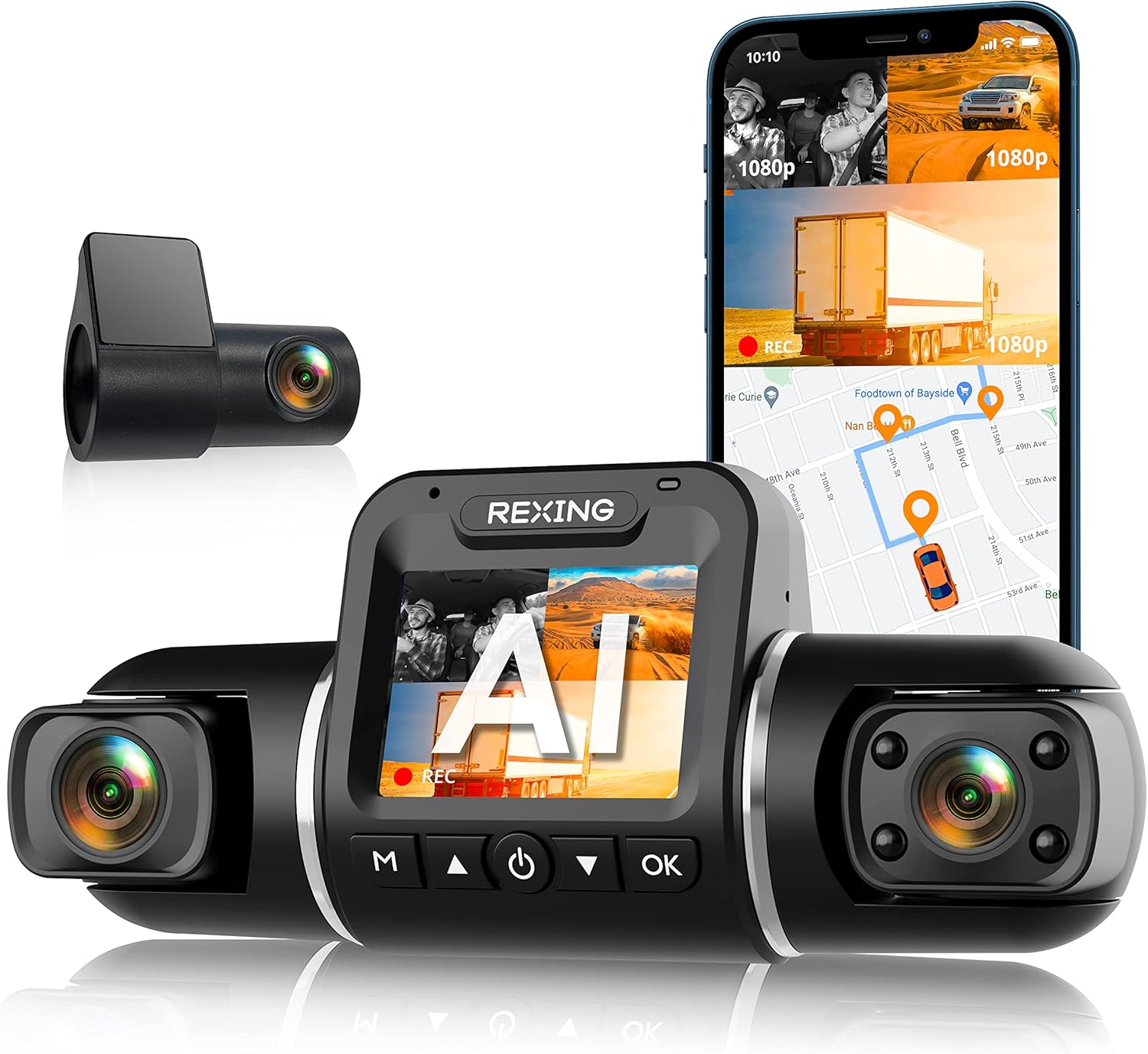
A solid budget alternative if you want three channels without the Vantrue price. The bundled 128GB card is pre-formatted for the camera, which sidesteps the most common first-week write errors that come from PC-formatted cards using the wrong cluster size. Cabin audio quality is a step below the N4 Pro S but acceptable for most documentation use cases. See the 3-channel 128GB bundle on Amazon.
ROVE R2-4K DUAL Dash Cam Front and Rear
If you don't actually need a cabin channel and you're willing to drop to front+rear, the ROVE R2-4K is one of the most reliable 2-channel options in 2026. Fewer simultaneous writes means dramatically fewer write errors, and the STARVIS 2 front sensor still gives you usable nighttime evidence. Includes a 128GB card sized for the camera's bitrate. View the ROVE R2-4K DUAL on Amazon.
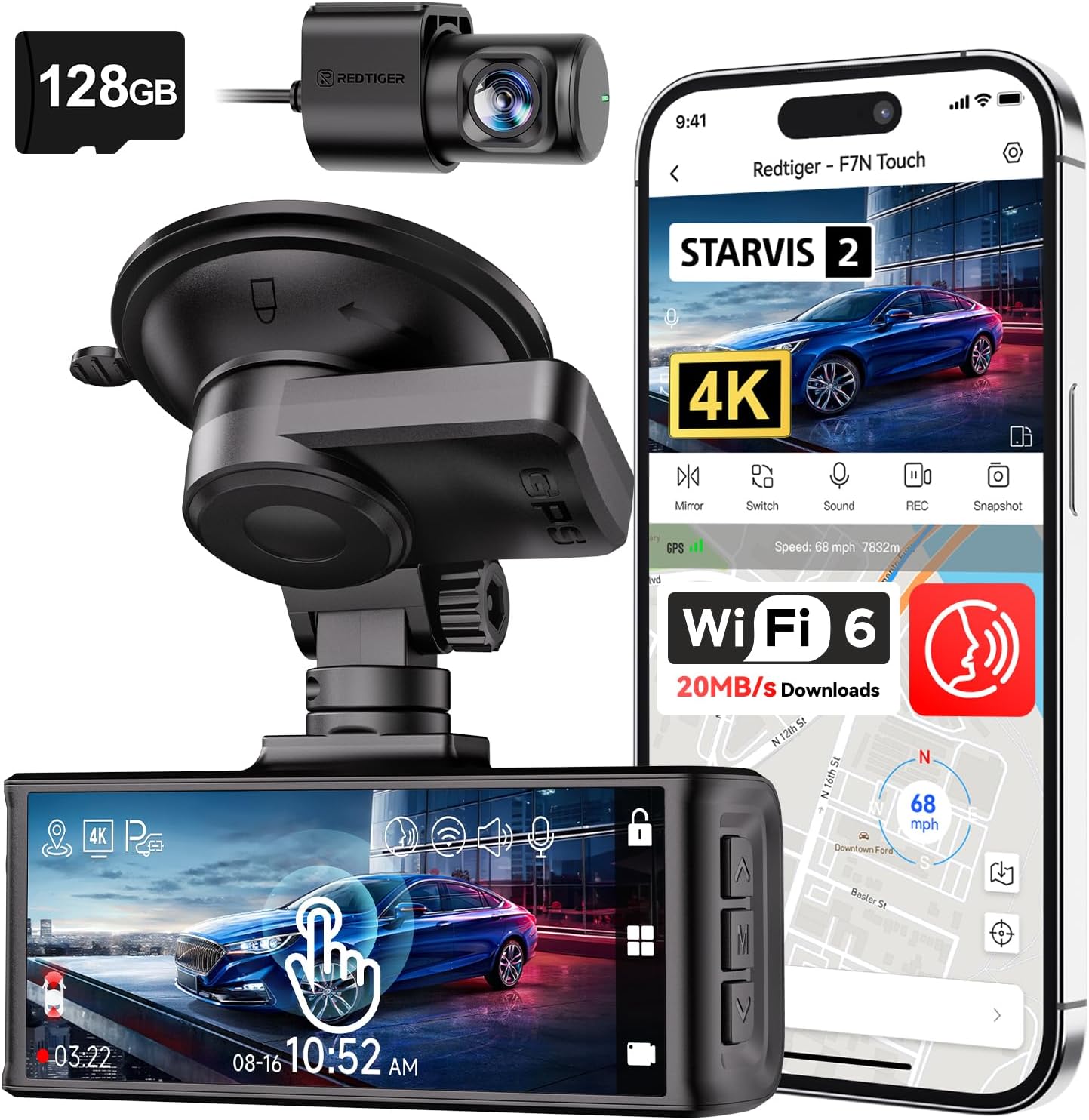
REDTIGER 4K Dash Cam Front and Rear with STARVIS 2
REDTIGER's 2026 refresh tightened up the file-handling firmware that plagued earlier units. If you're moving from a Vantrue N5 because you're tired of recovery work, REDTIGER's auto-loop and event-file lock-out behavior is conservative — it keeps event files in a separate partition that survives general card corruption. Check the REDTIGER 4K dash cam on Amazon.
VNV 4K+2.5K Dash Cam with GalaxyCore Sensor
The most affordable option here, and a reasonable backup camera for a second vehicle. The GalaxyCore sensor isn't as low-light capable as STARVIS 2, but the included 64GB card is appropriately sized so write amplification stays low — which translates directly to fewer microSD errors over a 12-month window. See the VNV 4K+2.5K on Amazon.
Choosing the right replacement microSD for the Vantrue N5
If you want to keep your N5 instead of replacing the camera, the card choice matters more than people realize. Vantrue officially supports up to 512GB, but in 3-channel cabin mode the sweet spot is 256GB high-endurance: large enough for several days of loop coverage, small enough that write amplification doesn't punish you. Look for cards explicitly rated for dash cam or security camera use — consumer cards optimized for cameras and phones use different wear-leveling profiles and burn out within 2–4 months in the N5.
Format inside the camera every 30 days. Yes, you'll lose loop footage from that day, but the camera will rebuild a clean FAT table that prevents the slow accumulation of orphaned clusters that eventually triggers the write error. For more context on this trade-off, see our breakdown of recommended dash cam formatting schedules for 2026.
When professional recovery is worth it
If the cabin audio captured an incident (collision, road rage, passenger dispute) and DIY recovery fails, send the card to a forensic data recovery lab before doing anything else. Chip-off recovery on microSD cards runs $300–$800 but maintains evidentiary admissibility if the cabin audio is needed for an insurance claim or court case. Document the chain of custody from the moment you eject the card.
Frequently Asked Questions
Can I recover Vantrue N5 cabin camera audio if the SD card already auto-formatted?
Yes, but success drops to roughly 40%. Run PhotoRec immediately — do not write any new data to the card. The N5's quick-format only zeros the FAT, leaving the actual audio/video clusters intact for several recording cycles. Stop using the card and image it now.
Why does my Vantrue N5 cabin microphone cut out before the write error appears?
Audio dropout usually precedes a write error by 30–90 seconds because the audio buffer is the first thing the firmware sacrifices when write throughput stalls. Treat any cabin audio dropout as an early warning — power down within a minute and check the card on a PC before resuming.
Will a faster microSD card fix Vantrue N5 write errors?
Faster sequential speed (V90 vs V30) helps marginally, but endurance rating matters far more. A V30 high-endurance card outlasts a V90 consumer card by 3–5x in the N5. Pick a card with TBW (terabytes written) of 50TB or higher.
How do I tell if my Vantrue N5 cabin audio file is recoverable or permanently lost?
Open the file in MediaInfo. If it reports a valid AAC track with a non-zero duration, the audio is intact and just needs re-muxing. If MediaInfo reports zero tracks or refuses to open it, the moov atom is missing — run untrunc with a reference clip from the same camera to rebuild it.
Does Vantrue offer official audio recovery for the N5 cabin channel?
No. Vantrue support will instruct you to format and update firmware, which destroys recovery options. Do not contact support before you have imaged the card and attempted recovery on the clone.
What's the difference between cabin audio loss and general microSD failure on the N5?
Cabin audio loss is usually filesystem-level — fixable in software. General microSD failure (card not detected, blank screen on insert, capacity reported as zero) is controller-level and almost always terminal. If the card mounts on a PC at all, you have a recovery path. If it doesn't mount, the controller is dead and only chip-off recovery can help.
Should I upgrade from the N5 to the N4 Pro S just to avoid these errors?
If you've had two or more write errors in six months and you genuinely need three-channel cabin recording, yes. The N4 Pro S firmware handles parking-mode wakes and concurrent channel writes much better. If write errors are rare and you're comfortable with the recovery workflow, replacing the microSD with a true high-endurance card is the cheaper fix.
Key Takeaways
- Choosing the right recover Vantrue N5 cabin camera audio means matching capacity and output ports to your actual devices
- Always check actual watt-hours (Wh), not just watts — runtime depends on Wh, not peak output
- Also covers: Vantrue N5 microSD audio recovery
- Also covers: fix N5 cabin audio corrupted
- Also covers: Vantrue N5 audio file repair
- Compare price-per-Wh across models to find the best value for your budget