This viofo a229 pro 3ch install guide for honda odyssey with 360 cam walks you through a clean, factory-style installation on 2018-2026 Odyssey Touring and Elite trims without disabling the OEM 360-degree multi-view system. The short answer: tap the A229 Pro hardwire kit into the in-cabin fuse box on circuits 6 (ACC) and 7 (BAT), ground to the kick-panel bolt, and route the rear and interior cables along the headliner and B-pillar so they never cross the 360 camera's CAN harness or the radar lines behind the front emblem. Done right, the install takes about 90 minutes and leaves no warning lights, no surround-view degradation, and a fully sleeved set of channels for parking mode.
What you actually need before you start
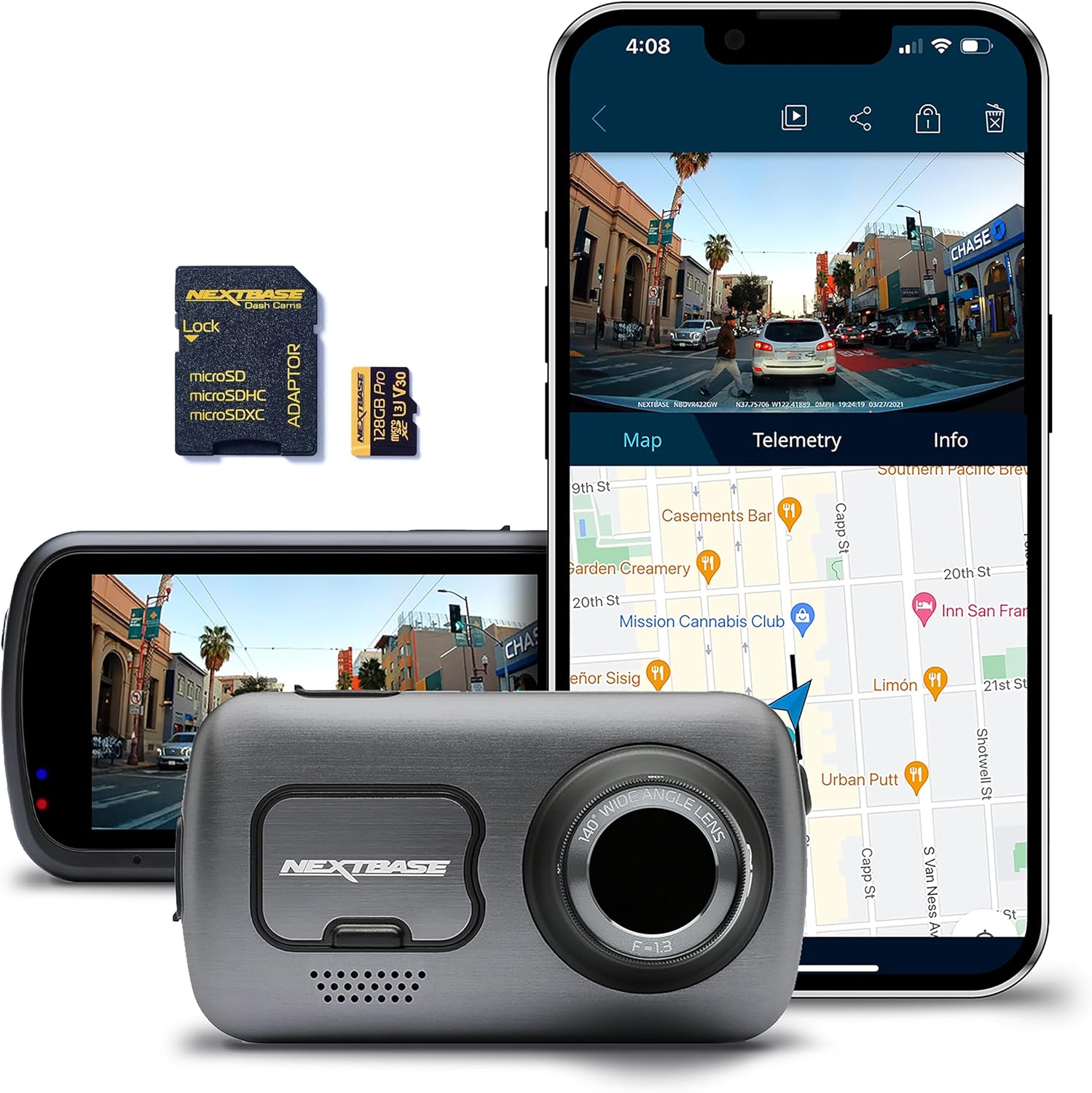
The Odyssey's 360-degree camera system uses four cameras (front grille, both mirrors, tailgate) fused through a body control module. The Viofo A229 Pro 3CH does not touch that bus, so there is no risk of a check-engine light if you stay off the CAN harness. You will need the A229 Pro 3CH kit, the HK4 hardwire harness, a low-profile trim removal set, a circuit tester, micro2 fuse taps (both 5A and 7.5A), a roll of fabric loom tape, and a microSD card rated A2 V30 in 256GB or 512GB. Skip cheap cards — the 4K+2K+1080P triple stream will brick anything under V30.
The best viofo a229 pro 3ch install guide for honda odyssey with 360 cam for your situation depends on how you plan to use it and where.



Step 1: Park, disconnect, and plan your runs
Pull the negative battery terminal (10mm) and let the van sit for 10 minutes so the SRS capacitor drains. While you wait, dry-fit the front camera. The A229 Pro's body is wider than most single-channel cams, so center it just right of the rear-view mirror stalk where it sits behind the windshield's frit pattern. This hides the cam from the road and keeps it out of the ADAS/LKAS camera's field of view on Sensing-equipped trims. The interior cam clips onto the same mount and rotates 360 degrees, which is perfect if you ferry kids or run rideshare.
Step 2: Route the rear camera cable
This is the longest run in any minivan install. Start by popping the A-pillar trim (one Torx T20 at the top, then a firm pull — watch the curtain airbag clip). Slide the 20-foot rear coax up behind the headliner, across the driver side, then drop it down the D-pillar to the tailgate. Use the existing rubber boot between the body and tailgate — do not pierce it. Inside the tailgate, route along the factory wire bundle to the upper-center of the rear glass. Mount the rear cam high-center so it sees through the wiper sweep. On Elite trims with the rear entertainment screen, leave 6 inches of slack at the headliner so you do not bind the screen's motor.
Step 3: The 360 camera consideration
This is where most installers mess up. The tailgate camera for the 360 system runs through the same loom you are using. Do not zip-tie tight against it — thermal shrink will pinch the OEM coax. Use loose fabric loom tape every 8 inches instead. At the front grille camera, the A229 Pro front lens should never replace or block the OEM unit; mount the Viofo strictly behind the windshield. If you see fisheye distortion on the surround view after install, your rear coax is too close to the tailgate camera ground — reroute it 2 inches away and the artifact disappears.
Step 4: Hardwire kit and fuse taps
The Odyssey's driver-side kick panel fuse box has clean ACC and BAT circuits. Use the HK4 harness yellow lead on fuse slot 7 (battery constant, typically the 7.5A accessory backup), red lead on slot 6 (ACC, 5A), and ground the black ring terminal to the factory 10mm bolt on the kick panel bracket. Set the parking mode voltage cutoff to 12.0V in the Viofo app — the Odyssey's AGM battery (Touring/Elite) tolerates this safely for up to 48 hours. For the standard flooded battery on lower trims, bump to 12.2V to avoid no-crank surprises.
Step 5: Power on, format, configure
Reconnect the battery, start the van, and let the cam boot. Format the SD card in the camera (never in a laptop). In the Viofo app, enable Buffered Parking Mode, set bitrate to High, turn GPS logging on, and disable WiFi auto-shutoff if you plan to pull clips wirelessly. Confirm all three channels record, then drive for 5 minutes and check that the Honda Sensing camera still operates — lane keep assist should engage normally. If it doesn't, your A229 Pro is mounted in the LKAS field of view; slide it 1 inch to either side.
If you want alternatives to the Viofo A229 Pro 3CH
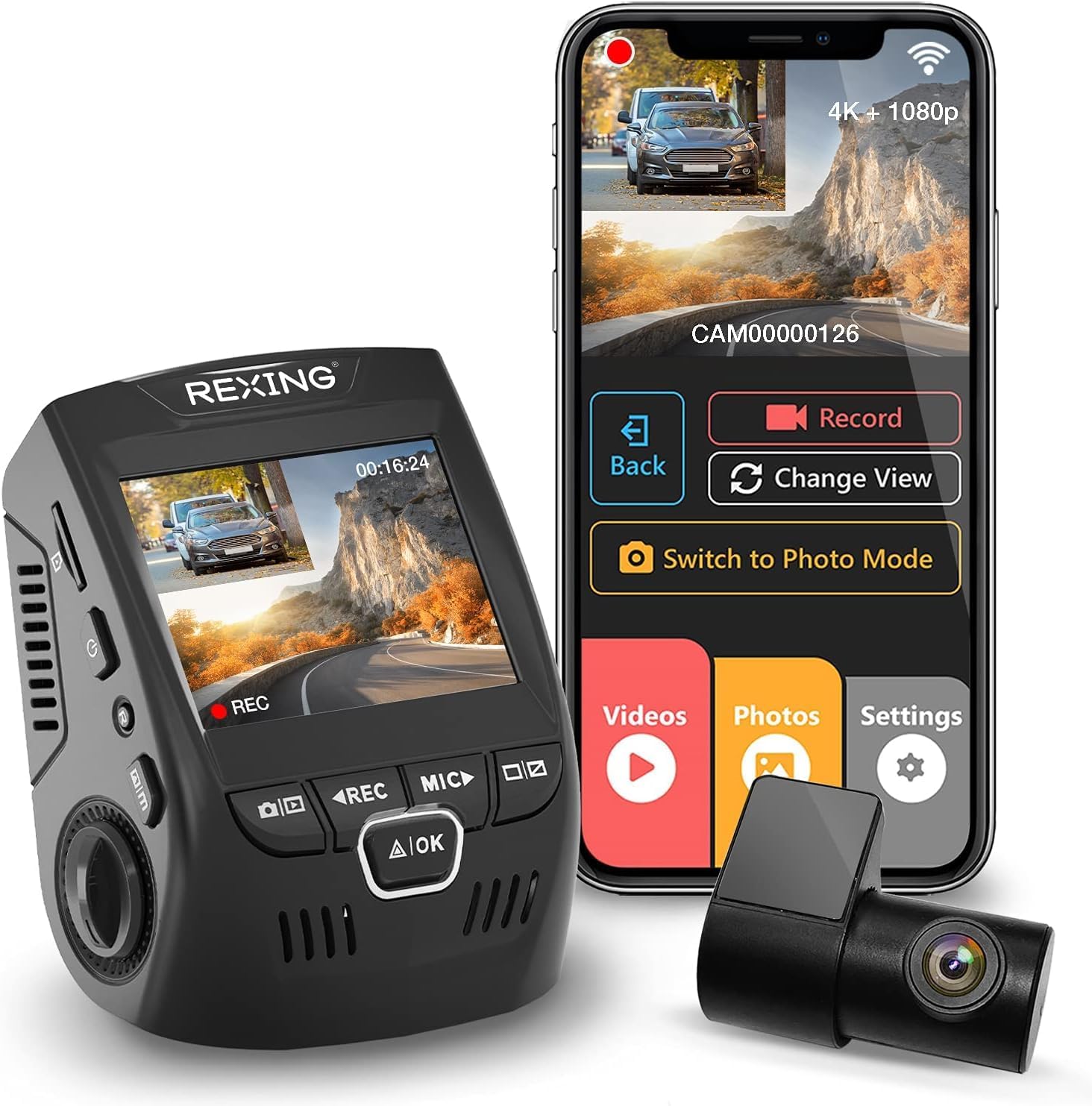
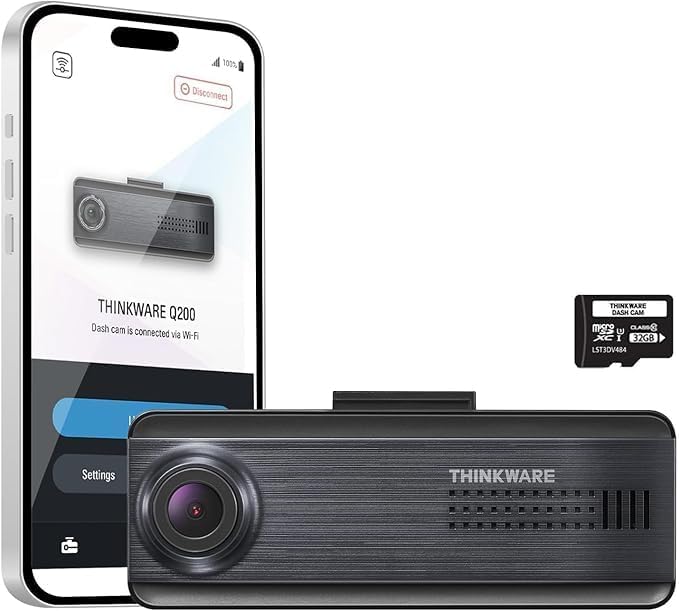
The A229 Pro is the gold-standard 3-channel for minivans, but it is not the only option and it is not always in stock. Below are four three-channel alternatives that install with the exact same routing plan in an Odyssey. The fuse taps, cable paths, and 360-cam considerations covered above apply identically.
Vantrue N4 Pro S 4K 3-Channel — the closest direct rival
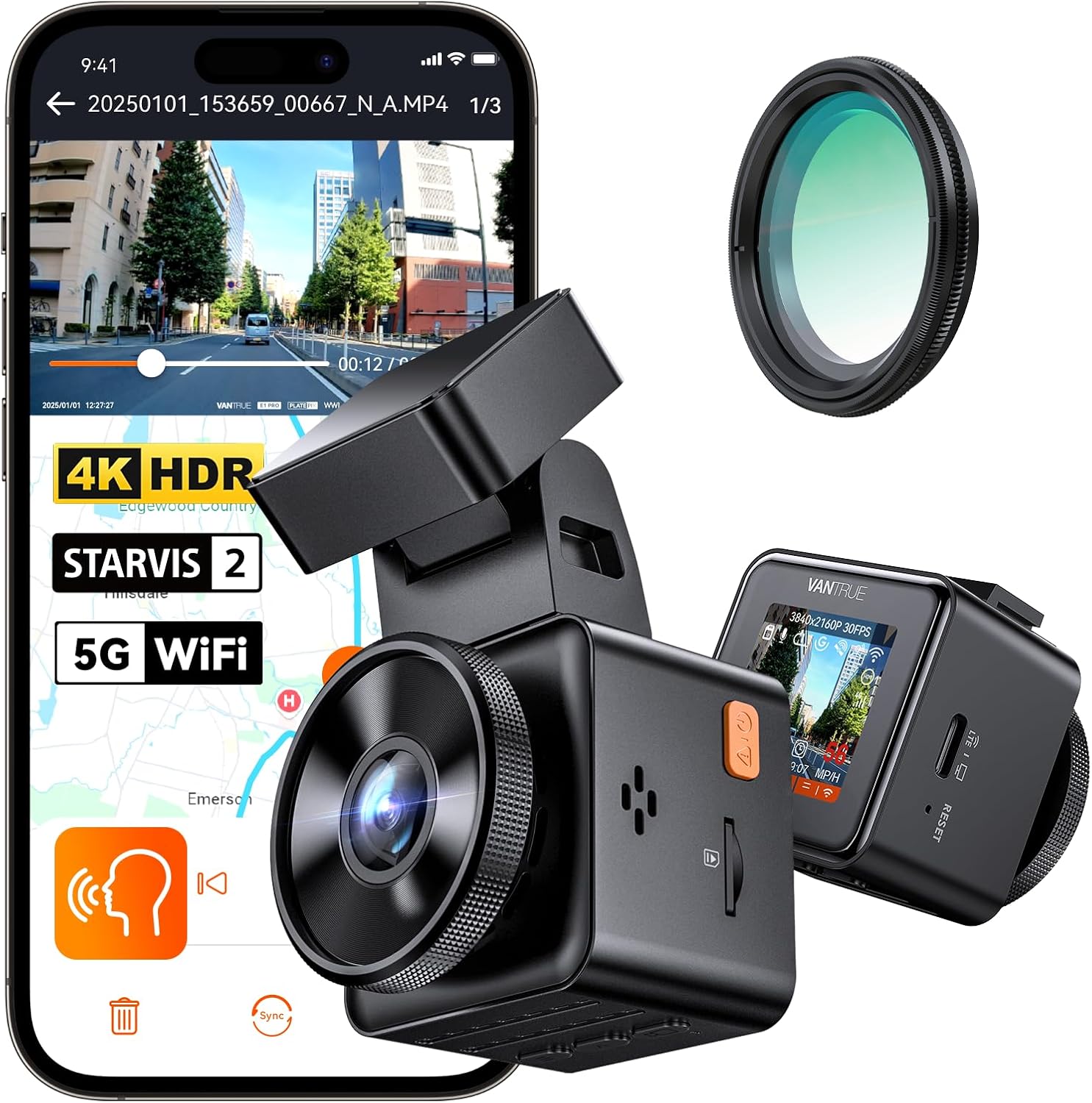
If the Viofo is backordered, the Vantrue N4 Pro S is the unit most Odyssey owners cross-shop. Triple Sony STARVIS 2 sensors, true 4K front, and a cabin IR that handles tinted privacy glass better than the A229 Pro — worth it if you Uber/Lyft at night. Same hardwire kit logic, same fuse slots. Check current price on Amazon.
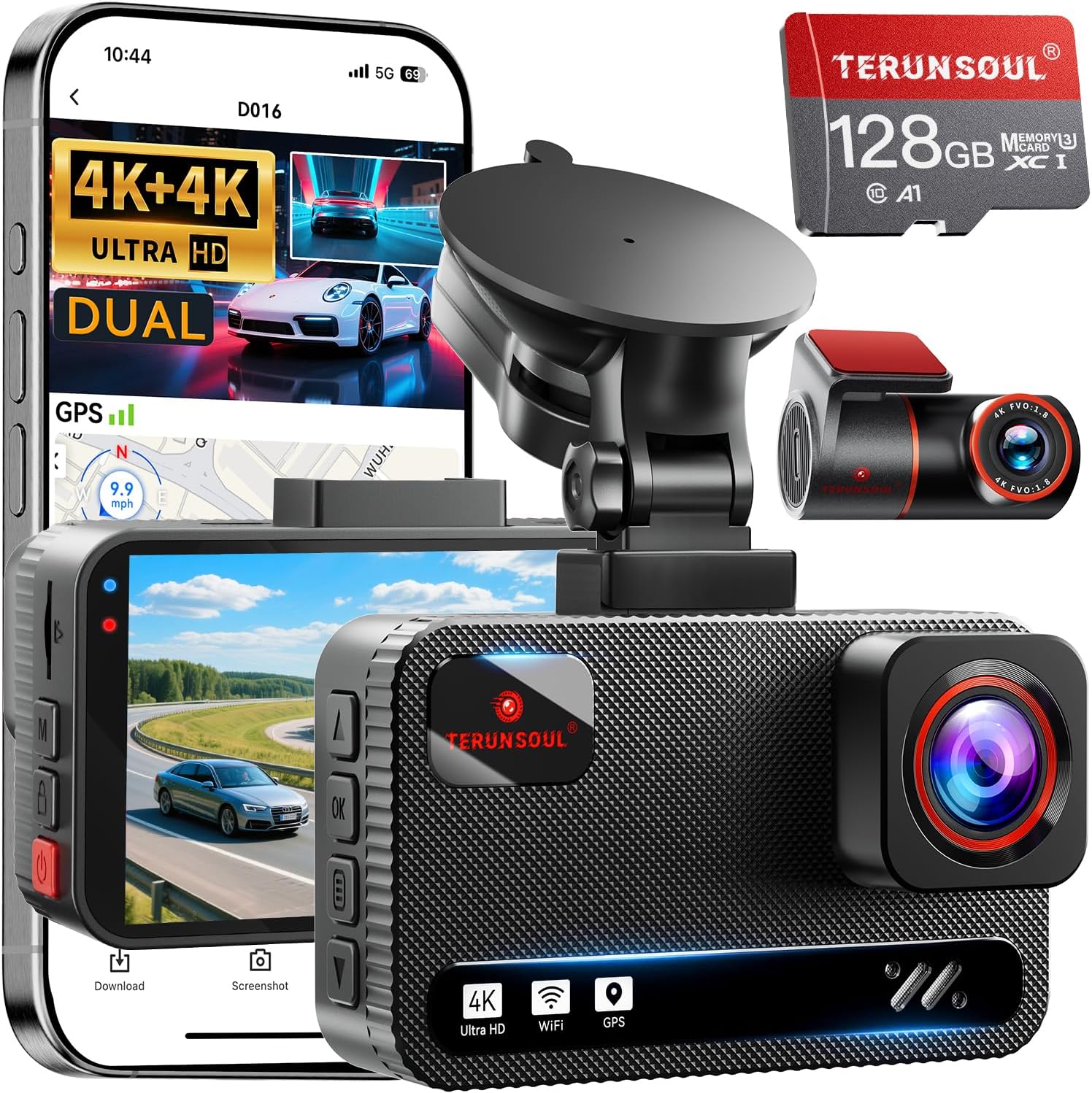
4K Dash Cam Front and Rear, 3 Channel with 128GB Included
A budget triple-channel option that ships with a usable microSD card in the box. Resolution is honest 4K front, 2K rear, 1080P interior. The included card is only U3 — fine for daily but swap to V30 if you want stable parking mode. Mount and cable lengths are virtually identical to the A229 Pro 3CH, so this guide applies one-for-one. View on Amazon.
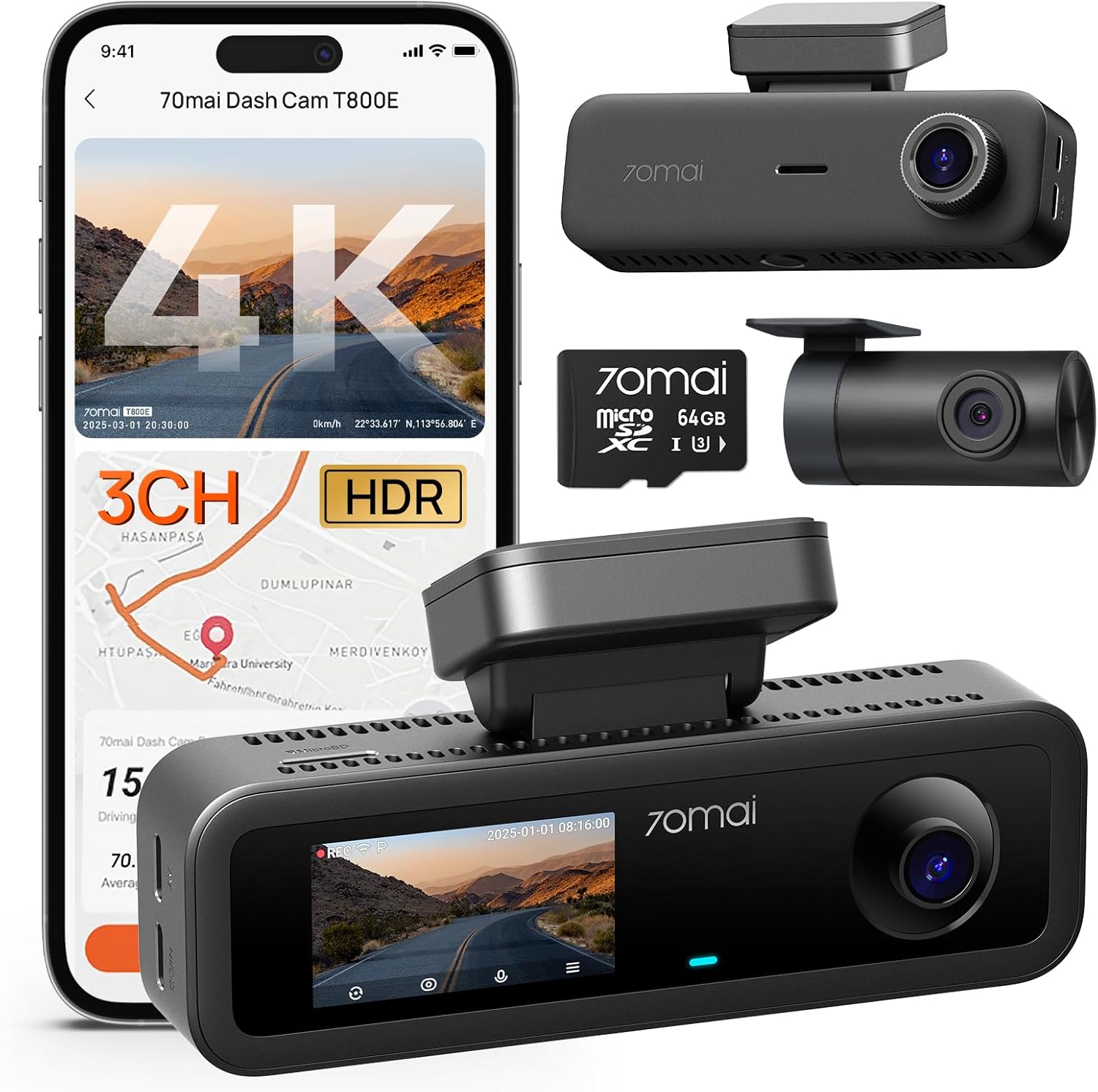
VNV 4K+2.5K Dash Cam Front and Rear (GalaxyCore sensor)
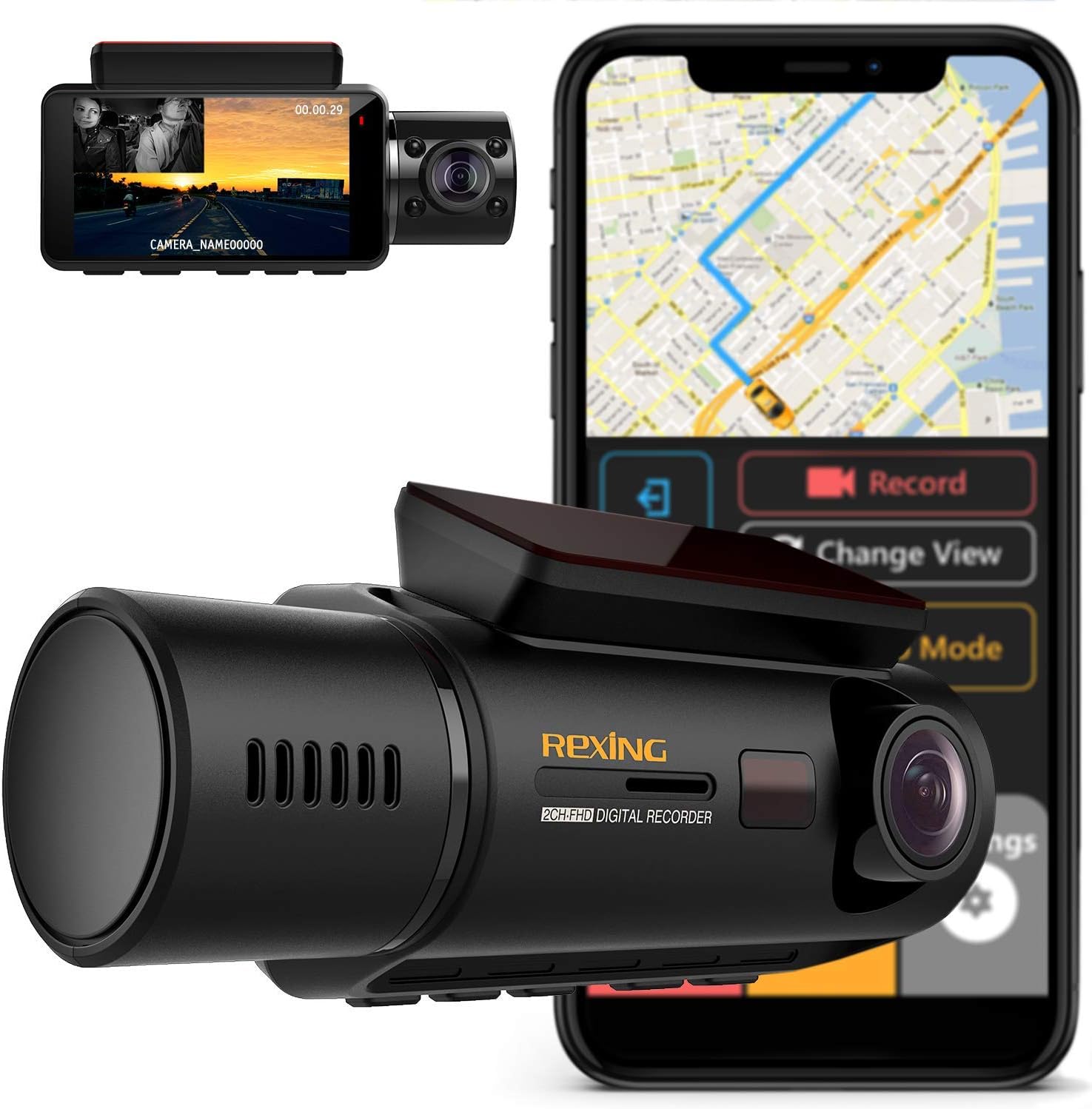
This one is dual-channel, not triple, so skip it if you specifically need an interior cam. But if you just want front+rear coverage in the Odyssey and don't ferry passengers, the GalaxyCore sensor punches above its price and the install is 30 minutes faster (no interior cam wiring). See it on Amazon.
ROVE R2-4K DUAL with STARVIS 2
Another dual-channel pick that fits the Odyssey beautifully if the third channel isn't a must. The STARVIS 2 sensor gives clean night plates, and the form factor is smaller than the Viofo — useful if your windshield frit is narrow. Browse on Amazon.
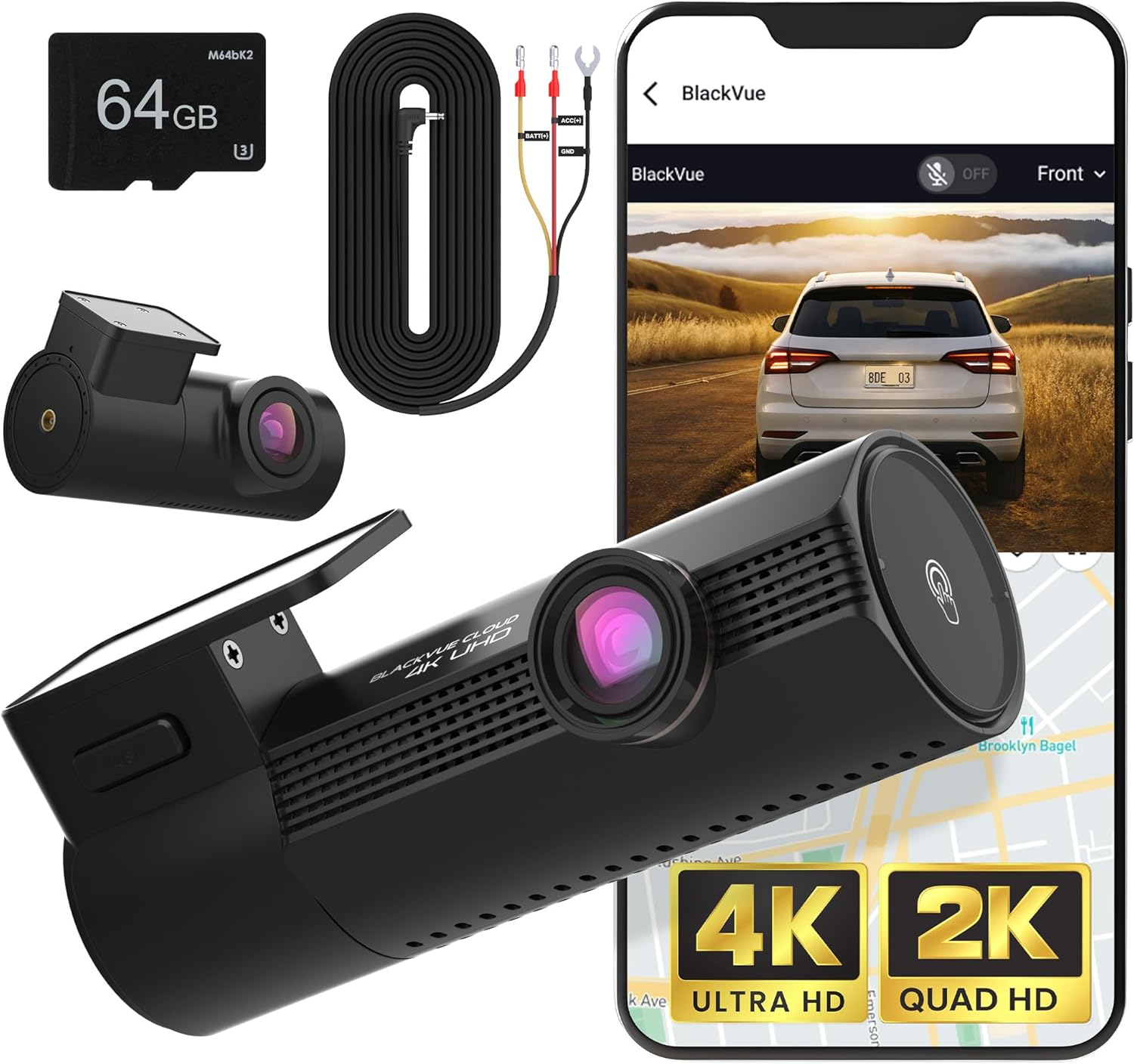
REDTIGER 4K Dash Cam Front and Rear
The value play. STARVIS 2 front, 1080P rear, and a free app that does not nag for subscriptions. No interior channel. If you're spending under $150 and don't need the cabin view, this is the one. Check on Amazon.
Quick comparison for Odyssey installers
| Model | Channels | Front sensor | Best for Odyssey owners who |
|---|---|---|---|
| Vantrue N4 Pro S | 3 (F/R/Cabin) | STARVIS 2 | Rideshare, night driving, tinted glass |
| Generic 4K 3CH (B0GX692JCS) | 3 (F/R/Cabin) | 4K CMOS | Want triple coverage on a budget; card included |
| VNV 4K+2.5K | 2 (F/R) | GalaxyCore | Family hauler, no cabin needed |
| ROVE R2-4K DUAL | 2 (F/R) | STARVIS 2 | Small footprint, narrow frit |
| REDTIGER 4K | 2 (F/R) | STARVIS 2 | Tightest budget, simplest install |
Tips specific to Odyssey trims
On Touring and Elite (with the rear-seat entertainment screen and CabinWatch), the headliner has 20% less working space than lower trims. Use a plastic trim spudger — metal will scratch the alcantara. CabinWatch's wiring runs ABOVE the headliner cross brace; keep your A229 Pro power cable BELOW it, on the driver side, and you will never cross paths. On EX-L without CabinWatch, you have more room, and you can run the cable up the passenger A-pillar if you prefer.
For a deeper look at parking-mode batteries that won't strand you, see our 2026 guide to dash cam battery packs. If you also tow with the Odyssey, we have a dedicated towing dash cam roundup.
Frequently Asked Questions
Does the Viofo A229 Pro 3CH interfere with Honda Sensing or the 360 camera system?
No, provided you mount the front lens behind the windshield (not on the grille) and keep it out of the LKAS camera's field of view. The 360 system uses its own dedicated CAN bus that the Viofo hardwire kit never touches. As long as you tap into ACC and BAT fuse slots and ground to chassis, neither system sees the dash cam.
What fuse should I use for the Viofo A229 Pro hardwire kit in a 2024 Honda Odyssey?
Use slot 6 (ACC, 5A) for the red wire and slot 7 (battery constant, 7.5A) for the yellow wire in the driver-side kick panel fuse box. Ground the black ring terminal to the 10mm bolt on the kick panel bracket. Add micro2 fuse taps in-line so the factory circuit is preserved.
Can I install a 3-channel dash cam without removing the Odyssey headliner?
Yes. You only need to gently pull down the headliner edge along the A-pillar and the rear D-pillar — no full removal. Use a fish tape or coat hanger to feed the rear coax along the headliner channel. Total cable disturbance is under 6 inches of headliner edge on each side.
Will a dash cam drain the Odyssey AGM battery during parking mode?
Not if you set the voltage cutoff correctly. The A229 Pro draws roughly 300mA in buffered parking mode. With a healthy AGM and a 12.0V cutoff, you can park for 48 hours without crank issues. Drop to motion-only mode for a week-long airport park to extend that further.
How do I route the rear camera cable on a Honda Odyssey with power tailgate?
Use the factory rubber boot between the body and tailgate — the same one the rear wiper and defroster harness uses. Do not pierce or stretch the boot. Inside the tailgate, ride along the OEM bundle to the upper-center glass. Leave 4-6 inches of service loop at the body-side hinge so the cable flexes with every open/close cycle.
Does the Viofo A229 Pro 3CH work with Honda CabinWatch?
Yes — they coexist without interference. CabinWatch is a closed Honda system on its own harness behind the headliner crossmember. Run your Viofo cable on the driver-side A-pillar, below the crossmember, and there is no overlap. Both cameras can record simultaneously without affecting each other.
What microSD card size is best for a 3-channel 4K dash cam in 2026?
For three streams (4K front + 2K rear + 1080P cabin), use a 512GB A2 V30 endurance card if you can budget it; a 256GB high-endurance card is the minimum. Avoid consumer-grade cards — the constant write cycles will corrupt them within 4-6 months. SanDisk High Endurance and Samsung PRO Endurance both work flawlessly with the A229 Pro.
For more buyer guidance, our 2026 roundup of 3-channel dash cams compares every major brand head to head, and the Honda Odyssey accessories guide covers the rest of what makes the van road-trip ready.
Key Takeaways
- Choosing the right viofo a229 pro 3ch install guide for honda odyssey with 360 cam means matching capacity and output ports to your actual devices
- Always check actual watt-hours (Wh), not just watts — runtime depends on Wh, not peak output
- Also covers: viofo a229 pro odyssey wiring
- Also covers: honda odyssey 3 channel dash cam install
- Also covers: viofo a229 pro fuse tap odyssey
- Compare price-per-Wh across models to find the best value for your budget