If your Garmin Dash Cam 67W is stuck on old firmware and your WiFi is unreliable, dead, or you simply prefer a cleaner offline install, here is exactly how to update Garmin 67W firmware without WiFi using microSD card method: download the latest GUPDATE.GCD file from Garmin’s support site on a PC, copy it to the root of a freshly FAT32-formatted microSD card, insert the card into the powered-off 67W, plug the camera into power, and let it auto-flash for 3–6 minutes until it reboots. That’s the short version — below is the full 2026 walkthrough with every gotcha, file path, and recovery trick.
Why use the microSD method instead of WiFi in 2026?
Garmin’s Drive app and the camera’s built-in WiFi updater work fine when conditions are perfect, but in real life the offline method is faster and more reliable. The 67W’s WiFi radio is 2.4 GHz only, which means it competes with every other gadget in your garage. The Drive app on iOS 19 and Android 16 has also become noticeably slower at recognizing legacy cameras released before 2023. And if you’re a fleet operator updating ten 67W units in a row, manually swapping a single pre-loaded microSD card between them is dramatically faster than re-pairing WiFi each time.
The best how to update Garmin 67W firmware without WiFi using microSD card method for your situation depends on how you plan to use it and where.



The offline microSD path is also the only reliable way to recover a camera that’s stuck in a boot loop, refuses to connect to the Drive app, or shipped from a third-party reseller with corrupted factory firmware. So even if you normally use WiFi, knowing this method is essential.
What you need before you start
- A Garmin Dash Cam 67W (this guide is specific to the 67W — the 47, 57, and Mini 2 use the same general process but different
.GCDfiles). - A microSD card, 8 GB to 512 GB, Class 10 / U3 / V30 rated. Garmin’s own High Endurance cards work, but any reputable Samsung Pro Endurance or SanDisk High Endurance card is fine.
- A microSD-to-USB adapter or a laptop with a built-in SD slot.
- The Garmin 67W’s original USB power cable and a wall charger or working OBD/cigarette adapter (at least 1.5A output).
- A Windows, macOS, or Linux PC with internet access for the one-time download.
Step 1 — Download the correct firmware file
Open a desktop browser and search “Garmin Dash Cam 67W software updates” on garmin.com. You’ll land on the official product support page. As of 2026, the current public release is firmware version 7.30 (released January 2026), which patches a rare HDR flicker bug under LED street lights and improves Voice Control wake-word reliability.
Click the “Download” button for the latest software release. You’ll get a file named GUPDATE.GCD. Do not rename it. Garmin’s bootloader looks for that exact filename in the root directory of the SD card — lowercase, parentheses-suffixed copies, or renamed files will simply be ignored.
Step 2 — Format the microSD card correctly
This is where most failed updates go wrong. The 67W only reads FAT32-formatted cards for firmware updates. ExFAT, NTFS, and APFS will be silently rejected even though the camera may still record video to them.
- Windows: Right-click the SD card in File Explorer Format File System: FAT32 Allocation unit size: 32 KB Quick Format Start. For cards over 32 GB, Windows hides the FAT32 option — use the free guiformat.exe tool or PowerShell’s
format /FS:FAT32. - macOS: Open Disk Utility View Show All Devices select the parent SD card device Erase Format: MS-DOS (FAT) Scheme: Master Boot Record Erase.
- Linux:
sudo mkfs.vfat -F 32 -n GARMIN /dev/sdX1.
After formatting, copy the GUPDATE.GCD file to the root of the card — not in a subfolder. Eject the card cleanly before pulling it from the PC.
Step 3 — Perform the offline flash
- Unplug the 67W from power. Wait 10 seconds for the supercapacitor to discharge.
- Insert the prepared microSD card into the camera’s slot. The contacts should face the screen.
- Plug the USB cable back in. The camera will power up automatically.
- You’ll see a small “Software Update” or progress indicator. On firmware older than 6.0 you may only see a blank screen or a single LED — that’s normal.
- Do not unplug. The flash takes 3–6 minutes depending on card speed. The camera will automatically reboot itself when finished.
- Once the camera reaches the live view, go to Settings System About to confirm the new version number.
After confirming the version, the GUPDATE.GCD file is automatically renamed to GUPDATE.GC0 on the card so it doesn’t re-flash on next boot. You can safely delete that file or reformat the card for recording use.
Troubleshooting: when the update doesn’t take
If you plug the camera in and nothing happens within 30 seconds, work through these in order:
- File name check: Confirm the file is literally
GUPDATE.GCD, notGUPDATE.GCD.txt(Windows hides extensions by default — enable “File name extensions” in View options). - Format check: Reformat to FAT32 with a fresh quick-format. ExFAT “works for recording” but blocks updates.
- Power check: A weak 500 mA USB hub or laptop port may underpower the camera mid-flash. Use a dedicated 2A wall brick.
- Card check: Some counterfeit microSD cards report wrong sizes. Run H2testw (Windows) or F3 (Linux/Mac) to verify the card is genuine before trusting it with a firmware flash.
- Version mismatch: Garmin sometimes branches firmware by hardware revision. If your camera refuses a current build, scroll down on the Garmin support page to find “previous versions” and try the one immediately before it.
Should you upgrade instead of just updating?
The 67W launched in 2020 and is still a capable 1440p camera, but the dash cam category moved fast through 2024–2026. Today’s mid-range models offer 4K front, dual or triple channels, Sony STARVIS 2 sensors that genuinely see plates at night, and 5 GHz WiFi that doesn’t need this microSD dance to update. If your 67W is starting to feel its age — dim night footage, single channel only, no cabin view — here are the upgrades worth considering in 2026.
Best premium upgrade: Vantrue N4 Pro S 4K 3-Channel
The N4 Pro S is the 2026 refresh of Vantrue’s flagship and easily the most direct upgrade path for a former Garmin 67W owner who wants triple coverage (front + cabin + rear). Triple Sony STARVIS 2 sensors deliver clean 4K front + 2.5K cabin + 1440p rear simultaneously, and the parking mode is genuinely well-engineered with motion + impact + low-bitrate timelapse options. Voice control, GPS, and a buffered 5 GHz WiFi for instant phone transfer all just work. Check the Vantrue N4 Pro S on Amazon.
Best STARVIS 2 budget pick: ROVE R2-4K Dual
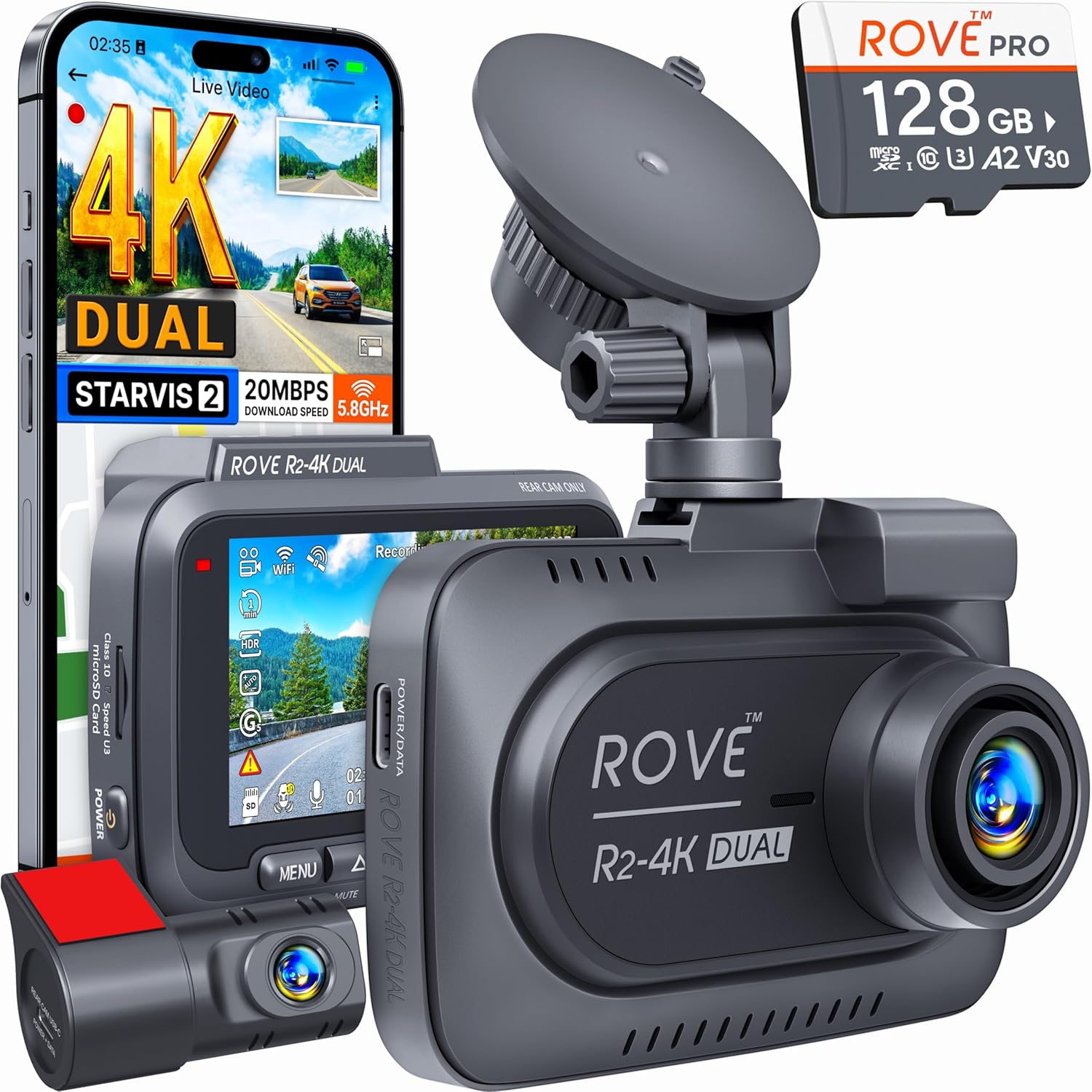
If you only need front and rear (no cabin), ROVE’s 2026 R2-4K Dual punches well above its price. Front 4K STARVIS 2, rear 1080p, GPS built in, a 128 GB card in the box, and a refreshingly simple app. The mounting bracket is also the easiest single-handed install on the market right now. See the ROVE R2-4K Dual on Amazon.
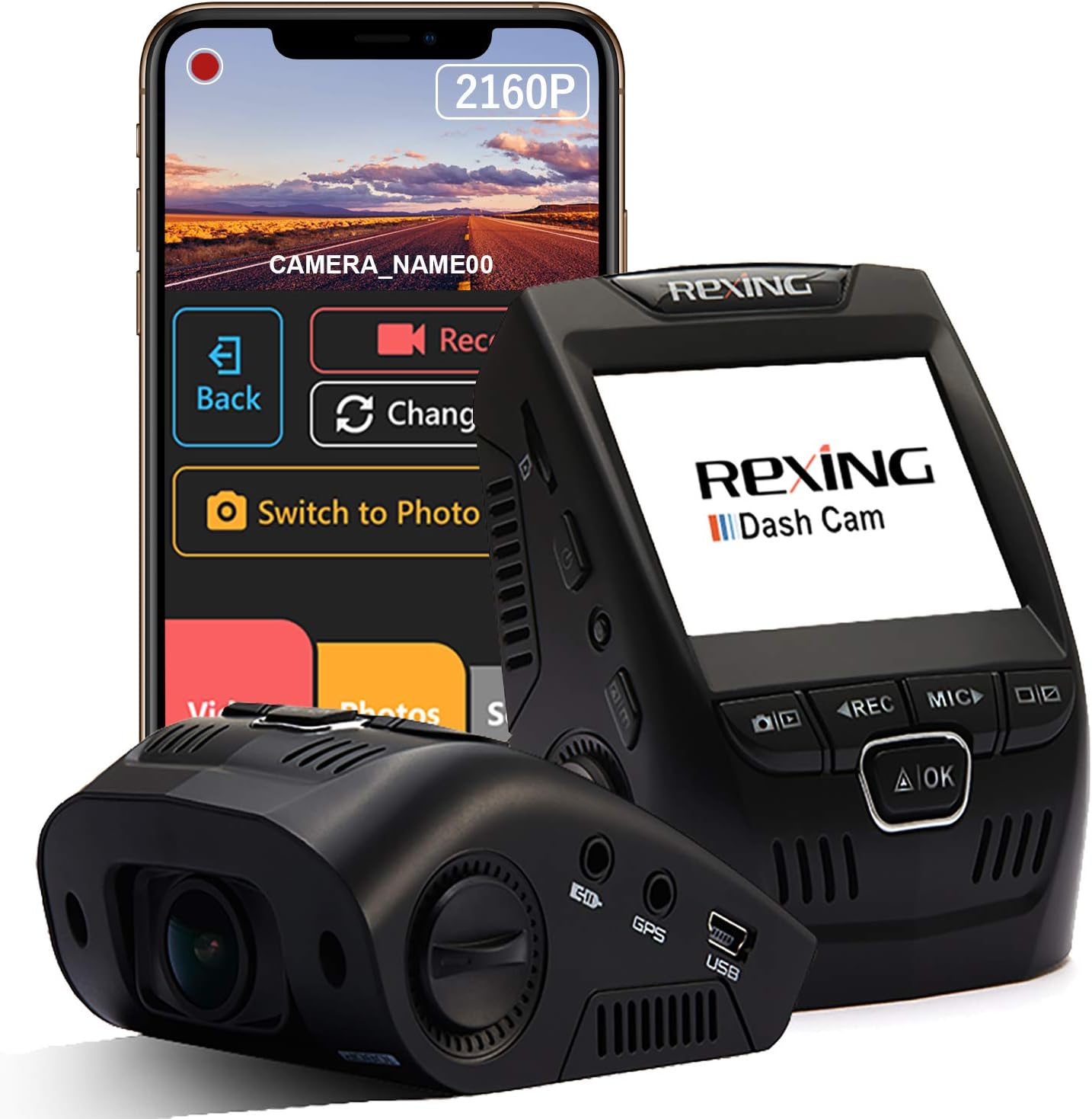
Best value 3-channel: 4K Dash Cam Front and Rear, 3 Channel with 128GB
For drivers who liked the Garmin form factor but want a third interior camera (rideshare drivers, fleet managers), this 3-channel package ships with a pre-formatted 128 GB high-endurance card so you can record immediately. Infrared cabin LEDs handle night-time interior shots without blinding passengers. View the 3-Channel 4K Dash Cam with 128GB on Amazon.
Best alt-sensor option: VNV 4K+2.5K Dash Cam with GalaxyCore Sensor
Not everyone needs a Sony STARVIS 2 — the GalaxyCore sensor in the VNV is the dark-horse story of 2026 dash cam reviews. It delivers very respectable night footage at noticeably lower power draw, which matters if you run extended parking mode off the battery. Includes a 64 GB card. See the VNV 4K+2.5K Dash Cam on Amazon.
Best long-haul reliability: REDTIGER 4K Front and Rear STARVIS 2
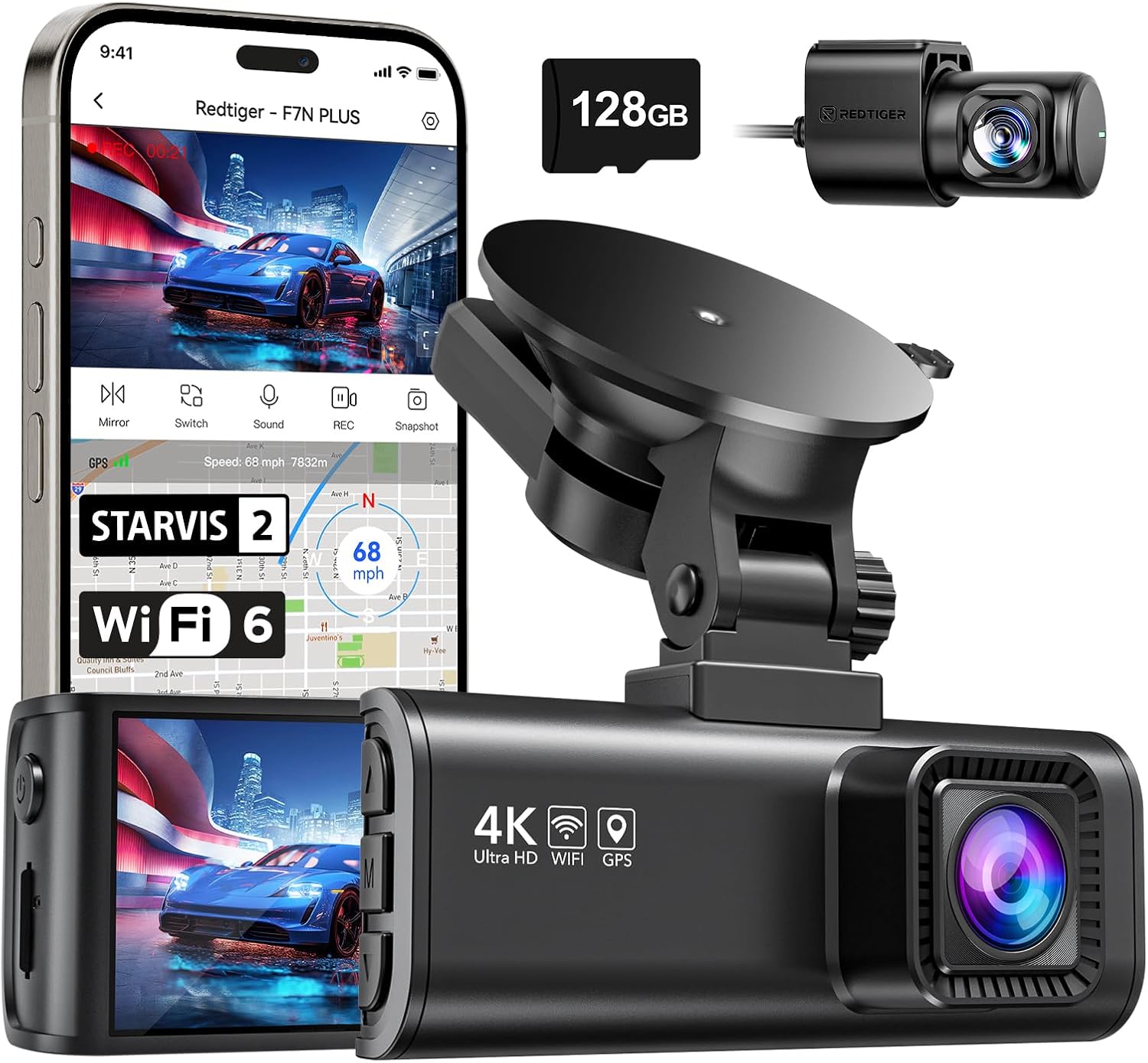
REDTIGER’s 2026 4K model is the unit most often mentioned in commercial-driver forums right now for its temperature tolerance — it keeps recording in Phoenix summers where lesser cameras black-screen. STARVIS 2 sensor, parking mode with hardwire kit available, and the easiest firmware update process of any unit on this list (it accepts both microSD and OTA updates without the FAT32 gotchas the Garmin has). Check the REDTIGER 4K on Amazon.
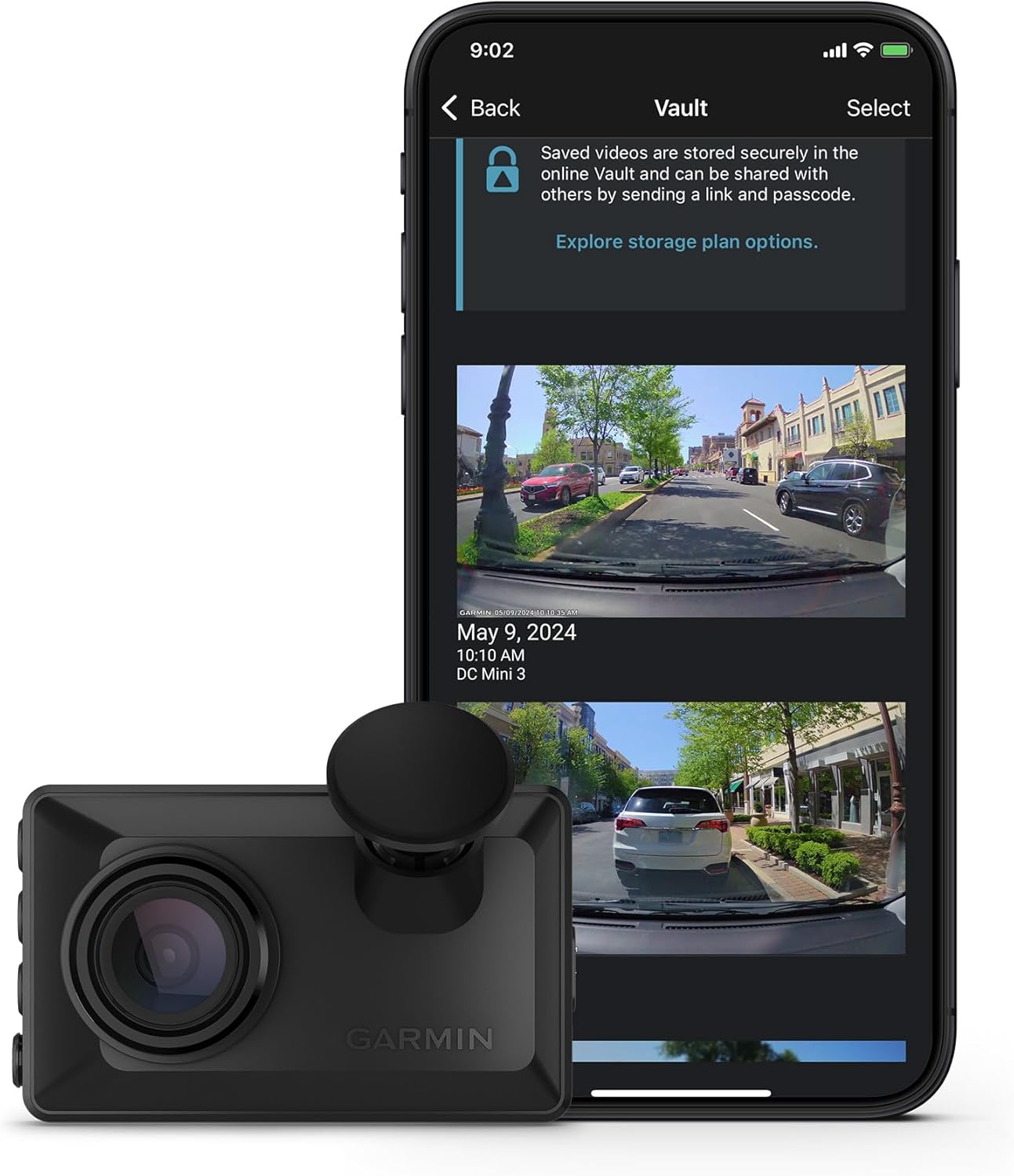
2026 dash cam upgrade comparison
| Model | Channels | Front resolution | Sensor | Card included | Best for |
|---|---|---|---|---|---|
| Vantrue N4 Pro S | 3 (front/cabin/rear) | 4K | Triple STARVIS 2 | No | Premium all-in-one |
| 3-Channel 4K w/128GB | 3 (front/cabin/rear) | 4K | Sony | 128 GB | Rideshare value |
| VNV 4K+2.5K | 2 (front/rear) | 4K | GalaxyCore | 64 GB | Low-power parking |
| ROVE R2-4K Dual | 2 (front/rear) | 4K | STARVIS 2 | 128 GB | Best STARVIS 2 budget |
| REDTIGER 4K F/R | 2 (front/rear) | 4K | STARVIS 2 | Optional | Hot-climate durability |
For deeper context on picking between these, our guide to the best 4K dash cams of 2026 breaks down the sensor families in detail, and the best 3-channel dash cams for rideshare drivers roundup covers cabin-view models specifically.
Frequently Asked Questions
Can I update my Garmin 67W firmware offline if WiFi is broken?
Yes. The microSD card method described above is the official Garmin-supported offline update path. As long as the camera powers on and reads a FAT32 microSD card, you can flash any firmware version regardless of WiFi status. This is also the recommended recovery path for a 67W stuck in a boot loop.
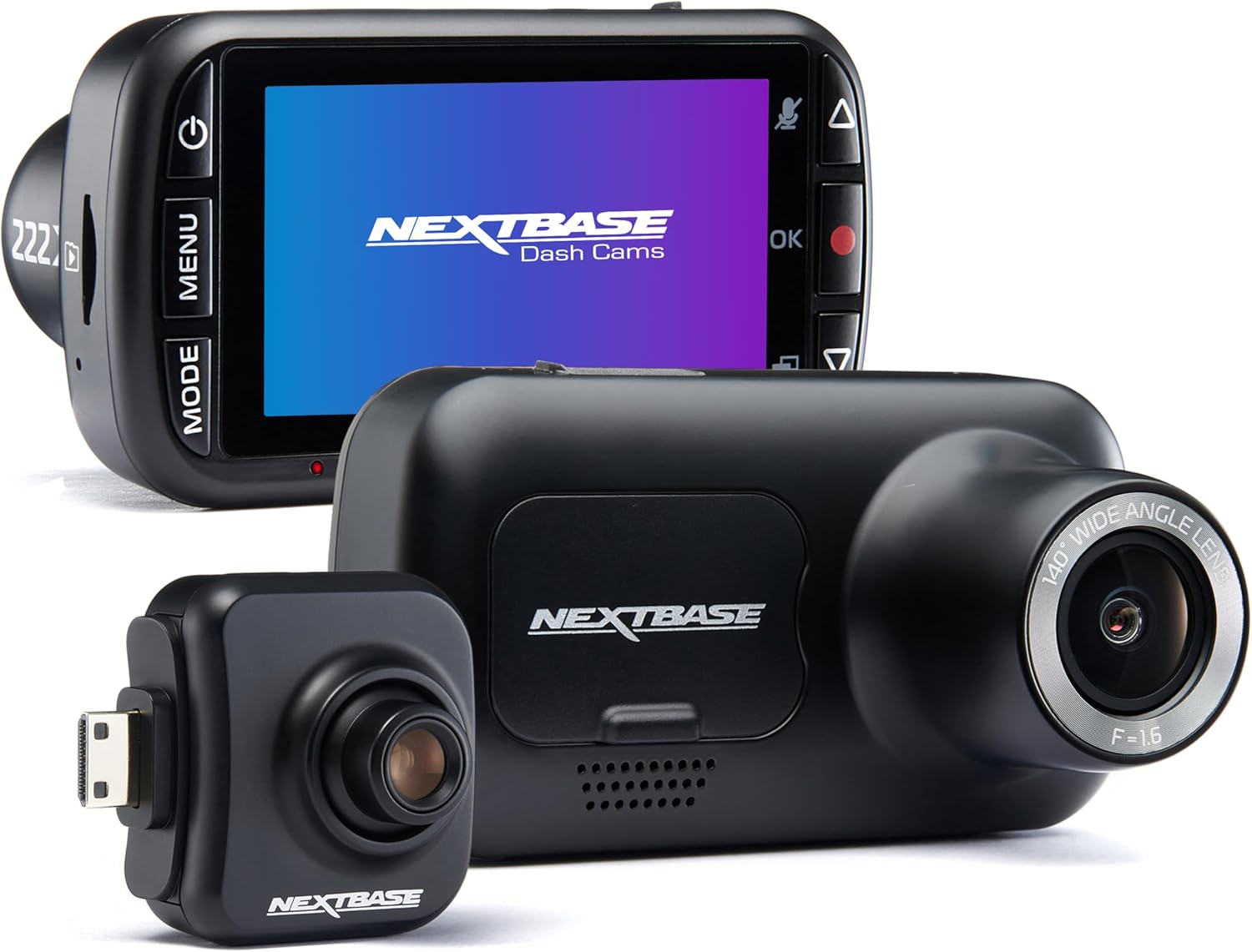
What microSD card size and class do I need for Garmin 67W firmware updates?
Any card from 8 GB to 512 GB will work for the update itself, but it must be Class 10 / U3 / V30 rated and formatted to FAT32. Garmin’s own High Endurance cards and the Samsung Pro Endurance line are the safest picks because they handle the constant write cycles of dash cam recording afterward.
How long does the Garmin 67W microSD firmware flash actually take?
Between 3 and 6 minutes from the moment you plug in power until the camera reboots into the live view. Cards rated U3/V30 finish on the faster end. If you’re past the 8-minute mark with no reboot, unplug, reformat the card, and try again — something didn’t catch.
What happens if I unplug the Garmin 67W during the firmware update?
The camera’s internal supercapacitor keeps it alive briefly, but a mid-flash power loss can leave it in a partially-written state. The good news: the bootloader on the 67W will automatically retry the flash on next boot as long as the SD card is still in place with a valid GUPDATE.GCD. So if you accidentally unplug, just plug back in and let it try again.
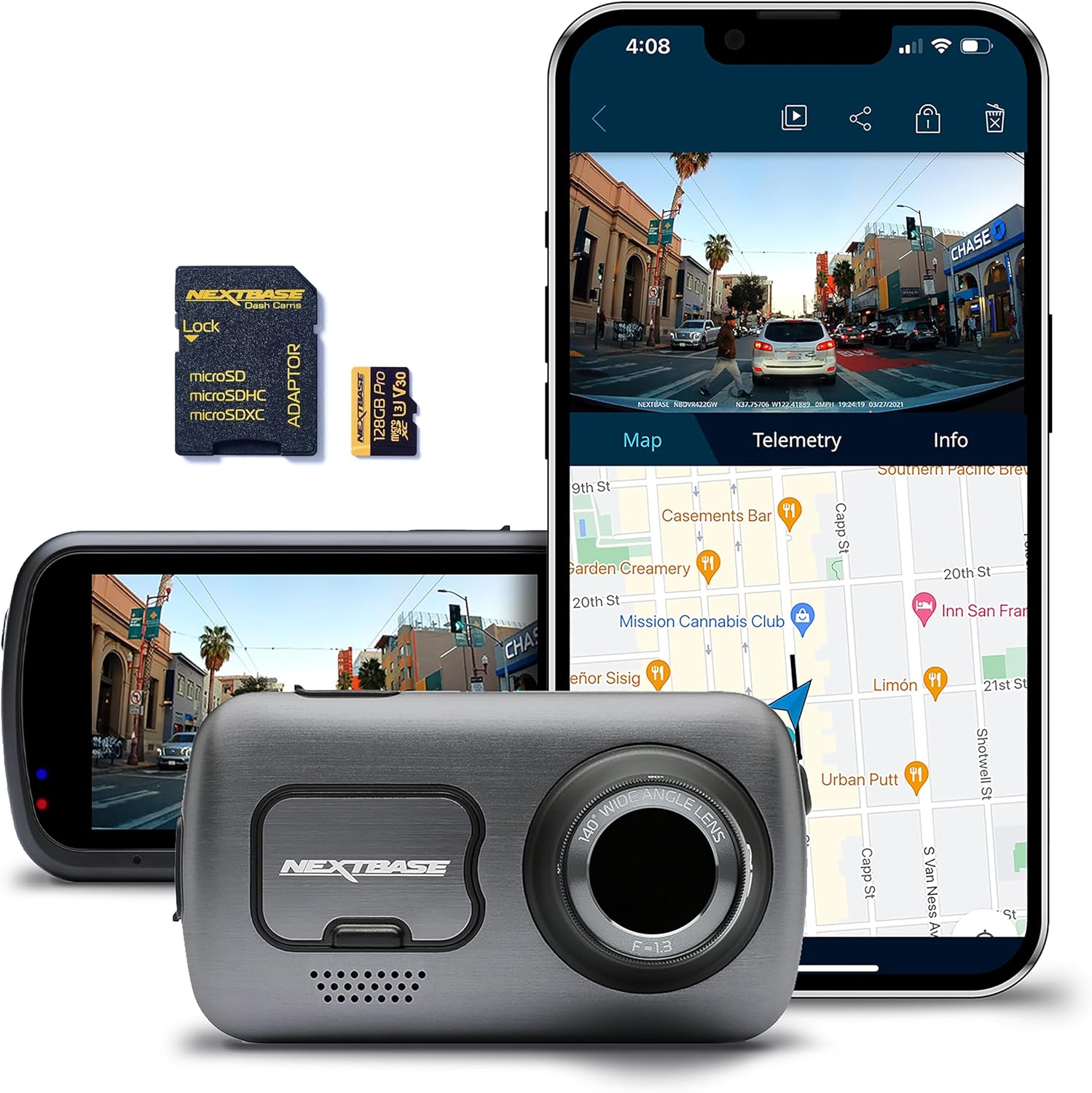
Will the Garmin 67W microSD update method erase my recorded video files?
No — if you use a dedicated freshly-formatted card just for the update. If you instead drop GUPDATE.GCD onto the card that’s currently recording in the camera, the update process won’t touch your existing video folder, but you should still back up clips first as a precaution because any FAT32 quirk could corrupt the file allocation table.
How do I know my Garmin 67W firmware update succeeded?
After the camera reboots, navigate to Settings System About and confirm the displayed version matches the version you downloaded. The GUPDATE.GCD file on the card will also have been auto-renamed to GUPDATE.GC0, which is the bootloader’s way of marking the file as already processed.
Is the Garmin 67W still worth keeping in 2026, or should I upgrade?
If your 67W still records clean daytime footage and you don’t need cabin coverage or 4K, the latest firmware will keep it useful for another year or two. But if night plate readability matters, or you want a third interior channel, the 2026 dash cam class — especially STARVIS 2 models — is a generational leap. See our best dash cams with parking mode for 2026 for upgrade picks that don’t require any microSD flashing dance at all.
Key Takeaways
- Choosing the right how to update Garmin 67W firmware without WiFi using microSD card method means matching capacity and output ports to your actual devices
- Always check actual watt-hours (Wh), not just watts — runtime depends on Wh, not peak output
- Also covers: Garmin 67W firmware SD card update
- Also covers: Garmin dashcam offline firmware
- Also covers: update Garmin 67W manually
- Compare price-per-Wh across models to find the best value for your budget