If you want to know how to set up blackvue cloud on att hotspot without data overage, the short answer is this: pair the dash cam to the hotspot over 2.4 GHz Wi-Fi, switch Cloud uploads to event-only, drop live-view quality to the lowest tier, disable continuous push of normal recordings, and schedule cloud sync to a one-hour overnight window. Done correctly, a BlackVue DR770X or DR970X paired with an AT&T Nighthawk or Turbo Hotspot will sit under 8–12 GB of cellular data per month even with daily driving, well inside AT&T's 2026 prepaid and Unlimited Premium hotspot caps. The rest of this guide walks through every menu toggle, the math behind the data budget, and the BlackVue-alternative dash cams worth buying if you decide cloud streaming over LTE simply isn't worth the headache.
Why BlackVue Cloud Eats Hotspot Data So Fast
BlackVue Cloud is one of the only consumer dash cam ecosystems that streams live video, pushes event clips, and supports two-way audio over the internet. The catch is bandwidth. A BlackVue DR770X-2CH set to its default Highest upload quality produces roughly 6–8 Mbps for the front channel and another 3–4 Mbps for the rear. Left in continuous upload mode, a single 30-minute commute can transfer 1.5–2 GB. Multiply by two trips a day and you are looking at 60–120 GB per month — far above any AT&T hotspot tier, including the 100 GB Unlimited Premium high-speed allowance.



AT&T's 2026 hotspot tiers, in round numbers, look like this: Unlimited Starter gives you no premium hotspot data, Unlimited Extra EL gives 30 GB, Unlimited Premium PL gives 100 GB, and prepaid Turbo Hotspot 2 plans cap at 15, 22, or 50 GB before throttling to 128 kbps. None of those can absorb a BlackVue running wide open. The fix is not to disable the cloud — it is to make the cloud surgical.
Step 1: Stage the Hardware Correctly
Before you touch BlackVue settings, place the AT&T hotspot somewhere with constant 12V power: a USB-C PD cigarette adapter or a hardwired ACC tap. BlackVue cameras drop their cloud session if the hotspot reboots, and a hotspot on battery will sleep mid-trip and rack up reconnection traffic.
Set the hotspot SSID to the 2.4 GHz band only. BlackVue's onboard radio is 2.4 GHz single-band on the DR750X, DR770X, and most DR970X units sold before mid-2025; forcing 5 GHz wastes 30–90 seconds of reconnection chatter every restart, and that chatter counts against your cap.
Step 2: Pair the Camera to the Hotspot
Open the BlackVue app, tap Cloud, then Camera Settings → Firmware → Wi-Fi → Hotspot Settings. Add the AT&T hotspot SSID and password as the primary network. Remove any home or office SSID below it so the cam never accidentally uploads a backlog over your residential plan only to keep streaming over LTE when you pull out of the driveway.
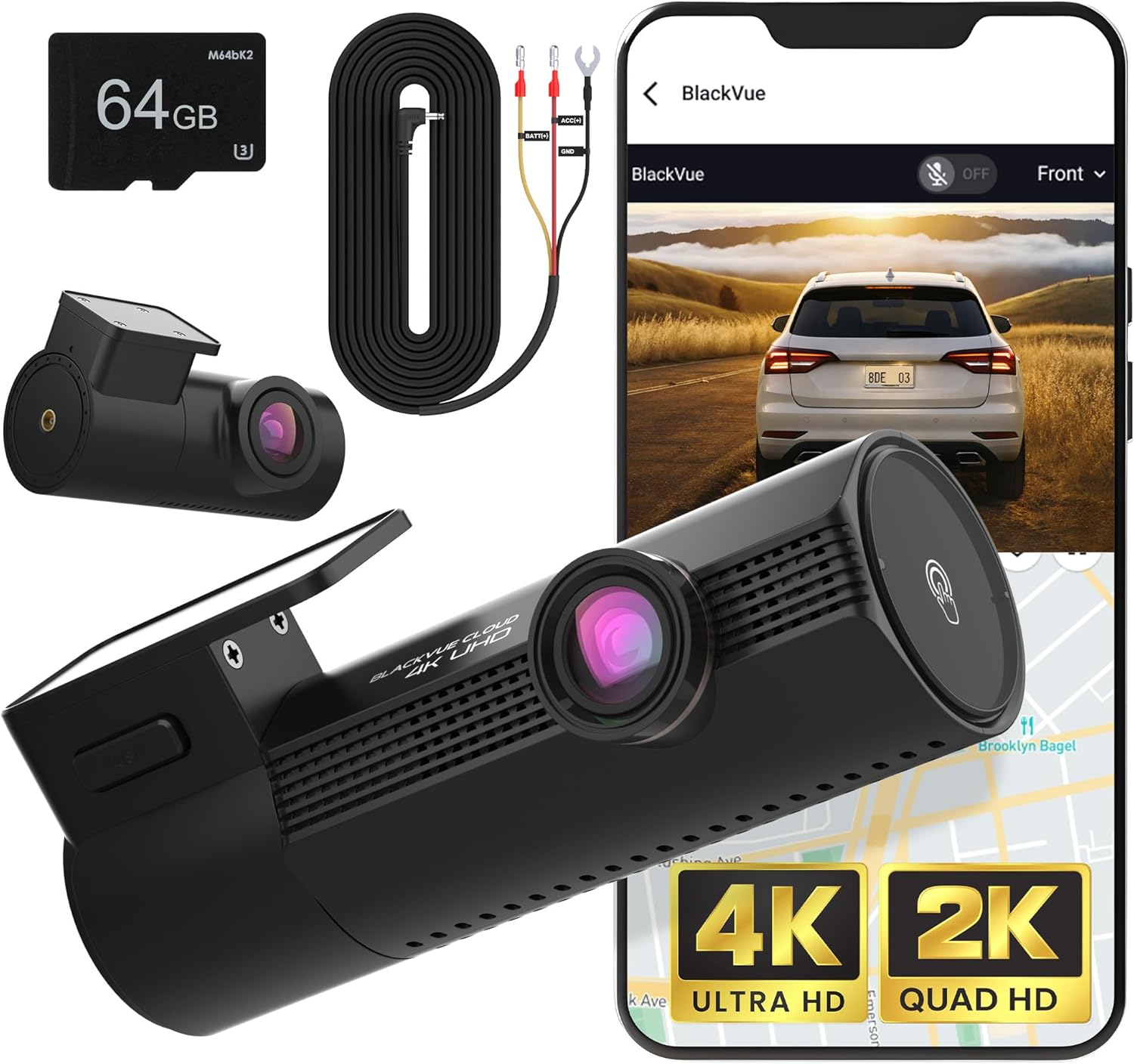
Reboot the dash cam. Within 60 seconds the cloud indicator should turn solid blue. Open the BlackVue app, confirm the camera shows Online, then immediately move to Step 3 before any default uploads start chewing data.
Step 3: Cap Upload Quality and Switch to Event-Only
This is the single biggest lever for how to set up blackvue cloud on att hotspot without data overage. In the app, go to Firmware Settings → Recording → Cloud and apply:
- Live View Video Quality: Lowest (drops the live stream to roughly 480p / 600 kbps).
- Auto Upload: Event files only. Disable Manual and Parking auto-upload unless you specifically need them.
- Event File Upload Quality: Normal, not Original. This re-encodes 4K events down to a 1080p H.265 copy roughly 80 MB per minute instead of 300 MB.
- Push Notifications: Event only, throttled to once per minute.
- GPS Tracking interval: 10 seconds (the default of 1 second adds ~150 MB/month of telemetry).
With these settings, a normal driver who triggers two to four G-sensor events per day uses roughly 200–400 MB monthly on actual clip uploads, plus 1–2 GB of background keep-alive traffic, plus whatever live view you initiate manually. Stay disciplined and 8 GB/month is realistic.
Step 4: Schedule Cloud Sync Instead of Letting It Run 24/7
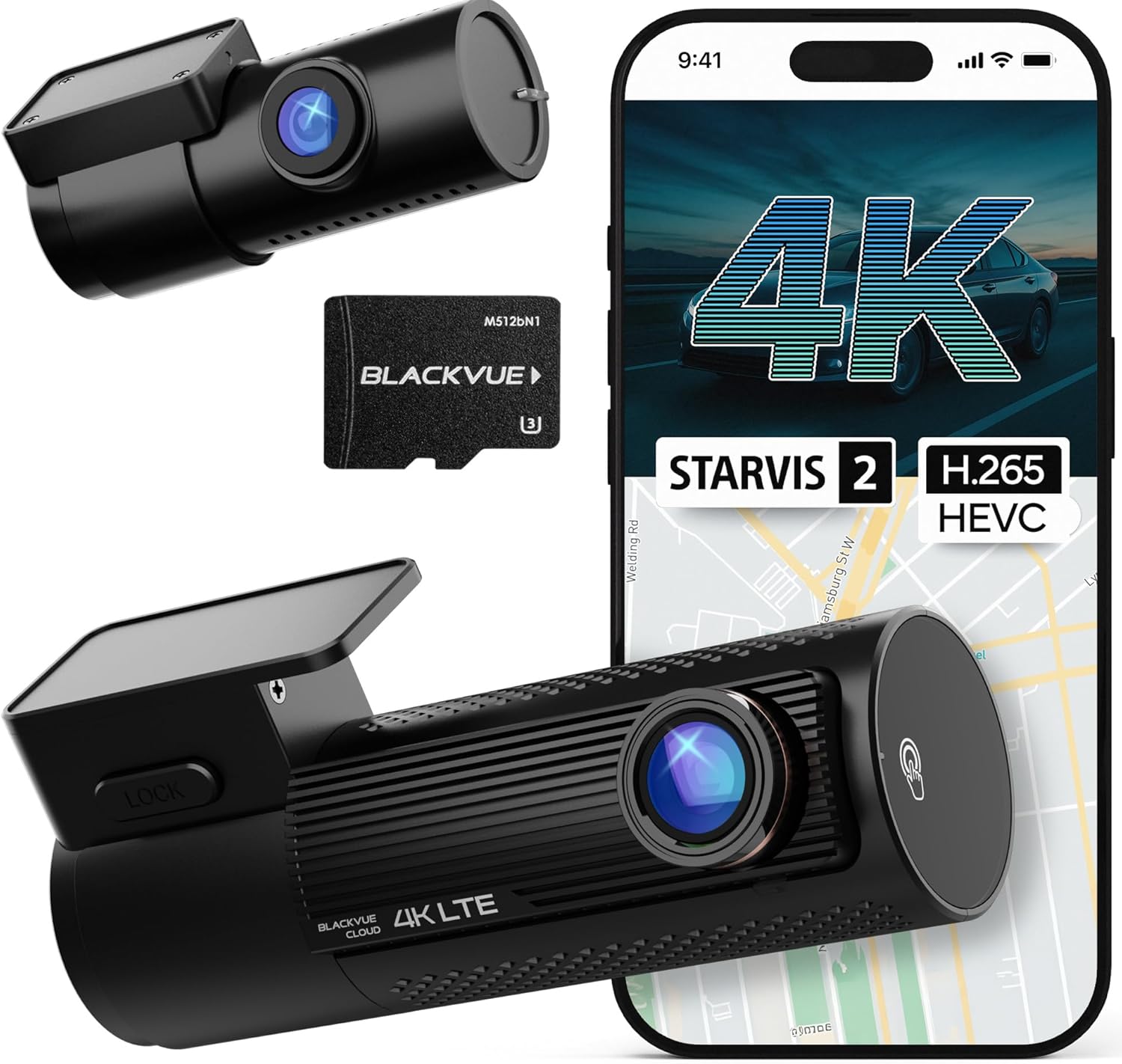
Under Firmware Settings → Cloud Service, enable Cloud Service Schedule and set a single one-hour overnight window — e.g. 02:00 to 03:00 — when the car is parked, the hotspot is at home on Wi-Fi backhaul (if you tethered it that way), and there is no live commute traffic. The camera batches event clips during the day to onboard microSD and only opens a session during the window. If your AT&T hotspot is genuinely cellular-only, schedule the window during off-peak hours when AT&T occasionally exempts hotspot throughput from premium-data accounting on the Unlimited Premium plan.
Step 5: Use Parking Mode Without the Bleed
Parking mode is where most BlackVue + hotspot setups blow their budget. The camera wakes on motion or impact, opens an LTE session, uploads the event, and goes back to sleep — but each wake costs 30–60 MB in TLS handshake, keep-alive, and a 30-second clip. Park near a busy sidewalk and you can burn 3 GB overnight.
Mitigation: set Parking Motion Detection Sensitivity to 2 (out of 5) on the area mask that covers your car body, exclude the sidewalk/road region entirely using the in-app polygon mask, and turn off Push Notification for Parking Events while leaving upload enabled. You will still receive footage of real impacts; you simply won't be paying to upload every leaf that blows past the bumper.
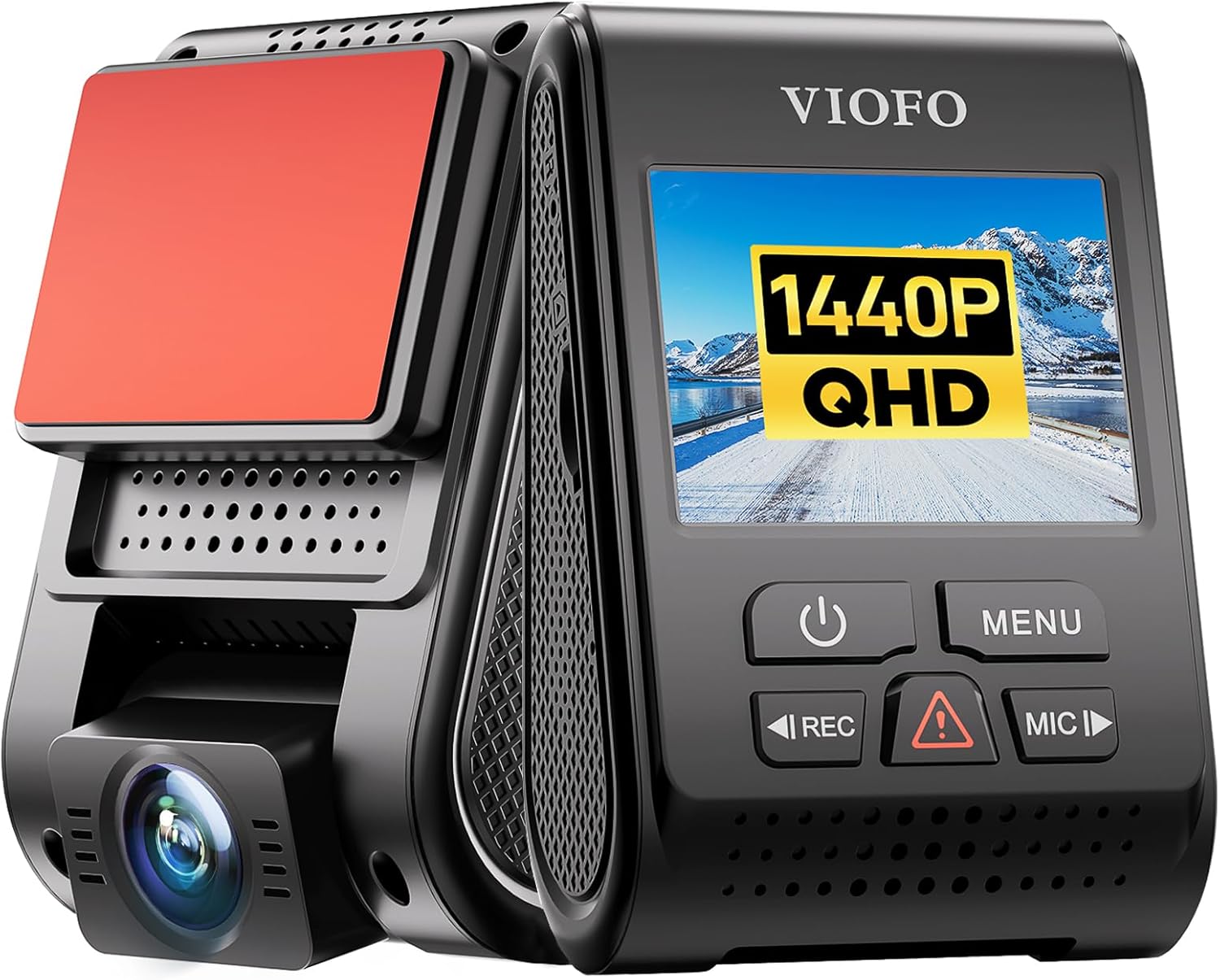
Step 6: Hardwire the Hotspot to the Car, Not the Camera USB
Do not power the AT&T hotspot from the dash cam's USB pass-through. It backfeeds noise, and on a Power Magic Pro or B-130X the cam will cut hotspot power the moment parking voltage cutoff trips, breaking parking-mode uploads. Run the hotspot off its own 12V-to-USB-C PD adapter on a separate ACC + always-on fused tap. Two minutes of crimping saves you a month of phantom data charges.
If BlackVue + AT&T Still Feels Like Too Much — Strong Alternatives for 2026
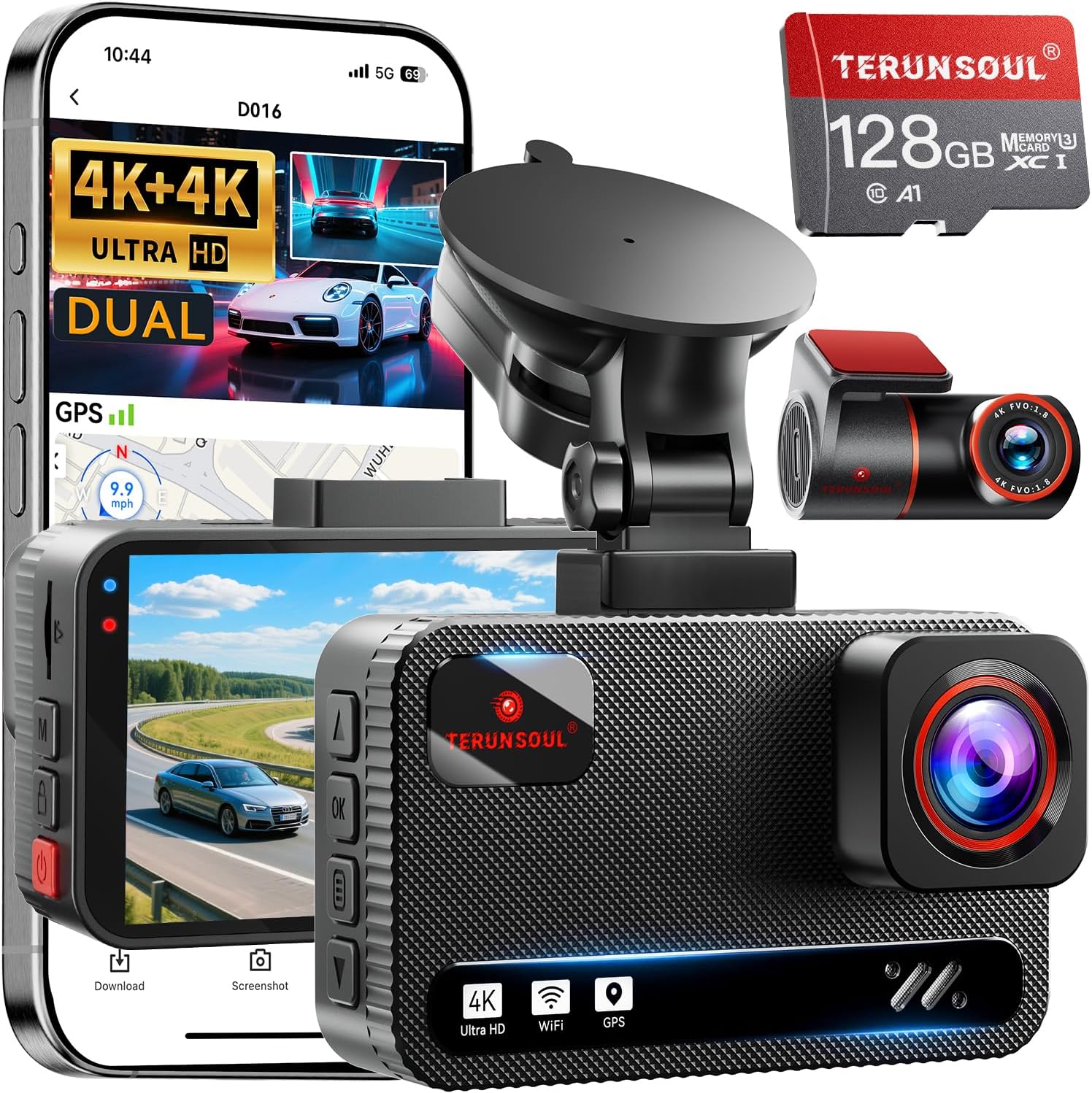
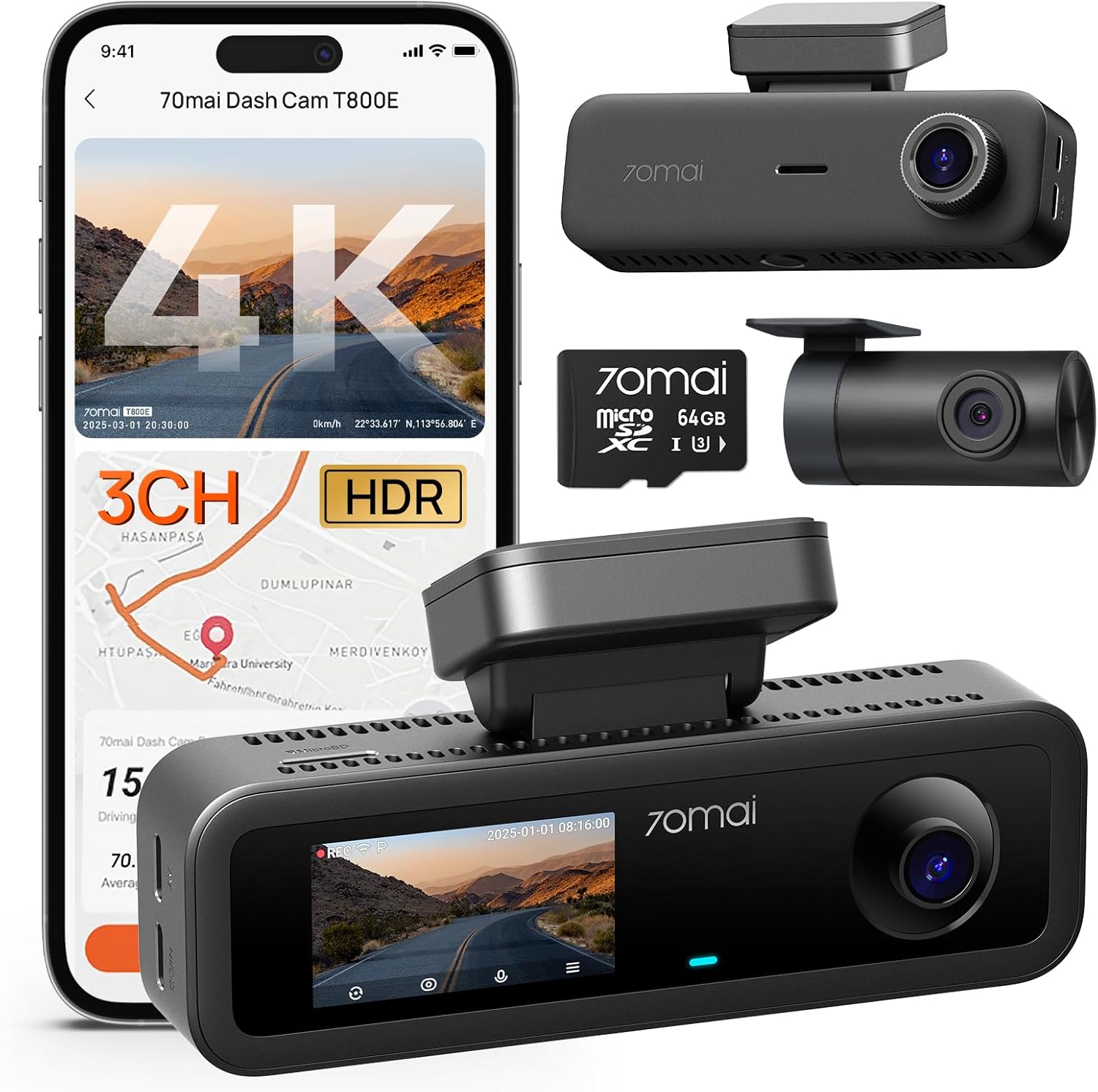
Plenty of drivers read this far, do the math, and decide that paying $35/month for an AT&T hotspot plus $99/year for BlackVue Cloud Premium is more than they want to spend just to view their car remotely. If that is you, modern 4K dash cams with onboard Wi-Fi, app pairing, and large microSD cards give you 90% of the value with zero recurring cost.
| Model | Resolution | Channels | Storage Included | Cloud Required? | Best For |
|---|---|---|---|---|---|
| Vantrue N4 Pro S | 4K + 2K + 1080p | 3 (front/cabin/rear) | microSD sold separately | No | Rideshare + insurance evidence |
| ROVE R2-4K Dual | 4K + 2K | 2 | 128GB | No | Budget 4K front+rear |
| REDTIGER F7NP | 4K + 1080p | 2 | Varies | No | Bright HDR night driving |
| VNV 4K+2.5K | 4K + 2.5K | 2 | 64GB | No | Entry-level 4K |
| Generic 4K 3-Channel | 4K | 3 | 128GB | No | Rideshare value pick |
Vantrue N4 Pro S 4K 3-Channel
If you originally wanted BlackVue Cloud so you could peek at your interior during rideshare or delivery shifts, the Vantrue N4 Pro S solves that without any hotspot. Triple STARVIS 2 sensors mean the cabin camera actually works at night, and the Wi-Fi 6 app pulls clips directly to your phone in seconds. No subscription, no AT&G premium-data math. Check current pricing on the Vantrue N4 Pro S.
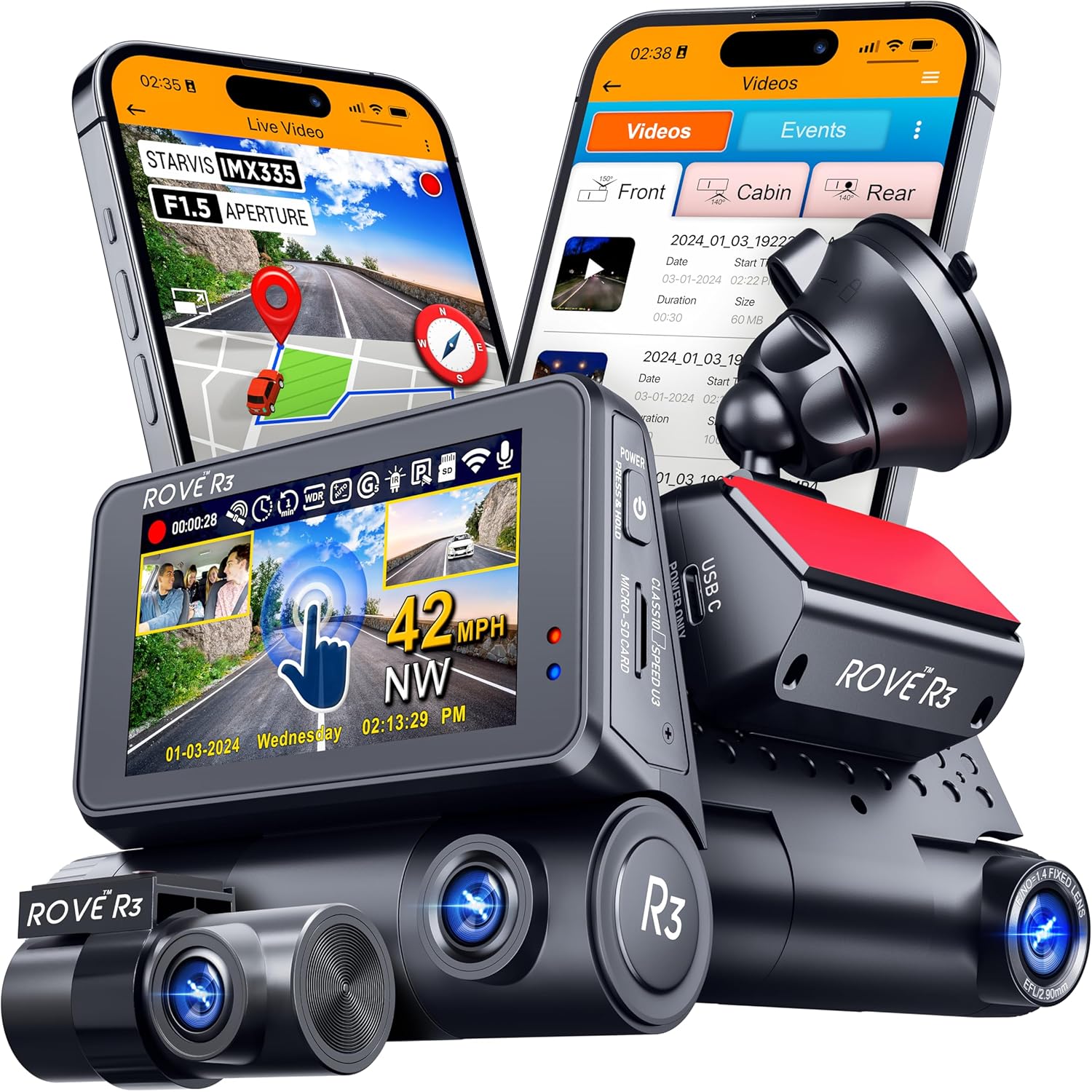
ROVE R2-4K Dual (STARVIS 2, 128GB)
The cheapest legitimately good 4K front-and-rear cam in 2026. The new STARVIS 2 revision handles streetlights without halos, and the included 128GB card gives you about 14 hours of dual-channel 4K loop before overwrite. Pair it with a $20 OBD-II power cable and you get parking mode for free, no LTE bill. See the ROVE R2-4K bundle on Amazon.
REDTIGER F7NP 4K Front and Rear
REDTIGER's STARVIS 2 update is the night-driving sleeper of 2026. If you mostly want a BlackVue replacement because your old DR750S looked muddy on dark suburban streets, the F7NP's HDR pipeline genuinely matches the DR970X for half the money. Grab the REDTIGER 4K dash cam here.
4K 3-Channel Dashcam With 128GB Included
If you specifically need a cabin-facing channel — Uber, Lyft, DoorDash, or a teen driver — but don't want to pay Vantrue money, this three-channel kit is the practical pick. Bundled microSD means you mount it and drive. View the 3-channel 4K dashcam.
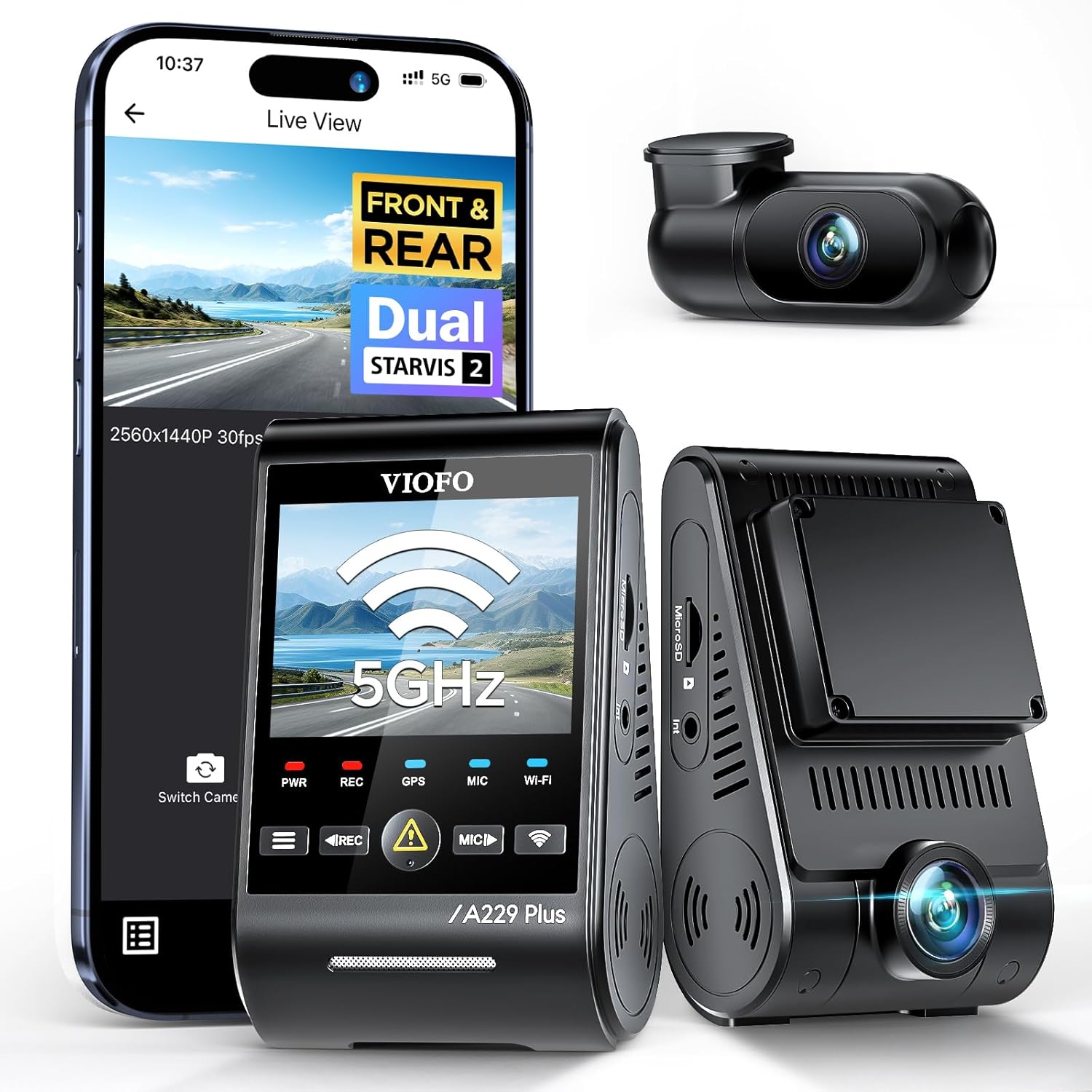
VNV 4K + 2.5K Dual With GalaxyCore Sensor
For a daily commuter who simply wants a backup in case of a fender-bender and does not care about cloud streaming, the VNV is the value floor of 2026 4K cams. Check the VNV 4K+2.5K on Amazon.
Internal Reading on Dash Cam + Connectivity
For more deep-dives on related setups, see our guides on the best cloud-enabled dash cams of 2026, BlackVue vs Thinkware cloud data usage compared, how to hardwire any dash cam for parking mode, and the best mobile hotspots for dash cams in 2026.
Frequently Asked Questions
How much data does BlackVue Cloud use per month on an AT&T hotspot?
With default settings (Highest live-view quality, continuous auto-upload, parking push enabled), expect 60–120 GB per month from a single DR770X-2CH. With the event-only, lowest-quality, scheduled configuration described above, the same camera lands between 6 and 12 GB per month — comfortable on AT&T's Unlimited Extra EL 30 GB hotspot allotment or the Turbo Hotspot 22 GB prepaid plan.
Can I use AT&T Unlimited Premium PL 100GB hotspot for two BlackVue cameras?
Yes, comfortably, as long as both cameras run event-only upload at Normal (not Original) quality with the scheduled cloud window. Two DR970X-2CH cameras under that profile share roughly 15–25 GB monthly, leaving 75 GB of headroom for browsing, navigation, and the occasional manual live-view session.
Does BlackVue throttle itself when the hotspot is slow?
BlackVue adapts live-view bitrate to link speed but does not adapt event-clip upload — those upload at whatever quality you selected, just more slowly. If your AT&T hotspot has been throttled to 128 kbps after you blew the cap, the camera will queue events on the microSD and resume next billing cycle. You won't lose footage, you just won't see it in the cloud until later.
Why does my BlackVue still use data when the car is off?
Parking mode. Even with cloud upload disabled, the camera maintains a keep-alive ping every few minutes so the app shows it as online. Either schedule cloud service (Step 4) so the keep-alive only runs during the window, or disable Cloud Service entirely during parking and turn it back on via the OBD-II power cable's ignition signal.
Is BlackVue Cloud worth it in 2026 or should I switch to a non-cloud dash cam?
BlackVue Cloud is worth it if you specifically need remote live view, two-way audio, or geofenced alerts for a fleet, valet, or teen driver. For everyone else — rideshare drivers, daily commuters, road-trippers — a modern 4K dash cam like the Vantrue N4 Pro S or ROVE R2-4K gives you the same evidentiary value with zero monthly cost.
Can I use a Visible or Cricket hotspot instead of AT&T to avoid overage?
Visible and Cricket both run on AT&T or Verizon backbones and impose their own hotspot caps (Visible+ gives 25 GB premium hotspot; Cricket More gives 25 GB). The settings in this guide port directly — the camera does not know or care which MVNO is providing the LTE link, only the SSID.
What microSD card should I pair with BlackVue when cloud upload is limited?
Use a 256GB or 512GB high-endurance microSD (Samsung PRO Endurance or SanDisk High Endurance). With event-only cloud upload, the SD card becomes your primary archive — you want at least a week of dual-channel 4K loop so that anything missed by the cloud window is still recoverable on the card when you pull into the driveway.
Bottom Line
The trick to how to set up blackvue cloud on att hotspot without data overage is to stop treating BlackVue Cloud like a 24/7 streaming service and start treating it like a remote-event notification system. Cap quality, switch to event-only, mask the parking sensor, hardwire the hotspot separately, and schedule the sync window. Do that and a $35 AT&T plan covers a two-channel BlackVue indefinitely. If the math still doesn't pencil out, the Vantrue, ROVE, REDTIGER, and VNV picks above deliver the same forensic value with no recurring bill at all — which, in 2026, is the quietly winning move for most drivers.
Key Takeaways
- Choosing the right how to set up blackvue cloud on att hotspot without data overage means matching capacity and output ports to your actual devices
- Always check actual watt-hours (Wh), not just watts — runtime depends on Wh, not peak output
- Also covers: blackvue cloud att hotspot setup
- Also covers: blackvue dr970x cloud cellular data
- Also covers: limit blackvue cloud data usage
- Compare price-per-Wh across models to find the best value for your budget