If you just formatted the microSD card in your Rexing V5 and watched hours of clips vanish, stop using the card immediately and read this first. Knowing how to recover deleted Rexing V5 footage after accidental format comes down to three things: preserving the card so the file system isn't overwritten, using a recovery tool that can reconstruct fragmented MP4 containers, and pulling the raw bytes through a quality card reader rather than the camera itself. In most cases, especially when the format was a quick FAT32 reformat rather than a full overwrite, 70-95% of the original H.264/H.265 clips are still physically present on the NAND and can be rebuilt.
Below is the exact step-by-step recovery workflow, the free and paid tools that actually work on Rexing's loop-recording format in 2026, and the dashcam upgrades worth considering if this scare made you realize the V5 is getting long in the tooth.
The best how to recover deleted rexing v5 footage after accidental format for your situation depends on how you plan to use it and where.
Step 1: Stop recording immediately and remove the card
The single biggest mistake people make is leaving the V5 powered on after a format. The camera will instantly start writing new loop files, and every new file overwrites the sectors where your old footage used to live. Within 10 minutes of normal driving, the first 1-2 GB of your old clips are gone for good.



Power down the dashcam, pop the microSD card out, and set it aside on a clean surface. Do not insert it into a phone, do not let Windows "repair" it, and do not run chkdsk. Every write operation reduces recovery odds.
Step 2: Make a bit-for-bit image before you recover
Professional data recovery always works on a clone of the original media, never the original. Use a USB 3.0 UHS-I card reader (the cheap blue ones from Anker or Kingston work fine) and image the entire card to your hard drive.
On Windows, the free tool HDDRawCopy or Win32DiskImager will dump the whole 64/128/256 GB card to a single .img file. On macOS or Linux, use the built-in dd command:
sudo dd if=/dev/disk4 of=~/rexing_v5_recovery.img bs=4M status=progressReplace /dev/disk4 with the correct device identifier (check with diskutil list on Mac or lsblk on Linux). This step takes 15-45 minutes depending on card size and reader speed, but it means you can attempt recovery a dozen times without ever touching the physical card again.
Step 3: Run a video-aware recovery tool against the image
The Rexing V5 records in MP4 containers with H.264 video and AAC audio, typically in 1-3 minute loop segments. A standard file-undelete tool like Recuva will often find the MP4 headers but produce unplayable files because dashcam loop recording fragments clips across the card. You need a recovery tool that does video carving — scanning for MP4 atoms (ftyp, moov, mdat) and reassembling them.
Free options that work
- PhotoRec (part of TestDisk) — completely free, runs on every OS, and has surprisingly good MP4 carving. Point it at your .img file, choose MP4 as the only file type to speed things up, and let it run overnight. Expect 60-80% recovery on a freshly formatted card.
- DiskDigger (free for photos/video on Windows) — friendlier UI than PhotoRec, slightly worse at fragmented MP4s.
Paid tools worth the money for serious footage
- Stellar Photo Recovery Premium ($99) — has a dedicated "Repair Video" module that reconstructs broken MP4 headers by referencing a known-good sample file from your camera. If you have any surviving Rexing V5 clip, point Stellar at it as the reference and recovery rates jump to 85-95%.
- CCTV Camera Pros' Video Recovery — specifically built for dashcam and surveillance MP4 carving.
- DVR Examiner — overkill for personal use ($1,800+) but the gold standard if you're recovering footage for an insurance claim or legal case.
Step 4: Repair broken MP4 headers
Even after carving, some recovered files will refuse to play because the moov atom (the index that tells a player where each frame is) got truncated. Two free fixes:
- Untrunc — open-source, takes a known-good Rexing V5 clip as a reference and rebuilds the moov atom on broken files. Works in 90% of cases.
- Recover_mp4 — older but still solid for H.264 streams.
If you don't have a known-good reference file, record 30 seconds of new footage on the same Rexing V5 with a fresh card, formatted in-camera, in the same resolution mode (1080p 30fps or whatever you were using). That fresh file becomes your reference.
Step 5: What if the recovery fails?
If PhotoRec and Stellar both come up empty, the format was probably a full overwrite rather than a quick format — some Rexing firmware versions zero out the card when you choose "Format" from the menu. In that case the data is genuinely gone at the NAND level and no software recovery is possible. Professional clean-room services (DriveSavers, Ontrack) can sometimes pull data from the raw flash chips, but expect $800-2,500 and no guarantees.
This is exactly why dashcam veterans run two cards in rotation and offload critical clips to cloud or local backup the same day they're recorded. See our guide on dashcam SD card backup strategies for 2026 for a workflow that takes 5 minutes a week.
Should you upgrade from the Rexing V5?
The Rexing V5 was a solid 2018-2020 era 4K single-channel cam, but in 2026 it's showing its age: no STARVIS 2 sensor, no second channel, weak night performance, and crucially, no cloud backup or app-based auto-offload. If this format scare cost you important footage, the smartest move is upgrading to a modern dual or triple-channel cam with automatic Wi-Fi backup to your phone.
Here are the five models worth considering as Rexing V5 replacements in 2026, ranked by the criteria that actually matter for footage preservation: sensor quality, channel count, app reliability, and emergency event lock.
| Model | Channels | Sensor | Max Res | Included Card | Best For |
|---|---|---|---|---|---|
| Vantrue N4 Pro S | 3 (front/cabin/rear) | Triple STARVIS 2 | 4K+1440p+1440p | None (buy 256GB) | Rideshare & uncompromising night |
| 4K 3-Channel (B0GX692JCS) | 3 | 4K Sony | 4K+1080p+1080p | 128GB | Budget triple-channel |
| VNV 4K+2.5K | 2 (front/rear) | GalaxyCore | 4K+2.5K | 64GB | Mid-tier dual |
| ROVE R2-4K Dual | 2 | STARVIS 2 | 4K+1080p | 128GB | Best value 2-channel |
| REDTIGER 4K | 2 | STARVIS 2 | 4K+1080p | Sold separately | App reliability & warranty |
Vantrue N4 Pro S 4K 3-Channel — Best overall upgrade
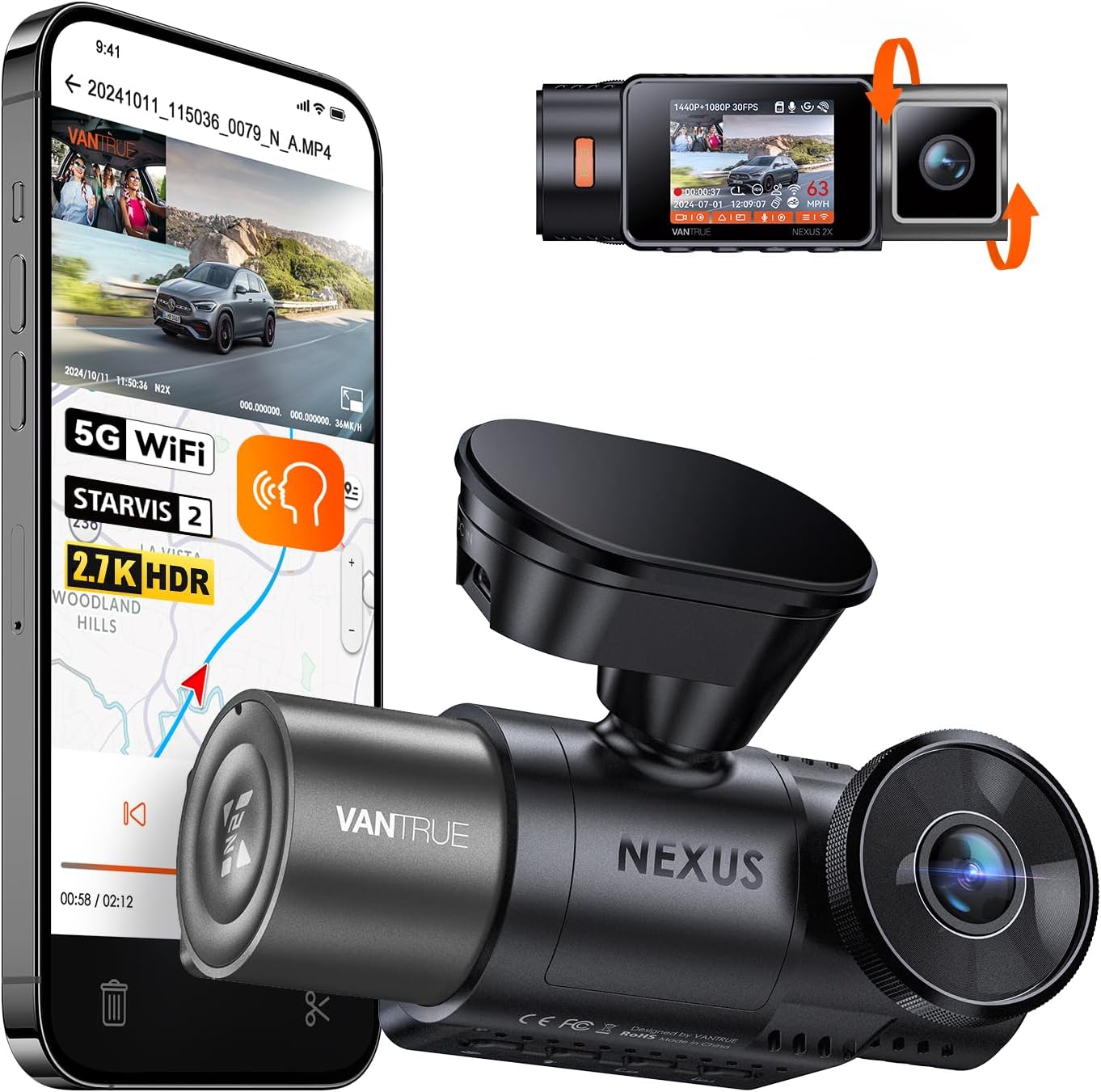
If you want zero compromises and a camera that will outlast another seven years of daily driving, the Vantrue N4 Pro S is the obvious pick. Triple STARVIS 2 sensors mean usable plate-readable footage in near-darkness, and the redesigned app actually auto-syncs event-locked clips to your phone over Wi-Fi the moment a G-sensor trigger fires. That alone would have saved your formatted footage. Check current price on Amazon.
4K Front + Rear + Cabin 3-Channel — Best budget triple-channel
For drivers who want three channels without the Vantrue price tag, this 128GB-included triple-channel cam covers front, cabin, and rear at 4K/1080p/1080p. The cabin channel is the killer feature for rideshare drivers or anyone parking in lots where break-ins happen. View on Amazon.
ROVE R2-4K Dual — Best value replacement
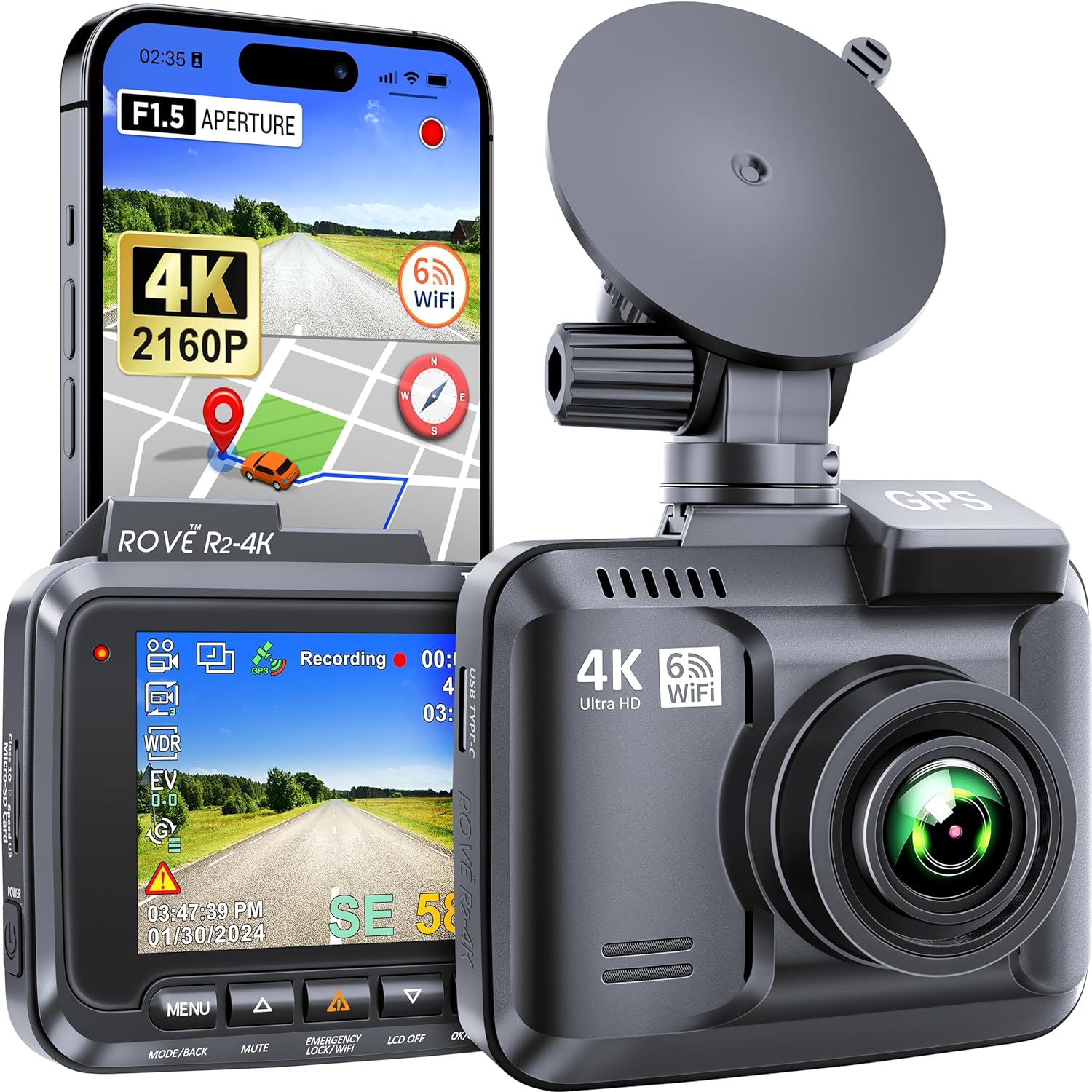
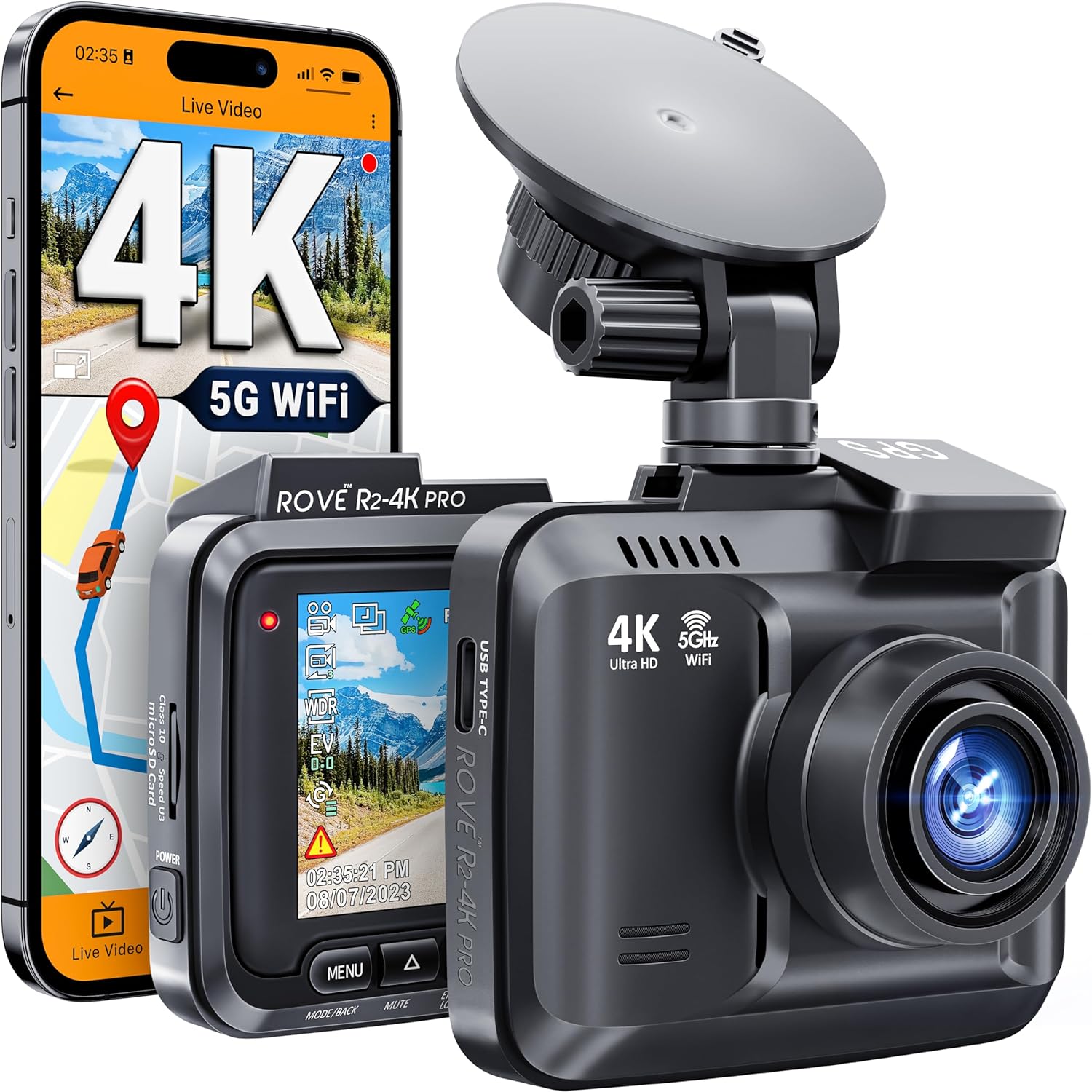
The ROVE R2-4K with STARVIS 2 and a 128GB card included hits the sweet spot most ex-Rexing owners land on. It's a direct step up from the V5 in every measurable way — better sensor, dual channels, working app, and parking mode — without crossing $200. See it on Amazon.
REDTIGER 4K Front and Rear — Best app and warranty
REDTIGER's app is the most reliable in this price bracket for automatic clip transfer to your phone, which is the single most important feature for never losing footage to a format again. Three-year warranty backs it up. Check Amazon listing.
VNV 4K+2.5K Dual — Solid mid-tier
The VNV pairs a 4K front with a 2.5K rear and 64GB included. GalaxyCore sensor is a step below STARVIS 2 in true low-light but holds up well in twilight and street-lit conditions. View on Amazon.
If you're still researching, our comparison of best 4K dash cams in 2026 and breakdown of STARVIS 2 vs GalaxyCore night vision go deeper on sensor differences.
Prevention: how to never lose footage again
The recovery process you just read is stressful, time-consuming, and not guaranteed. Five habits make it irrelevant:
- Run two cards in rotation. Swap the active card weekly and keep the inactive one at home. A format kills one, never both.
- Buy a high-endurance card. SanDisk High Endurance or Samsung PRO Endurance in 128/256GB. Regular consumer cards die in 6-12 months of loop recording and are more prone to corruption that triggers "helpful" reformat prompts.
- Format in-camera, not in Windows. Windows formatting uses cluster sizes that fragment Rexing's loop files badly. Always use the camera menu's Format option.
- Enable event lock and emergency hotkey. Critical clips get moved to a protected folder that loop recording can't overwrite. On the V5 this is the red button on top.
- Offload weekly to a cloud folder or NAS. Five minutes with a card reader on Sunday means you'll never lose more than a week's footage.
Frequently Asked Questions
Can I recover Rexing V5 footage after a quick format vs full format?
Quick format recovery success rates run 70-95% because only the FAT32 file allocation table is wiped — the actual MP4 data sits untouched until overwritten. Full format zeroes out every sector and drops recovery success to near zero. The Rexing V5 menu "Format" is typically a quick format, which is good news for your odds.
How long do I have to recover deleted dashcam footage before it's overwritten?
If the camera keeps recording, you have minutes. The V5 writes about 250-400 MB per minute at 4K, so a 64GB card cycles through all sectors in roughly 3-4 hours of driving. Power down immediately — every minute of recording after the format reduces recovery odds.
Does PhotoRec work on Rexing V5 MP4 files?
Yes, PhotoRec carves Rexing V5 MP4 files reliably as long as you set the file type to MP4 and run against a card image rather than the live card. Expect 60-80% of clips to come back playable, with some needing an Untrunc pass to fix the moov atom.
Why won't my recovered Rexing V5 clips play?
The most common cause is a missing or broken moov atom — the index MP4 players need to seek through the file. Run the broken file through Untrunc with a known-good Rexing V5 clip as the reference template and 9 out of 10 will repair successfully. Make sure the reference clip uses the same resolution and frame rate as the broken one.
Is professional data recovery worth it for dashcam footage?
Only if the footage matters for insurance, legal, or law enforcement purposes and free tools have already failed. Clean-room flash recovery runs $800-2,500 with no guarantee. For everyday driving clips, the math doesn't work — a new STARVIS 2 dashcam costs less than a single recovery attempt.
Will upgrading to a newer dashcam prevent accidental format data loss?
Modern cams like the Vantrue N4 Pro S and REDTIGER auto-sync event-locked clips to your phone the moment they're triggered, so even a full format on the SD card leaves a copy in your phone's gallery. Pair that with a high-endurance card and weekly cloud offload and the failure mode you just hit becomes nearly impossible.
What microSD card should I use to avoid corruption on a Rexing V5?
Use a SanDisk High Endurance or Samsung PRO Endurance card in 128GB or 256GB capacity. Consumer cards like SanDisk Ultra are not rated for the continuous write cycles of dashcam loop recording and tend to develop bad sectors after 6-12 months, which is what often triggers the "format card" prompt that leads to accidental data loss in the first place.
Key Takeaways
- Choosing the right how to recover deleted rexing v5 footage after accidental format means matching capacity and output ports to your actual devices
- Always check actual watt-hours (Wh), not just watts — runtime depends on Wh, not peak output
- Also covers: rexing v5 sd card recovery
- Also covers: recover formatted dashcam footage rexing
- Also covers: rexing v5 deleted video restore
- Compare price-per-Wh across models to find the best value for your budget