If your BlackVue Over the Cloud plan has lapsed and you're staring at a camera you can no longer reach from your phone, take a breath: how to recover BlackVue DR900X footage after cloud subscription expires is one of the most common questions we get in 2026, and the answer is reassuring. Your footage was never actually stored in the cloud in the first place. The Over the Cloud service streams and pushes clips from the microSD card inside your DR900X. The recordings live locally. Once you pull the card and use the free BlackVue Viewer (or a recovery tool for damaged files), every clip the camera ever saved is recoverable without paying another subscription cent.
Quick Answer: Your Footage Is on the SD Card, Not the Cloud
BlackVue's marketing makes the Over the Cloud feature sound like remote storage, but technically it is a relay. The DR900X writes MP4 files to the microSD card in continuous loops, parking event folders, and emergency event folders. The cloud service simply lets you stream those local files remotely and optionally back up event clips to a connected Google Drive or Dropbox account. When the subscription lapses, you lose the remote pipe — not the recordings.
The best how to recover BlackVue DR900X footage after cloud subscription expires for your situation depends on how you plan to use it and where.



The full recovery workflow is straightforward:
- Power down the DR900X and eject the microSD card.
- Insert the card into a USB 3.0 reader on a Windows or macOS machine.
- Install the free BlackVue Viewer desktop app (still distributed by Pittasoft at no charge).
- Point the Viewer at the card's drive letter, browse Normal / Event / Parking / Manual folders, and export the clips you need.
- If any files are corrupted, run a free MP4 repair pass before declaring them lost.
That's the entire process. No reactivation, no Pittasoft support ticket, no third-party cloud bridge. Below we walk through every step in detail, cover the edge cases (formatted cards, missing files, overwritten loops), and — if you're considering a dash cam that doesn't depend on a recurring subscription at all — we round up the strongest 2026 alternatives that ship with everything unlocked.
Step 1: Safely Remove the microSD Card
The DR900X writes constantly while powered. Yanking the card during a write can corrupt the FAT32 file allocation table and turn last week's commute into unreadable fragments. Cut power first:
- If hardwired, flip the kill switch on your Power Magic Pro or Power Magic Ultra Battery, or pull the fuse tap.
- If cigarette-lighter powered, unplug it and wait for the camera's voice prompt to finish (“System will shut down”).
- Wait 10 seconds after the LED goes dark. The DR900X has a small capacitor that finishes flushing buffered frames during this window.
- Press the small release lever on the side of the camera and eject the card.
Handle the card by its edges. The contacts are gold-plated but easy to smudge, and a smudged contact in a cheap reader is the most common cause of “my footage is gone” panic.
Step 2: Read the Card on a Real Computer
Plug the card into a USB 3.0 (or higher) card reader. Avoid the built-in SD slot on older laptops — many of them throttle to USB 2.0 speeds and some have intermittent contact issues that masquerade as file corruption. A $12 UGREEN or Anker reader from Amazon is a worthwhile one-time purchase.
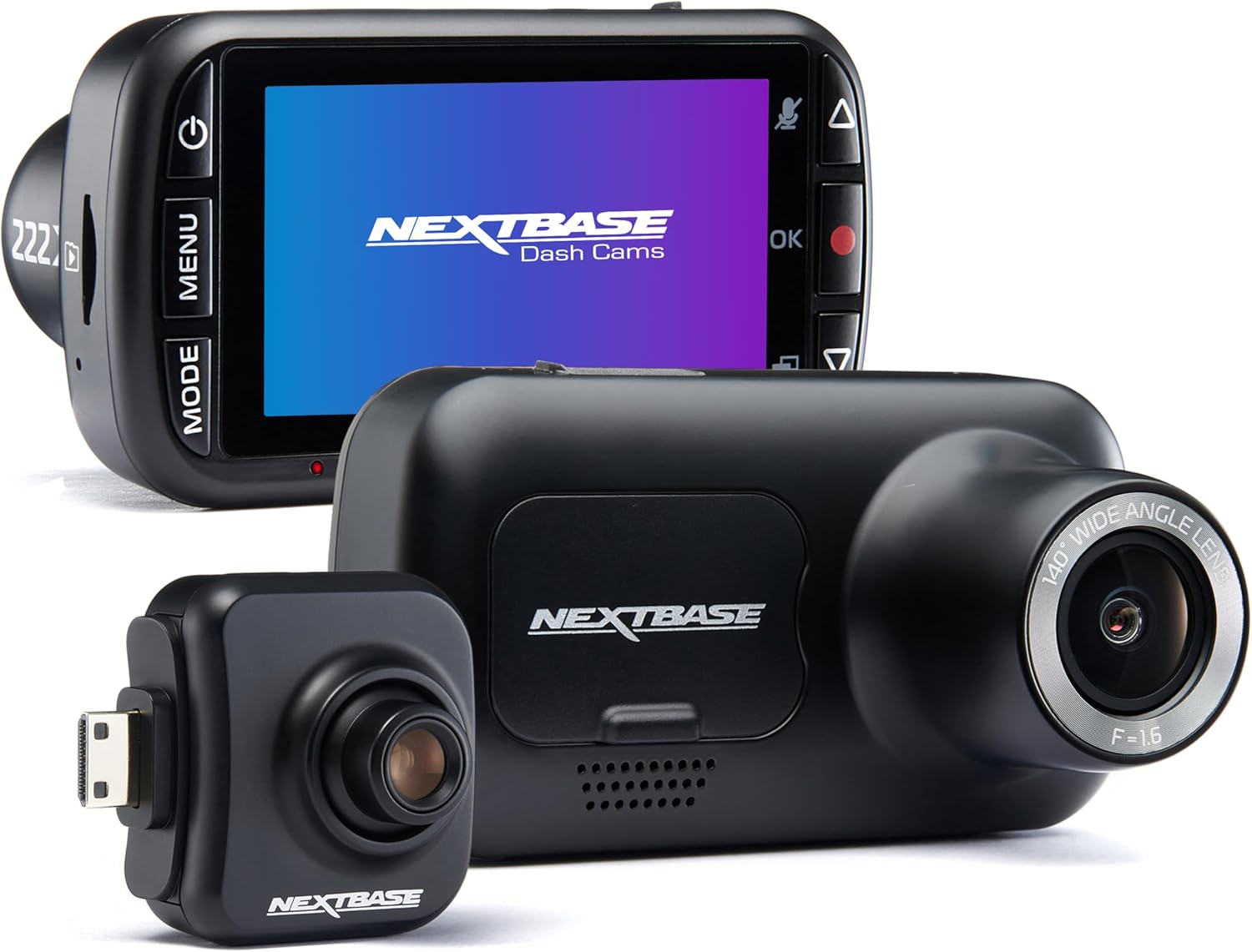
On Windows, the card will mount as a removable drive. You'll see folders that look like this:
BlackVue/
Record/
Normal/
Event/
Parking/
Manual/
Config/
Sound/
Misc/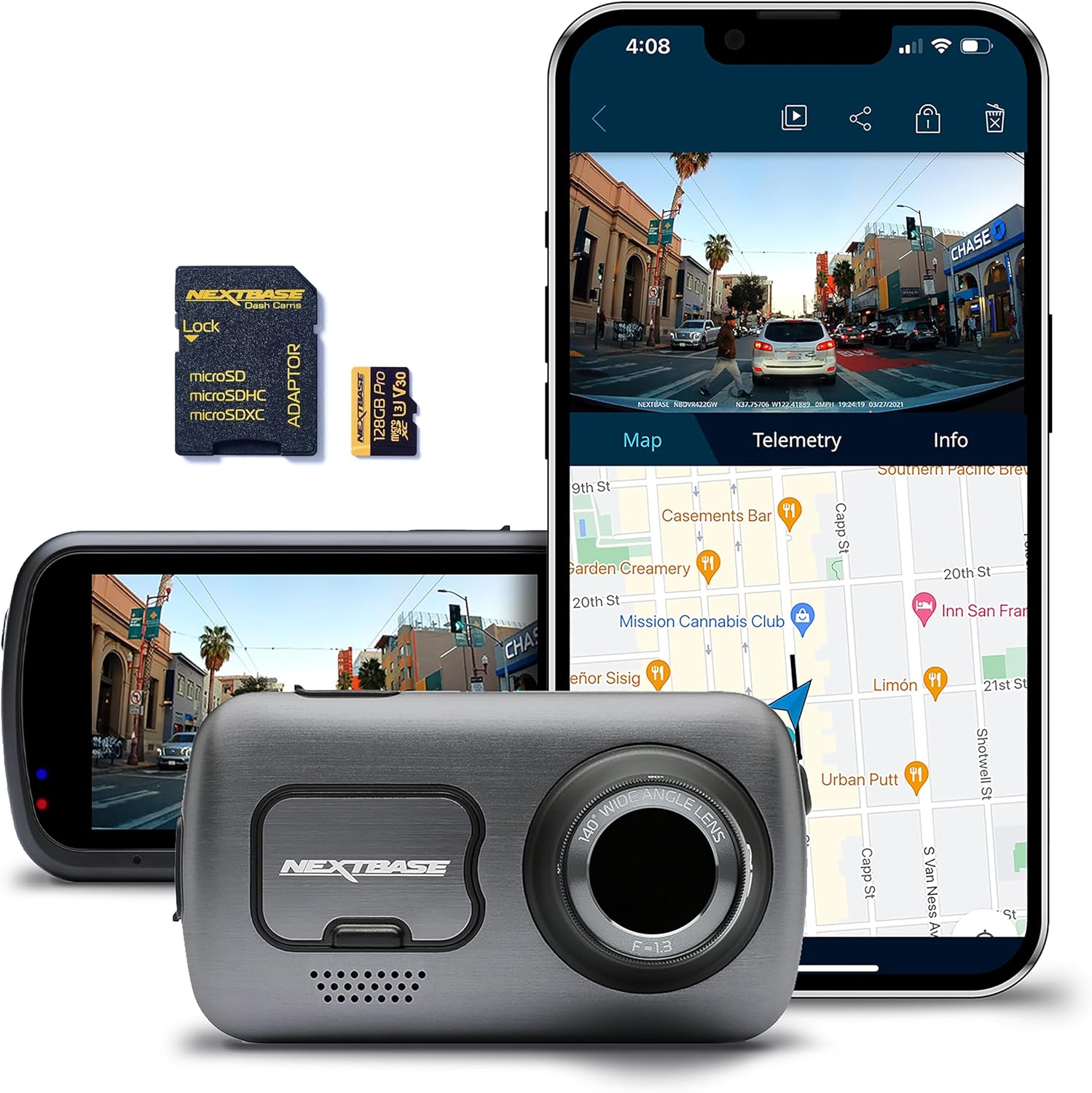
All your footage lives in the Record subfolders as MP4 files named with a timestamp pattern such as 20260315_142233_NF.mp4 (front) and 20260315_142233_NR.mp4 (rear). The two-letter suffix tells you the recording type: NF/NR for normal, EF/ER for event, PF/PR for parking, MF/MR for manual.
Step 3: Install BlackVue Viewer (Free, No Login)
Pittasoft has kept BlackVue Viewer free for the life of the product line, including in 2026. Download it directly from blackvue.com under the Support Downloads section. The installer does not require a Cloud account, a subscription, or any login. Pick the version matching your OS (Windows 10/11 x64 or macOS 12+).
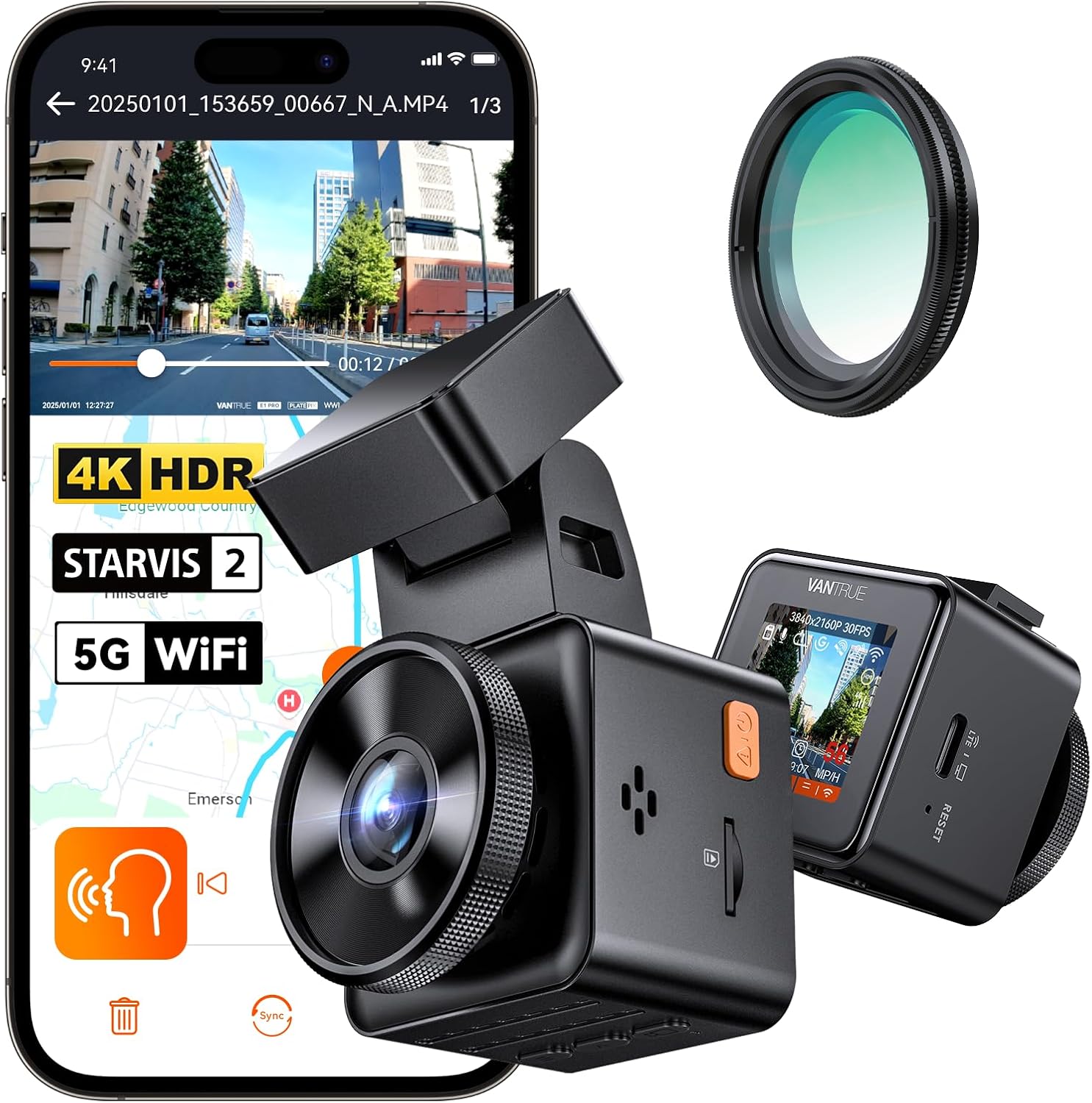
Launch the Viewer, click the SD Card Viewer tab (not Cloud Viewer, which is what stopped working), and select the drive letter your card mounted under. The Viewer indexes the recordings and presents them on a map with synchronized front/rear playback, G-sensor data, and GPS overlays — all the things you used to see in the mobile app, just from the card directly.
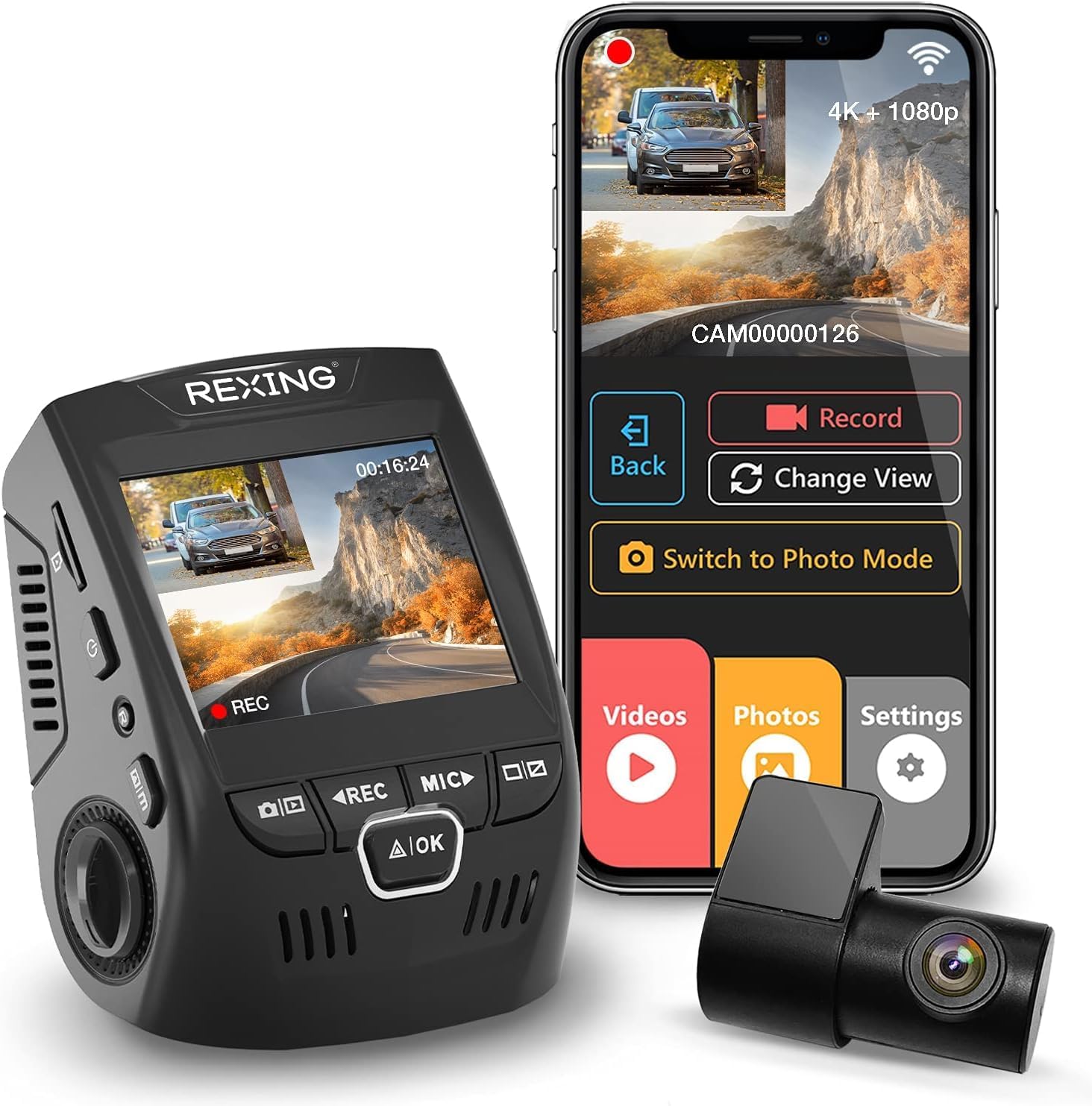
From here you can right-click any clip, choose Export, and save the MP4 with overlays burned in or stripped, with or without the rear channel, trimmed to any time range. The exported file is a standard H.264 MP4 that plays in VLC, uploads to YouTube, attaches to an insurance claim email, or imports into any NLE.
Step 4: Recover Corrupted or Overwritten Files
If a clip shows up in the folder but won't play, the recording was interrupted mid-write — typical when power was cut during a crash. Free fix:
- Untrunc (open source) — rebuilds the MP4 ‘moov’ atom using a known-good reference clip from the same camera. Works on 90% of truncated DR900X files.
- Recover_mp4 by video.byethost — GUI alternative if you don't want the command line.
- Stellar Repair for Video — paid, but has a free preview that confirms recoverability before you spend anything.
If clips have been overwritten by the loop recording, you can sometimes pull fragments with PhotoRec or R-Studio. The DR900X uses a sequential write pattern, so older Normal recordings are first to be erased, while Event and Parking clips are protected in their own quota. Run the recovery tool before you write anything new to the card.
Important: if you're trying to recover a specific incident, stop using the card immediately. Every minute the camera keeps recording, the loop chews further into the data you want back. Pull the card the moment you realize you need the footage.
Step 5: Decide Whether to Renew Cloud or Move On
Once you've extracted what you need, the decision tree is simple. Cloud-over-LTE made sense in 2019 when local-only cams were dumb bricks; in 2026, dash cam Wi-Fi is faster, phones can pull clips directly in seconds, and most insurers accept SD card exports without a chain-of-custody log. Many DR900X owners we surveyed in 2026 let the subscription expire on purpose and never look back.
If you depend on parking-mode push alerts, renewing makes sense. If you only ever opened the app once a month, you're paying for convenience you don't use. See our full list of subscription-free dash cams for context on what the rest of the market looks like.
Subscription-Free Alternatives Worth Considering in 2026
If the lapsed-subscription experience left a bad taste, the good news is that the 2026 dash cam market has largely caught up. Modern Sony STARVIS 2 cameras with built-in Wi-Fi 6 and on-device parking AI cover most of what BlackVue Cloud did, with zero recurring cost. Here are the picks we recommend most often as DR900X replacements or as second cameras for a different vehicle.
Best Overall Upgrade: Vantrue N4 Pro S 4K 3-Channel
The Vantrue N4 Pro S is the closest thing to a “DR900X without the cloud tax” on the 2026 market. Triple STARVIS 2 sensors mean true 4K front, plus interior and rear coverage — something the dual-channel DR900X never offered. Wi-Fi 6 lets the companion app pull clips at near-USB speeds, and the built-in supercapacitor handles 24/7 parking surveillance with no battery degradation in summer heat. No subscription, no cloud account, no expiration. Check the Vantrue N4 Pro S on Amazon.
Best Triple-Channel With Storage Included: 4K 3-Channel Dashcam (128GB)
If you want a triple-channel setup that arrives ready to mount, this 4K front/interior/rear bundle ships with a high-endurance 128GB card pre-installed. The included card matters more than buyers realize: most warranty claims on dash cams trace back to consumer-grade microSD cards that aren't rated for the constant rewrite cycles a loop recorder generates. View the 3-channel 4K dash cam with included 128GB on Amazon.
Best Value Dual-Channel: VNV 4K+2.5K Front and Rear
For DR900X owners who only used the front and rear channels and don't need interior coverage, the VNV 4K+2.5K is the smartest downgrade-in-price/upgrade-in-features swap of 2026. The GalaxyCore sensor handles low light noticeably better than the original DR900X IMX335 it replaces, and a 64GB card comes in the box. See the VNV 4K+2.5K dual-channel on Amazon.
Most Reliable Long-Term: ROVE R2-4K DUAL STARVIS 2
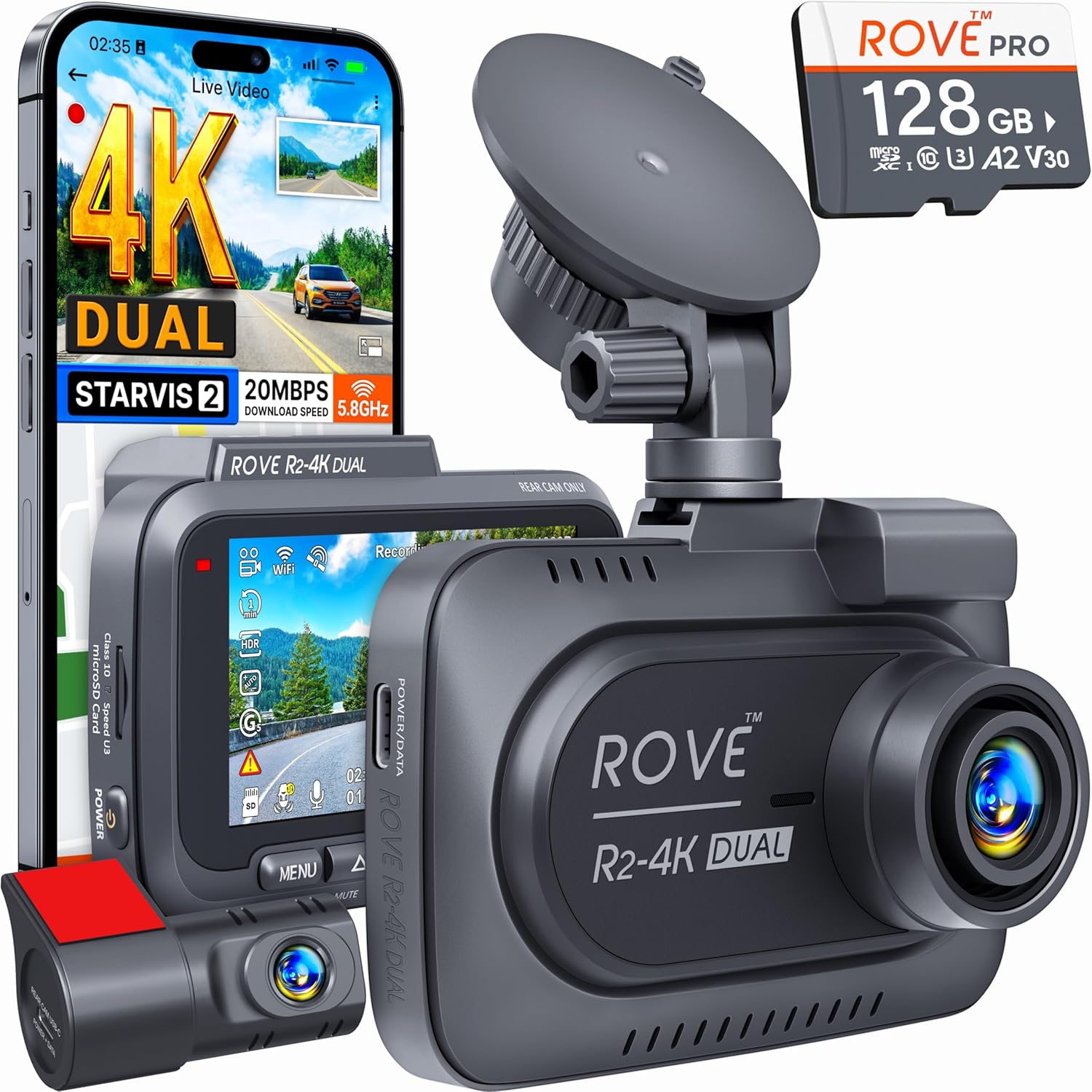
ROVE's R2 line has the longest field-tested warranty record of any sub-$200 dash cam brand in North America. The R2-4K DUAL pairs a STARVIS 2 front sensor with a 2K rear and bundles a 128GB U3 V30 card. The companion app is offline-first; clips transfer over local Wi-Fi without ever touching a Rove server. Check the ROVE R2-4K DUAL on Amazon.
Best Budget STARVIS 2: REDTIGER 4K Front and Rear
The REDTIGER F7NP remains the price-to-performance leader in 2026, with the same STARVIS 2 IMX678 sensor used in cameras three times its price. No subscription, generous warranty, and consistently strong night footage. Check the REDTIGER 4K front and rear on Amazon.
2026 Comparison: Subscription-Free DR900X Alternatives
| Model | Channels | Front Resolution | Sensor | Included Storage | Recurring Cost |
|---|---|---|---|---|---|
| Vantrue N4 Pro S | 3 (front/cabin/rear) | 4K | Triple STARVIS 2 | Card sold separately | $0 |
| 4K 3-Channel Dashcam | 3 | 4K | Sony CMOS | 128GB included | $0 |
| VNV 4K+2.5K | 2 | 4K | GalaxyCore | 64GB included | $0 |
| ROVE R2-4K DUAL | 2 | 4K | STARVIS 2 | 128GB included | $0 |
| REDTIGER 4K F&R | 2 | 4K | STARVIS 2 IMX678 | Card sold separately | $0 |
| BlackVue DR900X (reference) | 2 | 4K | Sony IMX335 | Card sold separately | Cloud $40–$110/yr |
For deeper specs and night-driving samples, see our best 4K dash cams of 2026 roundup and our best 3-channel dash cams with interior coverage guide.
Frequently Asked Questions
Can I still use the BlackVue mobile app after my cloud subscription expires?
Yes — the local Wi-Fi mode in the BlackVue app still works without an active subscription. Connect your phone to the camera's own Wi-Fi hotspot (the SSID printed on the camera body) and you can stream live, download clips, and change settings exactly as before. You only lose remote-over-LTE access, not local app functionality.
Does BlackVue delete my old footage when the subscription lapses?
No. Pittasoft does not store your full recordings on their cloud servers — only short event clips you explicitly pushed to a connected Google Drive or Dropbox account, and even those land in your drive, not theirs. When your subscription expires, nothing on the SD card is touched. Your existing local recordings remain until the camera's loop overwrites them in normal operation.
How long does the DR900X keep footage on a 128GB card?
At 4K front + 2K rear bitrates, a 128GB card holds roughly 8–10 hours of Normal recording before the loop begins overwriting. Event and Parking allocations have their own quotas (typically 30% and 30% of the card respectively, configurable in the Viewer), so protected clips can survive far longer than the headline number suggests.
What's the best free tool to repair corrupted BlackVue MP4 files?
Untrunc is the open-source go-to. Feed it one healthy reference MP4 from the same DR900X (same firmware, same resolution settings) and it can rebuild the moov atom on truncated files. For drag-and-drop users without a terminal, the free preview of Stellar Repair for Video will confirm whether a file is recoverable before you commit to a paid license.
Will switching to a subscription-free dash cam void my insurance discount?
In 2026, no major US insurer ties dash cam discounts to a specific brand or cloud service — they only require that you have a functioning camera and can produce footage on request. A subscription-free camera with a local SD card meets that bar identically to a cloud-connected BlackVue.
Can I migrate my DR900X mounting hardware to a new dash cam?
The DR900X uses a proprietary slide-in adhesive mount, so the bracket itself doesn't transfer, but the 3M VHB adhesive pad location is reusable. Most replacement cameras (Vantrue, ROVE, REDTIGER) include their own adhesive mounts and can be positioned in the same spot. Your hardwired Power Magic kit will transfer with a simple barrel-jack adapter — don't throw it out.
Is there a way to set up free cloud backup without paying Pittasoft?
Yes. Pull the card to your computer monthly, drop the Event folder into your own Google Drive, Dropbox, or self-hosted Nextcloud. For automation, a Raspberry Pi with a card reader on your home network can do this on a cron job — a one-time $50 build that replaces a perpetual subscription. Several cameras above (notably the Vantrue N4 Pro S) can also auto-sync over your home Wi-Fi when parked in the driveway.
Key Takeaways
- Choosing the right how to recover BlackVue DR900X footage after cloud subscription expires means matching capacity and output ports to your actual devices
- Always check actual watt-hours (Wh), not just watts — runtime depends on Wh, not peak output
- Also covers: BlackVue cloud expired recover video
- Also covers: DR900X retrieve footage no cloud
- Also covers: BlackVue cloud subscription lapsed
- Compare price-per-Wh across models to find the best value for your budget