If you're dealing with thinkware u3000 overheating parking mode texas shutdowns, the fix is usually a combination of three things: lowering the parking-mode bitrate, raising the hardwire cutoff voltage, and physically venting the cabin or relocating the camera away from the windshield's hot zone. Texas summer cabin temperatures routinely hit 150–170°F behind the glass, which is well above the U3000's operating ceiling of about 140°F. Below we walk through the exact U3000 settings to change, when to swap to Energy Saving 2.0 mode, and which heat-tolerant 2026 dash cams to consider if your unit has already started randomly powering off in Houston, Austin, San Antonio, or Dallas heat.
Why the Thinkware U3000 Keeps Overheating in Texas Parking Mode
The U3000 uses a Sony STARVIS 2 sensor and a 4K front processor that produces a substantial amount of internal heat even at idle. When you combine that with continuous parking-mode recording in a vehicle parked under direct Texas sun, the camera body can climb above the 60°C (140°F) thermal cutoff in under 30 minutes. The thermal sensor then either downshifts recording quality or shuts the unit off entirely until it cools, which is why you'll often return to your car and find no parking-mode footage from the hottest part of the afternoon.
When shopping for thinkware u3000 overheating parking mode texas, it pays to compare specs, capacity, and real-world runtime before committing.




The thinkware u3000 overheating parking mode texas issue is not a defect — it's a thermal protection feature working exactly as designed. The real question is how to keep the camera below that threshold long enough to capture useful footage during the 100°F+ months from May through September.
Quick diagnostic: is it actually overheating?
Before changing settings, confirm the symptom. Pull the microSD card after a hot afternoon and check the last file timestamp. If recording stops mid-afternoon and resumes after sunset, that's thermal cutoff. If the camera reboots randomly throughout the day, that's more likely a voltage or SD card issue. The Thinkware mobile app's event log also flags "high temperature warning" entries.
Step-by-Step Fixes for the U3000 in Texas Heat
1. Switch to Energy Saving Parking Mode 2.0
In the Thinkware Cloud app, go to Dash Cam Settings Parking Mode and select "Energy Saving 2.0" instead of "Time Lapse" or "Motion Detection." Energy Saving 2.0 keeps the image sensor in low-power standby and only wakes the processor when the G-sensor or radar detects an event. This single change can drop standby heat output by 40–50%, which is often enough to keep the U3000 under its thermal limit during a 2–3 hour grocery run.
2. Raise the hardwire cutoff voltage
If you're using the Thinkware hardwire kit, set the low-voltage cutoff to 12.4V (for non-AGM batteries) or 12.6V (for AGM/start-stop systems) and the timer to 6 hours. A higher cutoff voltage forces the camera off sooner in extreme heat, which paradoxically gives you more usable footage because the unit isn't thermal-shutting mid-event. Six hours is plenty for shopping, work, or restaurants.
3. Move the camera off the windshield
The factory mount places the U3000 directly against the glass, which is the hottest surface in a parked car. Use a 3M VHB pad to relocate the front unit about 1.5–2 inches lower, behind the rearview mirror stem rather than against the windshield itself. This small gap allows convective airflow and can drop body temperature by 8–12°F.
4. Use a sunshade and crack the windows
A reflective windshield sunshade is the single most effective intervention — independent testing shows cabin temperature drops of 30–40°F. Cracking the windows 1/2 inch adds another 10°F of relief. Neither voids your dash cam warranty and both can be done at zero cost beyond the shade.
5. Lower the recording resolution during parking mode
The U3000's parking-mode settings let you drop the front channel from 4K to 2K (1440p) while parked. The processor runs significantly cooler at 2K, and license plates and faces are still readable at conversational distances. Set this in the app under Recording Parking Mode Resolution.
When to Replace the U3000 With a Heat-Tolerant Alternative
If you've tried every fix above and the camera still cuts out by 2 PM in July, it may be time to consider a dash cam built for hot-climate parking. The 2026 generation includes several models with higher thermal ceilings (158–176°F), supercapacitor power (no battery to swell or fail in heat), and lower-power STARVIS 2 sensors that simply run cooler. Here are the strongest alternatives we recommend for Texas drivers right now.
Comparison: Best Heat-Tolerant Dash Cams for Texas Parking Mode (2026)
| Model | Front Resolution | Sensor | Channels | Best For |
|---|---|---|---|---|
| Vantrue N4 Pro S | 4K | Triple STARVIS 2 | 3 (front/cabin/rear) | Rideshare + 24/7 parking |
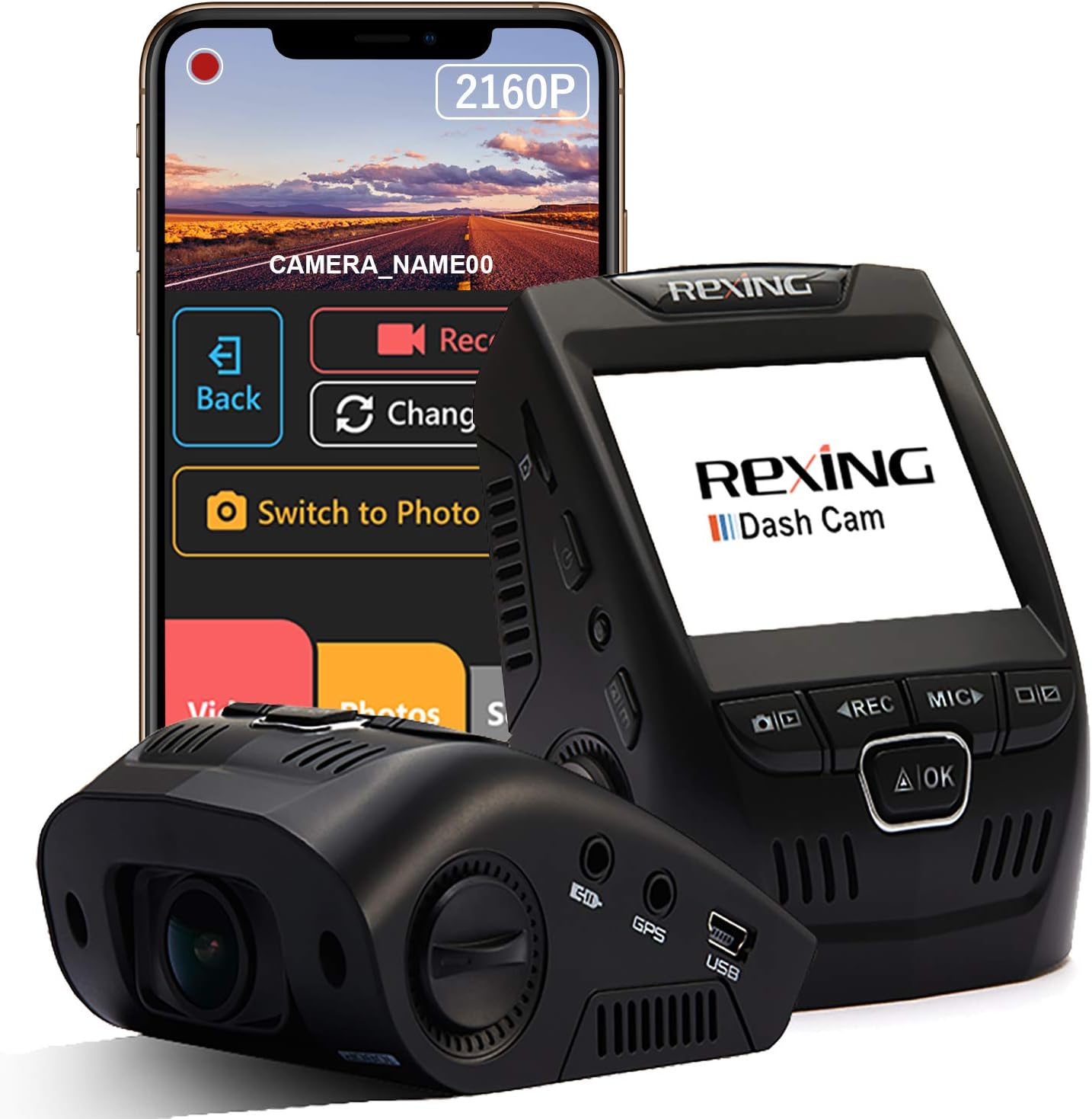
| ROVE R2-4K Dual | 4K | STARVIS 2 | 2 (front/rear) | Budget heat resistance |
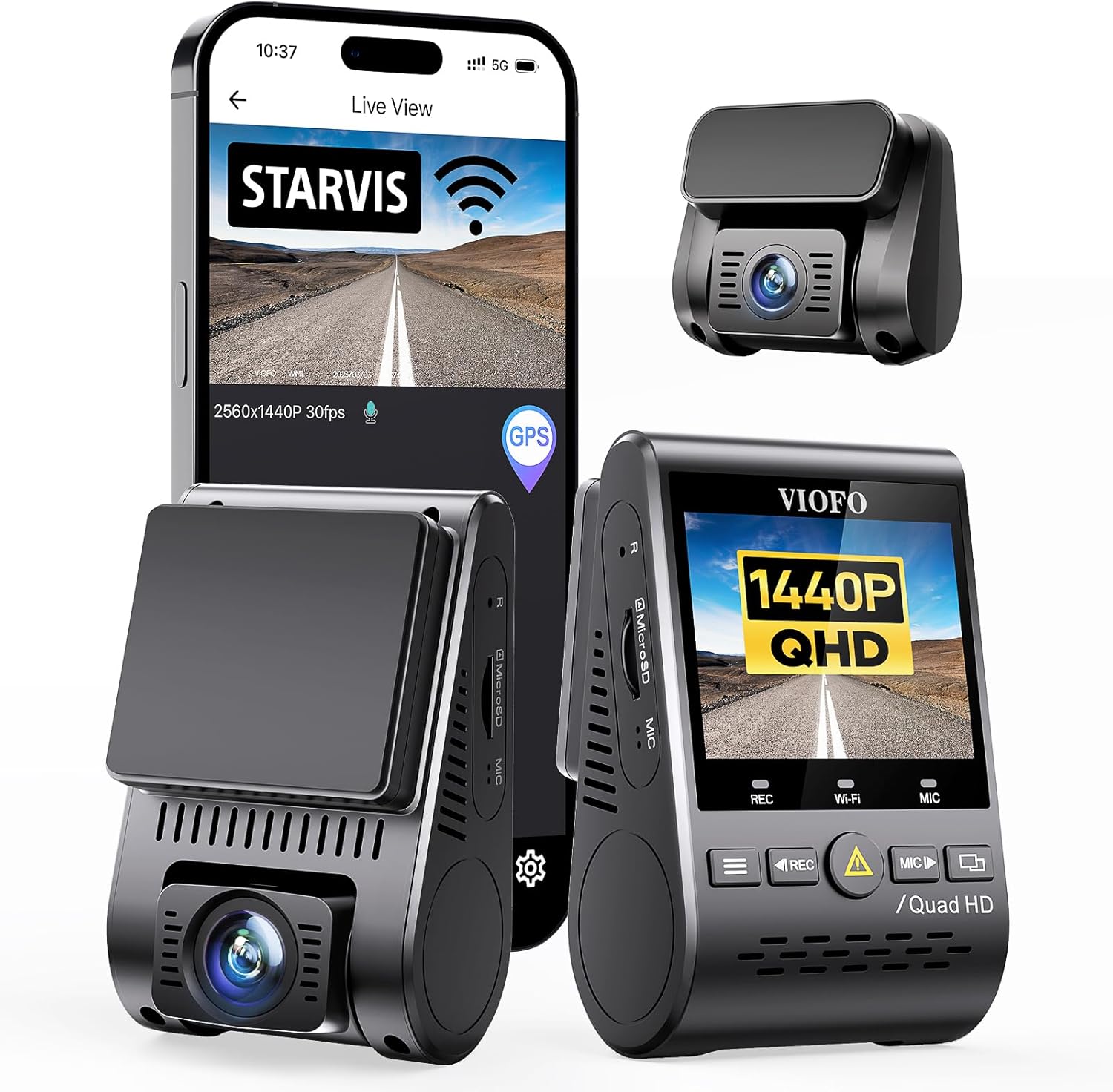
| VNV 4K+2.5K | 4K | GalaxyCore | 2 (front/rear) | Daily commuters |
| Generic 4K 3-Channel | 4K | Standard CMOS | 3 | Trucks and SUVs |
Vantrue N4 Pro S — Best Overall Replacement for U3000 Users
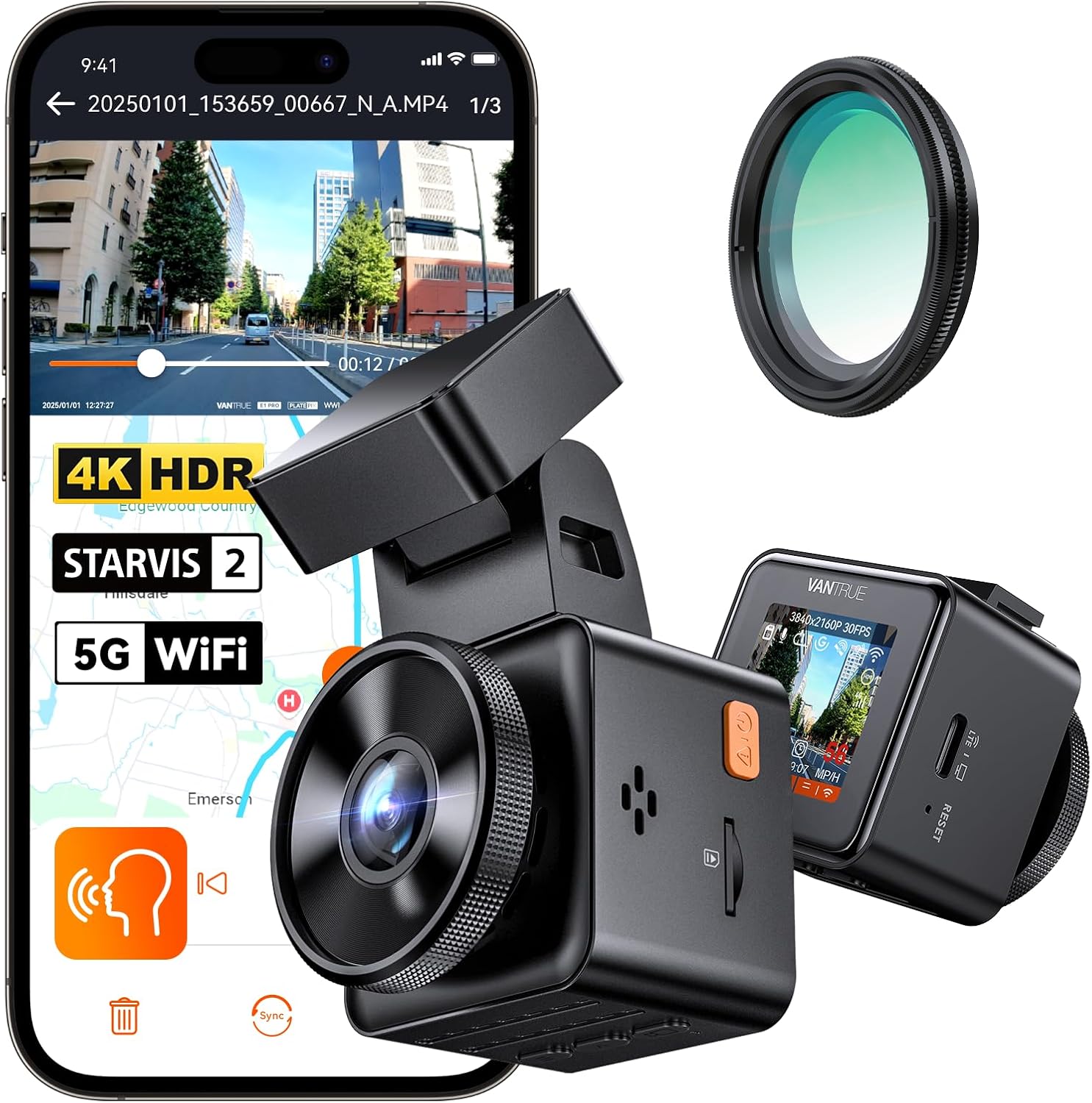
The Vantrue N4 Pro S is the closest direct replacement for the Thinkware U3000 in terms of feature parity. It uses triple STARVIS 2 sensors, supports parking mode via Vantrue's HK4 hardwire kit, and is rated for sustained operation up to 158°F — meaningfully higher than the U3000's 140°F ceiling. The supercapacitor design eliminates the lithium-battery swelling risk that plagues older dash cams in Texas summers. If you want three channels (front, cabin, rear) like the U3000 with rear add-on, this is the model to look at. Check the Vantrue N4 Pro S on Amazon.
ROVE R2-4K Dual — Best Budget Heat-Tolerant Pick
If you don't need a cabin camera, the ROVE R2-4K Dual delivers 4K front recording with a STARVIS 2 sensor and a 128GB card included, all under $200. ROVE specifically tests its parking-mode firmware for high-ambient environments, and Texas owners on the Tacoma, F-150, and Tesla forums consistently report it survives summer parking duty when paired with a basic sunshade. See the ROVE R2-4K Dual on Amazon.
VNV 4K+2.5K Dash Cam — Lightweight, Low-Heat Daily Driver
The VNV runs cooler than competing 4K units because it uses a GalaxyCore sensor with a lower power draw than Sony STARVIS at the same resolution. For commuters who park outside at work for 8–10 hours, the lower thermal output is an underrated advantage. It's also smaller, which helps it tuck behind the mirror with better airflow. View the VNV 4K+2.5K dash cam on Amazon.
4K 3-Channel Dash Cam — Best for Trucks and SUVs With Long Wheelbases
For F-150s, Silverados, Suburbans, and Tahoes — vehicles where a single front camera leaves blind spots — a true 3-channel system is worth the upgrade. This 4K model includes the 128GB card, supports parking mode via hardwire kit, and the extended rear cable reaches full-size truck beds without splicing. Check this 4K 3-channel dash cam on Amazon.
Texas-Specific Installation Tips That Reduce Overheating
Beyond the camera choice, a few Texas-specific install habits make a measurable difference:
- Route power cables along the headliner, not the A-pillar's sunny side. The passenger A-pillar in a westbound parked car can hit 180°F. Cable insulation degrades and connections loosen.
- Use ceramic window tint, not dyed film. Ceramic tints block 50–60% of infrared heat without darkening the glass, which keeps your dash cam's view clear and the camera body cooler.
- Park nose-out when possible. The dash cam mounted near the rearview mirror gets less direct sun exposure when the windshield faces north or east versus south or west.
- Add a small USB-powered fan wired to the hardwire kit's accessory output. A 5V muffin fan blowing across the camera body can drop core temperature by 15°F.
For more on dash cam buying decisions, see our guides to the best dash cams for hot climates in 2026, parking mode hardwire kit installation, and our 2026 4K dash cam comparison.
What Thinkware Officially Recommends
Thinkware's own support documentation acknowledges the heat issue and recommends three things for Sun Belt customers: enable Energy Saving 2.0, install the optional thermal protection module (sold separately), and use a sunshade. The thermal protection module is a small inline accessory that raises the cutoff temperature ceiling by about 10°F and adds an additional thermal-throttle stage so the camera reduces resolution before fully shutting down. It's a reasonable add-on if you love your U3000 otherwise and aren't ready to replace it.
Frequently Asked Questions
What temperature does the Thinkware U3000 shut off at?
The U3000's documented thermal cutoff is approximately 60°C (140°F) at the camera body. Internal sensor temperatures can be 10–15°F higher than ambient cabin temperature, so a 130°F cabin often produces a 145°F camera body — past the cutoff. The unit will resume recording once it cools below approximately 50°C (122°F).
Will adding a cooling fan to my Thinkware U3000 void the warranty?
External cooling — sunshades, window cracks, USB fans not physically attached to the camera — does not void the Thinkware warranty. Drilling into the housing, opening the case, or modifying the firmware will void it. Most Texas owners use a small 5V fan mounted to the headliner blowing across the camera, which is fully warranty-safe.
Is the Thinkware U3000 a bad choice for Texas drivers?
No, it's an excellent camera in cool and moderate climates, and it's still usable in Texas with proper setup. The issue is only with extended parking mode in direct sun during summer months. For driving footage and overnight garage parking, the U3000 performs at the top of its class. Texas drivers who park indoors at work or use a sunshade typically have no issues.
How long does parking mode last on a fully charged car battery in Texas heat?
With Energy Saving 2.0 and a 12.4V cutoff, expect 8–12 hours of parking-mode coverage from a healthy battery. In Texas heat, lead-acid batteries lose capacity faster, so a 5-year-old battery might only give you 4–6 hours. If you're parking outdoors all day at work, consider a dedicated dash cam battery pack like the BlackVue B-130X or Cellink Neo.
Can I run my U3000 in parking mode without a hardwire kit?
Not effectively. The standard 12V cigarette lighter cable cuts power when you turn off the car, ending parking mode immediately. You need either the OBD-II power cable or the hardwire kit to access continuous power. In Texas heat specifically, the hardwire kit is preferred because it includes the low-voltage cutoff that protects your battery from deep discharge — a real risk when the camera is working harder to manage heat.
What's the best dash cam for Texas summer if I don't want to deal with overheating at all?
The Vantrue N4 Pro S currently has the highest thermal ceiling among consumer 3-channel dash cams (158°F sustained) and uses a supercapacitor design that's immune to lithium battery heat damage. For a 2-channel setup, the ROVE R2-4K Dual is the most reliable budget pick for outdoor parking in 100°F+ weather. Both the Vantrue N4 Pro S and the ROVE R2-4K Dual are available on Amazon with Prime shipping.
Does ceramic window tint actually help dash cam temperatures?
Yes, measurably. Independent testing by 3M and Llumar shows ceramic IR-rejecting tints reduce interior surface temperatures by 15–25°F compared to clear or dyed glass. For a dash cam mounted against the windshield, that translates directly to lower body temperature and longer parking-mode runtime. Texas allows up to 25% VLT on front side windows and any darkness on rear windows, so there's plenty of room to add real heat-rejecting film.
Should I upgrade the microSD card to reduce overheating?
A high-endurance card won't reduce camera body temperature, but a worn-out card can cause the camera to retry writes, which increases processor heat. If your U3000 has been running the same card for 18+ months, replace it with a fresh 256GB high-endurance card (Samsung Pro Endurance or SanDisk High Endurance). You'll see fewer error reboots, which in extreme heat can look like overheating.
Key Takeaways
- Choosing the right thinkware u3000 overheating parking mode texas means matching capacity and output ports to your actual devices
- Always check actual watt-hours (Wh), not just watts — runtime depends on Wh, not peak output
- Also covers: thinkware u3000 hot weather shutdown
- Also covers: u3000 parking mode heat protection
- Also covers: thinkware u3000 summer overheat fix
- Compare price-per-Wh across models to find the best value for your budget