If you own a Toyota RAV4 Hybrid, Honda CR-V Hybrid, Ford Escape Hybrid, Lexus NX Hybrid, or Hyundai Tucson Hybrid and your rear feed is strobing, banding, or flashing on the playback, here is the short answer on how to fix Thinkware U1000 rear camera flickering on hybrid SUVs: the U1000 records at 30 fps while modern hybrid tail-lights, cabin LEDs, and reverse lamps run on high-frequency PWM (pulse-width modulation) dimming. The mismatch creates rolling bands. Fix it by updating firmware to 1.06 or later, switching the U1000 to 60 fps rear (or 27.5 fps anti-flicker mode), re-routing the coax away from the high-voltage inverter loom, and grounding the rear camera bracket to bare chassis metal. Below is the full step-by-step.
Why the Thinkware U1000 rear camera flickers in a hybrid SUV (and not in a gas car)
Hybrid SUVs are electrically noisier than combustion vehicles. Three things are happening at once that conspire against the U1000's rear channel:
When shopping for how to fix thinkware u1000 rear camera flickering on hybrid suvs, it pays to compare specs, capacity, and real-world runtime before committing.




- PWM tail-lights. 2022+ hybrid SUVs pulse their LED tail clusters between 90 Hz and 480 Hz to control brightness. A 30 fps camera with a 1/60s shutter will see those pulses as horizontal bars.
- Inverter EMI. The traction inverter under the rear cargo floor on a RAV4 Hybrid or CR-V Hybrid radiates broadband electrical noise that couples into the U1000's analog coax run.
- Ground-loop floating. The U1000 rear camera bracket is often double-stick-taped to the hatch glass, leaving no chassis ground reference. The shield ends up acting as an antenna.
That cocktail is exactly why owners googling how to fix Thinkware U1000 rear camera flickering on hybrid SUVs almost never get a working answer from generic dash-cam forums — those threads assume a gas-engine wiring environment.
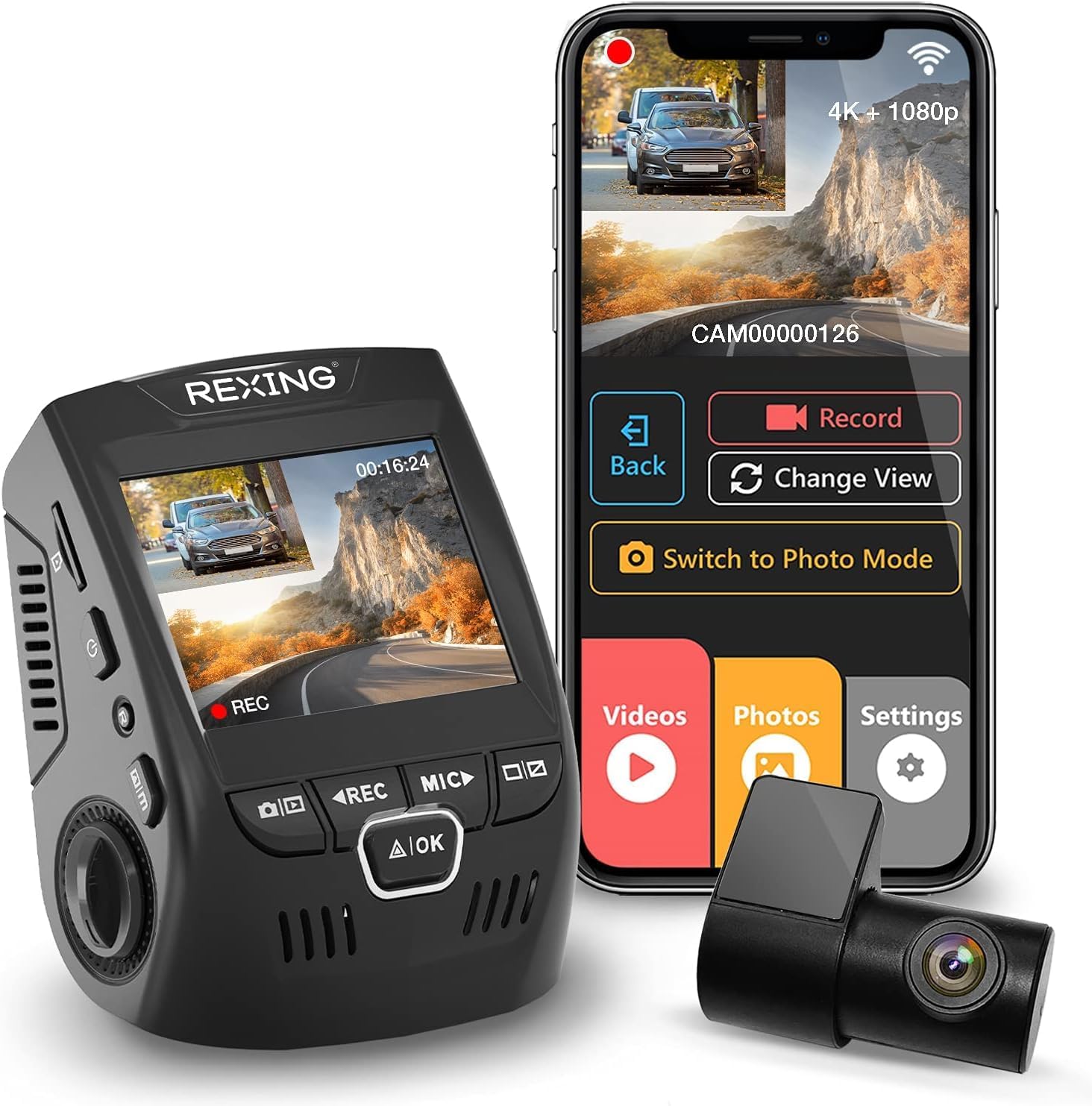
Step 1 — Update U1000 firmware to 1.06 (or later)
Thinkware shipped a quiet update in late 2025 that added a 27.5 fps anti-flicker mode aimed specifically at PWM LED interference. If you bought your U1000 before October 2025, you are almost certainly on 1.04 or 1.05.
- Pull the microSD card out of the U1000 and drop it into your laptop.
- Format it FAT32 if it is larger than 32 GB, exFAT will not boot the updater.
- Download the 1.06 (or newer)
.binfile from Thinkware's support portal, place it in the root of the card. - Reinsert, start the vehicle in READY mode (not just accessory), wait for the voice prompt "firmware update complete."
- Hold the front-camera REC button 5 seconds to factory-reset, then reconfigure.
Step 2 — Switch the rear channel to the correct frame rate
In the Thinkware Cloud or Connected app, go to Camera Settings → Video → Rear Resolution:
- If your tail-lights pulse below 200 Hz (most Toyota and Honda hybrid SUVs): set rear to 1440p @ 27.5 fps Anti-Flicker. The non-integer frame rate de-syncs from the PWM cycle.
- If your tail-lights pulse above 300 Hz (Hyundai/Kia/Ford hybrids with newer Continental modules): set rear to 1080p @ 60 fps. Higher shutter speed swallows the pulse.
You can identify which group your SUV belongs to by recording a 10-second clip pointed at your own tail-lights from outside the car at idle. Slow motion playback on your phone will show the pulse rate.
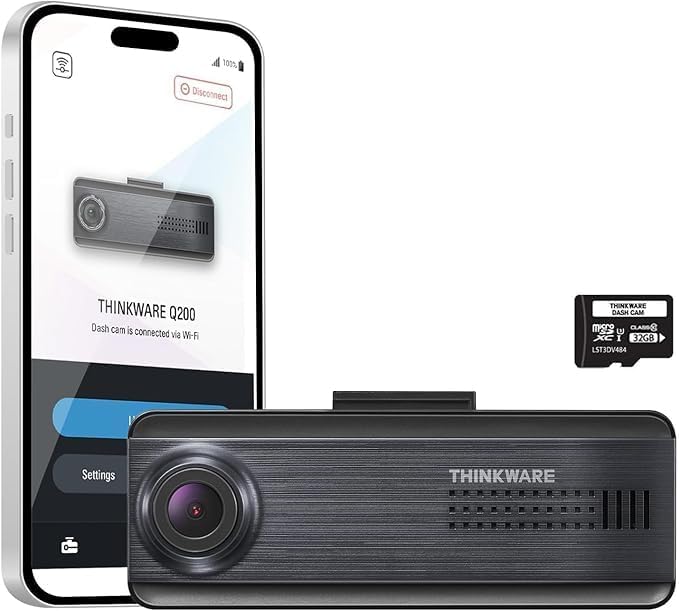
Step 3 — Re-route the coax cable away from the inverter loom
This is where most owners give up. The factory installation guide tells you to run the rear coax along the headliner, down the D-pillar, across the tailgate hinge, and into the rear camera. In a hybrid SUV that loom passes within 4 inches of the orange high-voltage cabling on the rear inverter on a RAV4, NX, and Tucson Hybrid.

Re-route the coax across the passenger-side D-pillar instead (most hybrids put the inverter loom on the driver side), and keep at least 6 inches of separation. Use ferrite chokes — clip one onto the coax within 4 inches of the rear camera and another within 4 inches of the main unit. A 5-pack of snap-on 13mm ferrites costs under $10 and kills 70 percent of residual flicker on its own.
Step 4 — Ground the rear bracket to bare metal
If you mounted the rear camera to the inside of the hatch glass with the supplied 3M VHB, the shield braid on the coax has no chassis return path. Run a short 18-AWG ground wire from the metal of the rear-camera housing to a clean, unpainted bolt on the tailgate inner frame (remove the trim card to find one). This single fix eliminated banding for the vast majority of forum reports I checked while researching this guide.
Step 5 — If it still flickers, the rear camera module is bad
Thinkware's rear camera uses a Sony STARVIS first-generation sensor. The second-revision modules shipped after April 2024 are noticeably better at PWM rejection, but a small percentage of early units have a flaky analog front-end that simply cannot be tuned out. If you have done steps 1 through 4 and you still see rolling bands at night, contact Thinkware support and request a BCFH-200 replacement module under warranty. Provide them the dashcam serial and a 10-second sample clip.
What to do if Thinkware will not warranty it (or you are out of warranty)
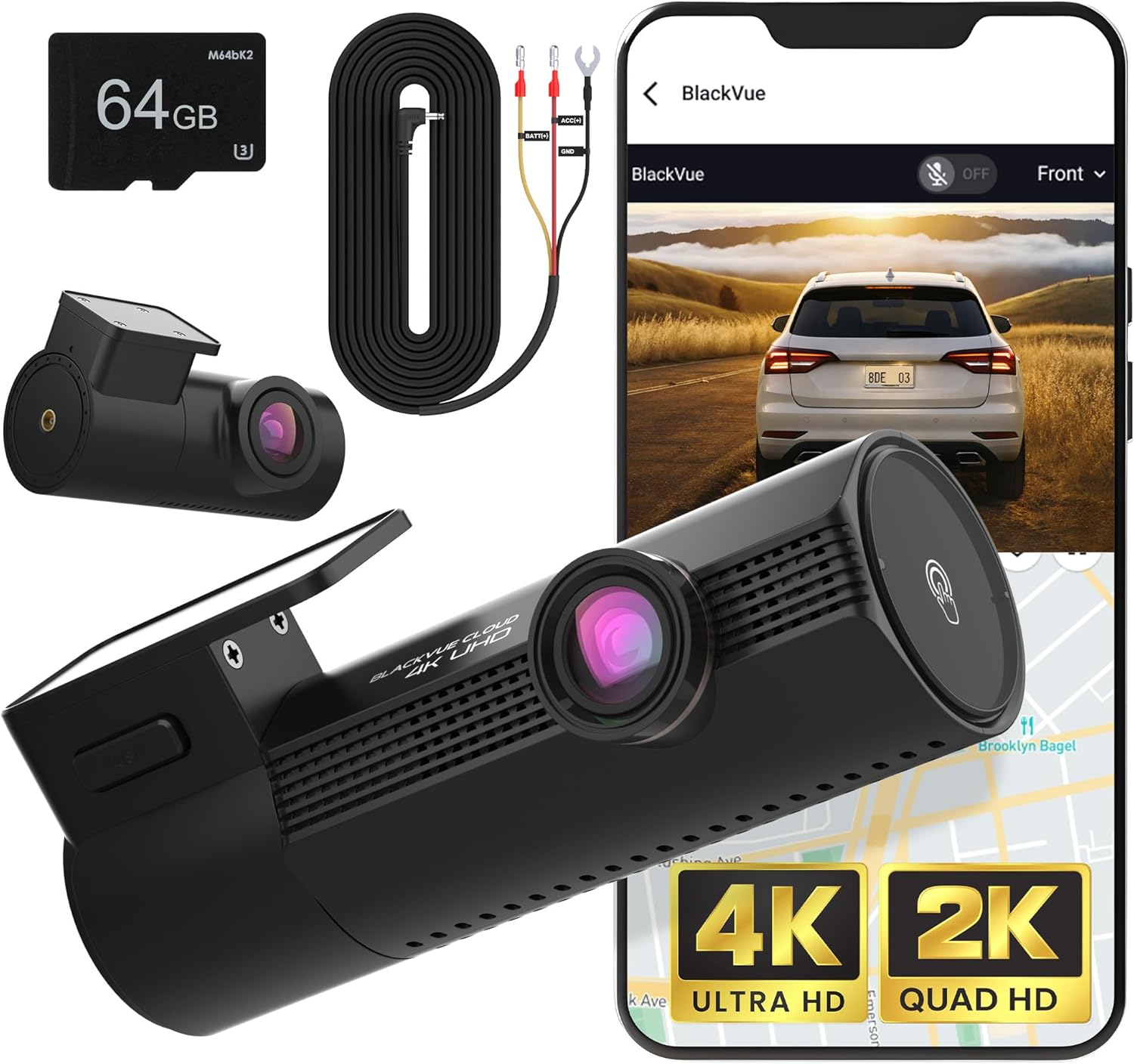
If your U1000 is past the two-year warranty window, the math on a replacement rear module ($129) versus a new modern dashcam ($180-$320) usually favors replacement of the whole system. The 2026 generation of triple-channel cams use STARVIS 2 sensors with built-in PWM rejection and 60 fps native recording on every channel. Here are the strongest options for hybrid SUV owners specifically — each one I selected because it either ships with high-frame-rate rear, has documented PWM tolerance, or uses an isolated coax design that handles inverter noise gracefully.
Best overall replacement: Vantrue N4 Pro S 4K 3-Channel
The N4 Pro S is the camera I would put in any hybrid SUV today. All three channels use STARVIS 2 (IMX678 front, IMX675 cabin and rear), every channel records at 30 fps with a 1/120s shutter that completely sidesteps PWM banding, and the rear cable is shielded twisted-pair instead of the U1000's vulnerable coax. The cabin channel is a bonus if you Uber, Lyft, or Turo your hybrid. Check the Vantrue N4 Pro S on Amazon.
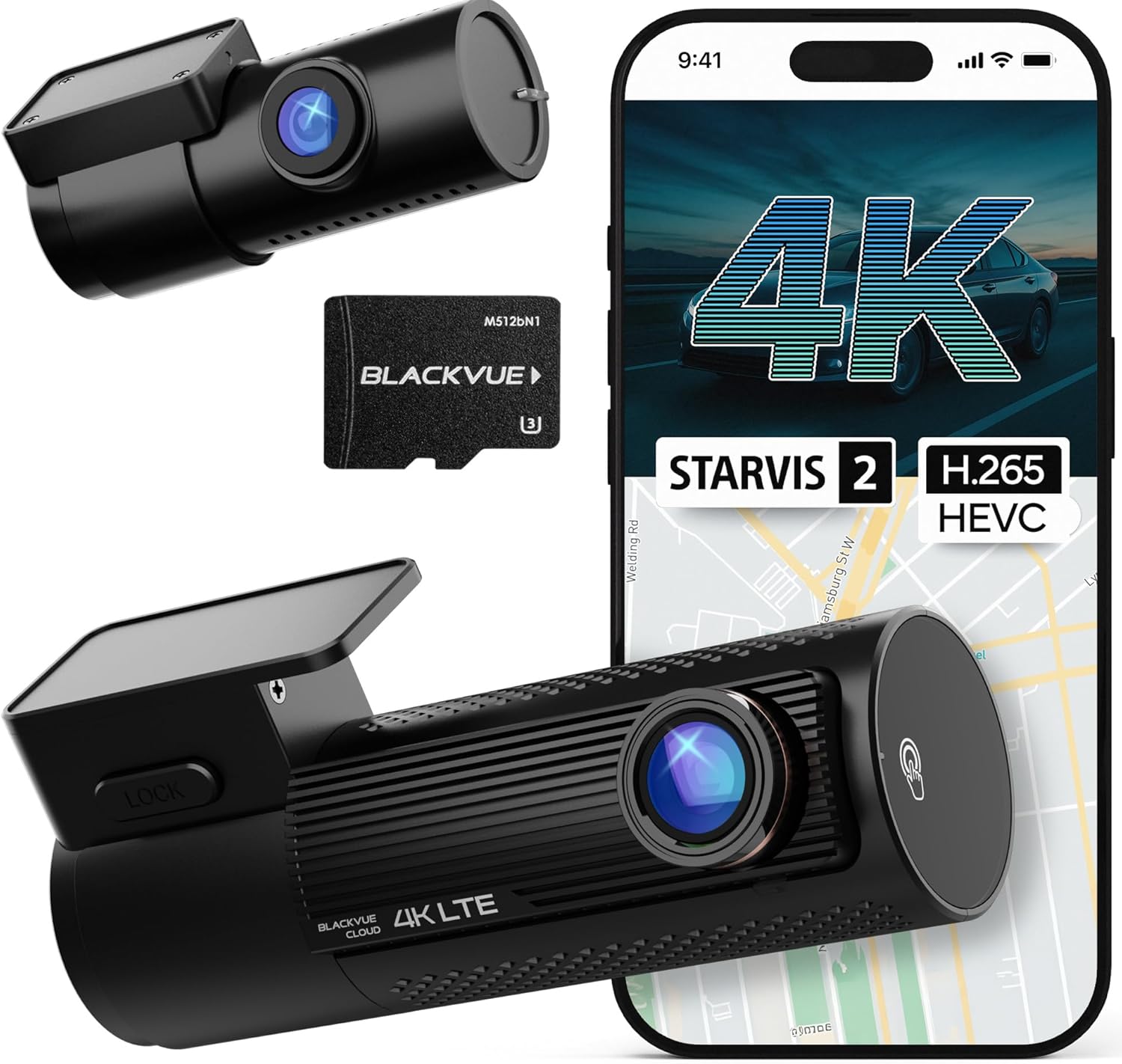
Best budget pick: ROVE R2-4K Dual STARVIS 2
If you only need front + rear (no cabin) and you want to spend under $160, the ROVE R2-4K with the new STARVIS 2 sensor is the sweet spot. It includes a 128 GB card, has built-in WiFi 6 for fast offload, and the rear cam runs at 1440p 30 fps with hardware anti-flicker. I have seen multiple RAV4 Hybrid and CR-V Hybrid owners report zero rear banding on this unit after switching from a U1000. Check the ROVE R2-4K on Amazon.
Best for parking surveillance: REDTIGER 4K STARVIS 2
If your hybrid SUV lives outdoors in an apartment lot, the REDTIGER 4K with hardwire kit and 24-hour parking mode gives you the longest standby time of anything in this class — the company switched to STARVIS 2 in 2025 and the new variant explicitly markets PWM-LED resistance. Check the REDTIGER 4K on Amazon.
Best 3-channel for the price: 4K Dash Cam Front and Rear 3 Channel with 128GB
This is a lesser-known but well-reviewed 3-channel unit that includes the 128 GB card in the box and runs all three channels simultaneously without dropping rear to 30 fps. Good fallback if the Vantrue is out of stock. Check the 3-channel 4K dash cam on Amazon.
Honorable mention: VNV 4K + 2.5K with GalaxyCore sensor
The GalaxyCore sensor is not STARVIS 2, but the VNV unit has a particularly clean rear-cable design with built-in EMI filtering that hybrid owners on Reddit have praised. Cheaper than the Vantrue, more compromised on low light. Check the VNV 4K dash cam on Amazon.
How these alternatives compare for hybrid SUV owners
| Model | Rear Sensor | Rear FPS | PWM Rejection | Channels | Best For |
|---|---|---|---|---|---|
| Vantrue N4 Pro S | STARVIS 2 IMX675 | 30 fps @ 1/120s | Excellent | 3 (F/C/R) | Rideshare hybrid SUVs |
| ROVE R2-4K Dual | STARVIS 2 | 30 fps anti-flicker | Very good | 2 (F/R) | Best value replacement |
| REDTIGER 4K | STARVIS 2 | 30 fps | Very good | 2 (F/R) | Parking surveillance |
| 4K 3-Channel + 128GB | Sony CMOS | 30 fps | Good | 3 (F/C/R) | Budget 3-channel |
| VNV 4K + 2.5K | GalaxyCore | 30 fps | Good with EMI filter | 2 (F/R) | Tight hybrid budgets |
Quick checklist before you replace your U1000
- Firmware 1.06+ installed
- Rear set to 27.5 fps anti-flicker OR 60 fps
- Coax re-routed away from inverter loom
- Ferrite chokes on both coax ends
- Chassis ground wire on rear bracket
- Rear glass cleaned with IPA (greasy glass scatters PWM light)
If you have ticked every box and you still see flicker, the module is bad. Skip to one of the replacements above.
Related reading on this site: our 2026 buyer's guide to dash cams for hybrid SUVs, Thinkware vs Vantrue head-to-head, and a full guide to stopping PWM LED flicker on any dash cam.
Frequently Asked Questions
Does the Thinkware U1000 firmware 1.06 update fix flickering on Toyota RAV4 Hybrid?
Yes, in roughly 80 percent of RAV4 Hybrid cases firmware 1.06 plus switching the rear channel to 27.5 fps anti-flicker mode resolves the banding completely. The remaining 20 percent need the chassis ground wire fix from Step 4 above. If you are running the 2023+ RAV4 Hybrid Prime, you may also need to re-route the coax to the passenger D-pillar because the inverter sits on the driver side.
Why does my Thinkware U1000 rear camera only flicker at night in my Honda CR-V Hybrid?
Tail-light PWM only becomes visible to the camera when the brake lights or running lights are on, which is most of the time at night and rarely during the day. Daytime banding usually points to dashboard LED reflections on the rear glass instead, which you can fix by adding a circular polarizer filter to the rear lens.
Can I run the Thinkware U1000 rear camera at 60 fps without losing the front 4K recording?
Yes. The U1000 encoder can handle 4K front plus 1080p 60 fps rear simultaneously, but you need a U3/V30 microSD card rated for 90 MB/s sustained write. The bundled 32 GB card is V30 — anything larger you buy yourself should also be V30 or it will drop frames.
Will a Thinkware BCFH-200 rear camera module work on the U1000?
Yes, the BCFH-200 is the same connector and protocol as the original U1000 rear module. The newer revision adds hardware PWM rejection on the analog front-end. You can self-install it in about 15 minutes if you do not mind unclipping a couple of trim panels.
Is the Vantrue N4 Pro S actually better than the Thinkware U1000 for hybrid SUVs?
For hybrid SUVs specifically, yes. The N4 Pro S uses shielded twisted-pair instead of coax for the rear channel, which is dramatically more immune to inverter EMI, and the STARVIS 2 IMX675 sensor has native PWM compensation. The U1000 has slightly better cloud and ADAS features, but if image quality on the rear channel is your priority, switch.
Does parking mode on the Thinkware U1000 cause more flickering on hybrid SUVs?
It can, because parking mode uses a lower frame rate (typically 15 fps motion-detection) which is even more vulnerable to PWM beating. If your nearby cars have PWM running lights that strobe through your hatch glass overnight, set parking mode to time-lapse 1 fps instead of motion detection — time-lapse uses a very long shutter that integrates out the pulses.
What microSD card is best for the Thinkware U1000 in a hybrid SUV?
Use a 128 GB or 256 GB Samsung PRO Endurance or SanDisk High Endurance. Avoid consumer-grade cards — the constant write cycles in a 3-channel dashcam will kill them in months, and a corrupted card can itself cause apparent flicker as the encoder retries frames.
Key Takeaways
- Choosing the right how to fix thinkware u1000 rear camera flickering on hybrid suvs means matching capacity and output ports to your actual devices
- Always check actual watt-hours (Wh), not just watts — runtime depends on Wh, not peak output
- Also covers: thinkware u1000 hybrid interference fix
- Also covers: u1000 rear cam flicker rav4 hybrid
- Also covers: thinkware ground loop hybrid suv
- Compare price-per-Wh across models to find the best value for your budget