If you're dealing with blackvue dr770x rear cable fraying trunk hinge damage, the fix is almost always the same: relieve the strain, re-route the coax through the rubber boot with more slack, and either splice the damaged section with a male-female coax coupler or replace the full rear cable. Most fraying happens because the original install pulled the cable taut across the metal hinge pivot, so every trunk close shaves the jacket a little more until the shielding shorts or the center pin breaks. Below is the step-by-step repair, the parts you need, and what to do if your rear channel has already gone dark.
Why the DR770X Rear Cable Frays at the Hinge in the First Place
BlackVue ships a single 20-foot coaxial cable with the DR770X 2-channel kit. It's thin, flexible, and easy to tuck under headliners, but it has one weak point: the trunk-lid pivot. When the cable is routed from the cabin into the trunk lid, it has to bend through the rubber wiring boot (the same one OEM uses for the brake light and defroster harness). If the installer skipped that boot or didn't leave enough service loop, the cable rides directly on the painted metal of the hinge. Every open-close cycle of the trunk creates a sharp bend at the same spot, and after a few thousand cycles the outer jacket splits.
When shopping for blackvue dr770x rear cable fraying trunk hinge, it pays to compare specs, capacity, and real-world runtime before committing.
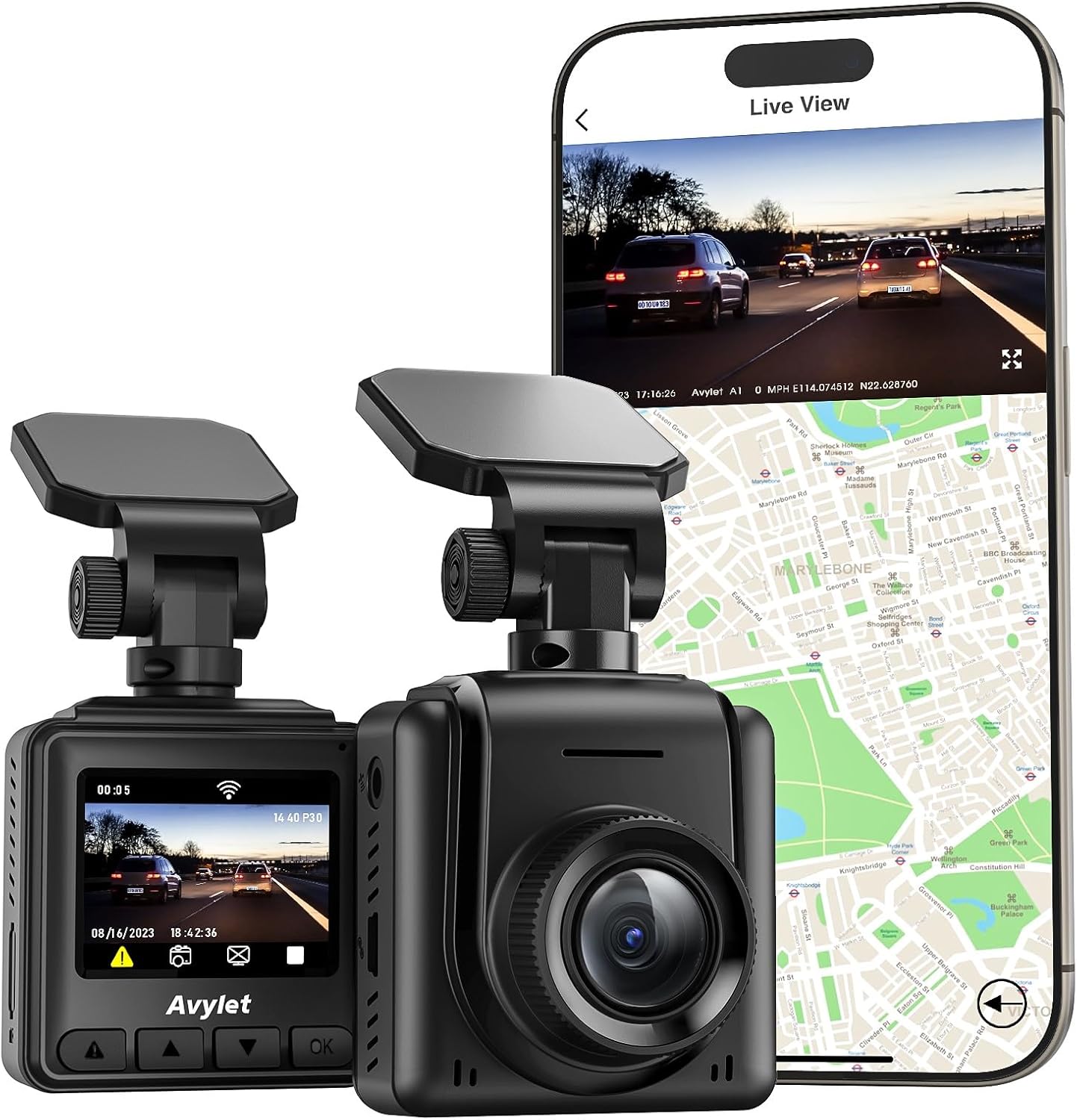



Symptoms of blackvue dr770x rear cable fraying trunk hinge wear, in order of severity:
- Visible jacket cracks or exposed braid shielding at the hinge area.
- Intermittent rear-camera dropouts when the trunk is opened or closed.
- "Rear camera disconnected" voice alert at startup, especially on cold mornings.
- Permanent loss of rear video, sometimes with a noisy/static front feed if the shielding has shorted.

Tools and Parts You'll Need
- Plastic trim tools (metal screwdrivers will scratch the C-pillar trim).
- A fresh BlackVue 20 ft or 32 ft coaxial rear cable (part number varies by retailer; confirm the 4-pin coax type, not the older analog version).
- Optional: a male-to-female coax coupler if you only want to splice past the damaged section.
- Self-fusing silicone tape (not electrical tape — it slides off under heat).
- Spiral wire wrap or split-loom tubing, 6 mm diameter.
- A small mirror or borescope to see inside the trunk-lid cavity.
Step 1: Diagnose Before You Disassemble
Power the car, watch the front unit's LED, and open the trunk slowly. If the rear LED flickers from blue to off as the lid rises, the break is at the hinge. If the rear camera works fine with the trunk open but drops when closed, the cable is being pinched, not severed — that's a routing fix, not a replacement. Tape a smartphone to the rear cam and record the BlackVue app's live view while a helper cycles the trunk. You'll see the exact angle at which the feed drops.
Step 2: Expose the Cable
Pop the trunk's interior trim panel (the one covering the latch and lock motor) using a plastic pry tool. On most sedans you'll find the BlackVue coax zip-tied alongside the OEM harness, then exiting through — or, more commonly, beside — the rubber accordion boot at the hinge. If the cable runs outside the boot, that's your root cause. Cut every zip-tie holding it in place; you need full freedom to re-route.
Step 3: Decide — Splice or Replace?
If the jacket is split but the inner conductor and shield are intact, a splice will get you back on the road in 20 minutes. If you can see broken braid strands or the center pin moves when you wiggle the cable, replace the full run. A splice at the hinge will fail again because the joint becomes the new stiff point.
Option A: The 20-Minute Splice
Cut the cable cleanly on either side of the frayed zone. Crimp BlackVue-compatible coax ends (or use a screw-on F-style to barrel adapter that fits the 4-pin coax — check pin count carefully). Connect with a female-female coupler, wrap with self-fusing silicone tape, and tuck the joint inside the cabin, never at the hinge. This works because you've moved the stiffest point of the cable away from the bend zone.
Option B: Full Cable Replacement
Disconnect the rear camera from the old cable inside the trunk lid, label which end goes to the front unit, and use the old cable as a pull-string for the new one. Feed the new coax through the OEM rubber boot, not around it. Leave a 4–6 inch service loop on the trunk-lid side so the cable can flex without tension. Re-clip into the OEM harness with fabric tape, not zip ties, for the section that lives inside the boot.
Step 4: Add a Strain Relief That Lasts
This is the step most DIY guides skip and the reason fraying comes back six months later. Wrap the cable in 6 mm split-loom for the 12-inch section that crosses the hinge. The loom distributes the bend radius across a larger area instead of concentrating it on one point. Then secure the loom to the OEM harness with fabric tape at both ends of the hinge crossing — never in the middle. The cable should be able to slide slightly inside the loom as the lid moves.

Step 5: Test Before You Reassemble
Power up, confirm the live rear feed, then cycle the trunk 10 times while watching the app. If the feed stays solid through all 10 cycles, button up the trim. If it drops even once, you have a pinch point somewhere else in the run.
When Replacement Is Better Than Repair: Upgrade Picks for 2026
If your DR770X is past warranty and you've already had to splice the rear cable once, it may be more economical to step to a newer 3-channel system with a thicker, jacketed rear cable — especially if you also want interior coverage for rideshare or fleet use. These three picks are what most 2026 buyers cross-shop when their BlackVue has aged out.
| Model | Channels | Sensor | Storage Included | Best For |
|---|---|---|---|---|
| Vantrue N4 Pro S | 3 (front/cabin/rear) | Triple STARVIS 2 | None (256GB max) | Rideshare drivers who want night-grade interior video |
| ROVE R2-4K DUAL | 2 (front/rear) | STARVIS 2 | 128GB included | BlackVue refugees who want a like-for-like 2-ch upgrade |
| REDTIGER 4K F/R | 2 (front/rear) | STARVIS 2 | None | Buyers who want hardwire kit + app on a budget |
Vantrue N4 Pro S 4K 3-Channel Dash Cam
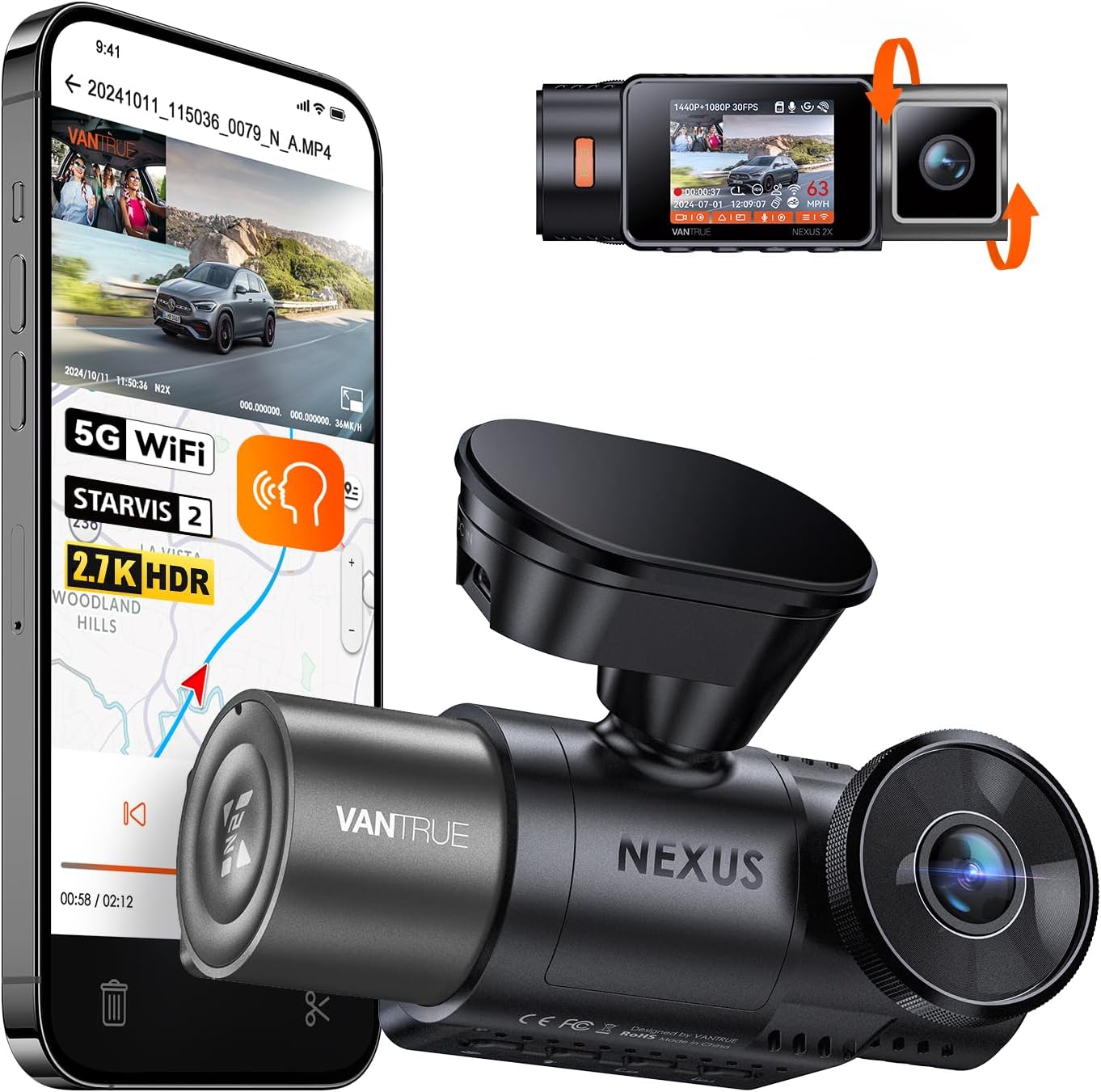
If you're already pulling trim to chase a frayed cable, this is the moment to consider going 3-channel. The N4 Pro S uses three Sony STARVIS 2 sensors and includes a thicker, more durable rear cable than the DR770X's pencil-thin coax. For drivers who carry passengers, the interior camera is worth the upgrade alone. Check the Vantrue N4 Pro S on Amazon.

ROVE R2-4K DUAL Dash Cam
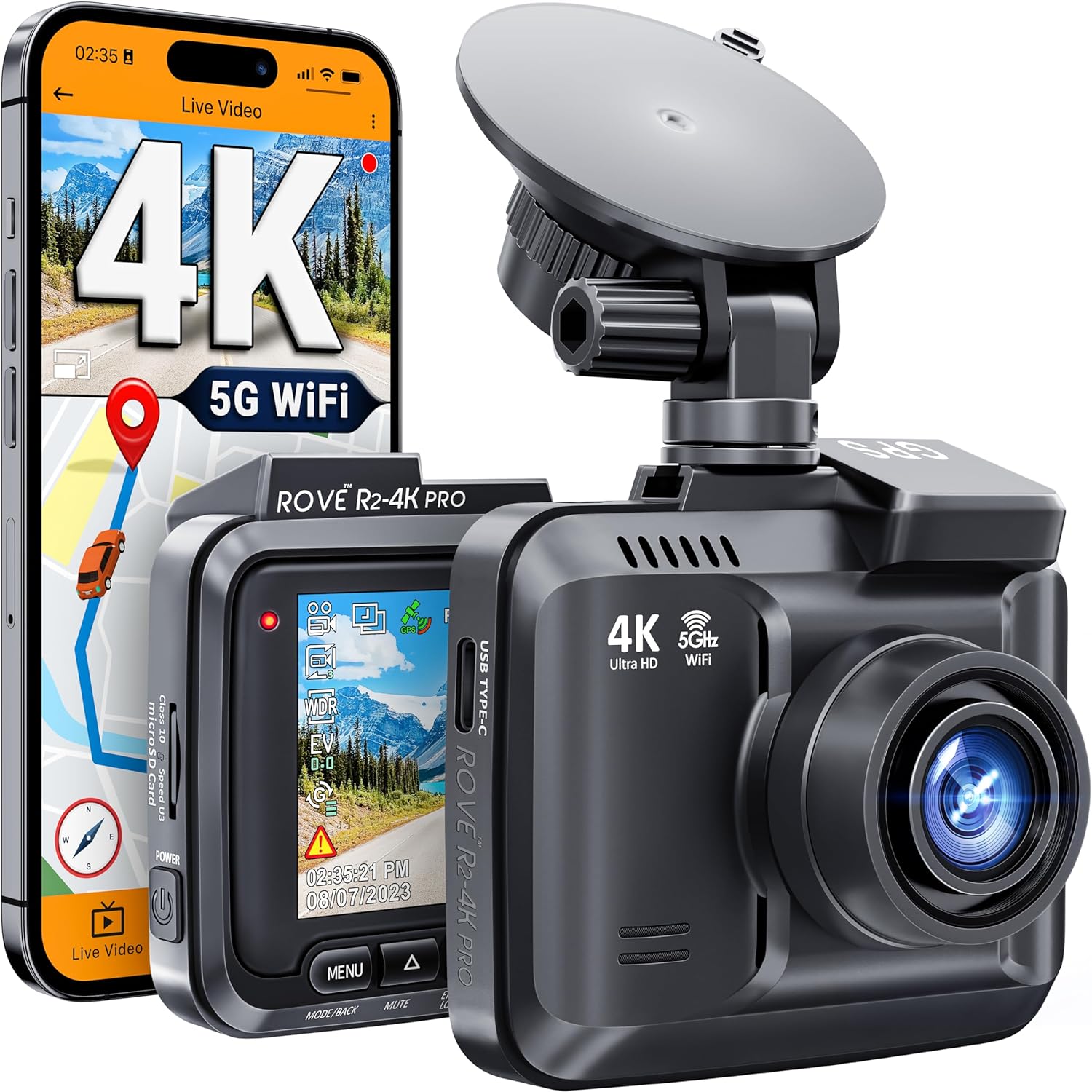
The closest like-for-like replacement for a DR770X 2-channel setup. You get 4K front, 2K rear, STARVIS 2 sensors, and a 128GB card in the box — meaningful, because BlackVue users are used to buying cards separately. The rear cable is a thicker hybrid with a screw-lock connector that survives trunk-hinge cycles better than coax. See the ROVE R2-4K DUAL on Amazon.
REDTIGER 4K Dash Cam Front and Rear
If you want the cheapest path back to a working rear feed and don't need cloud features, the REDTIGER kit ships with a hardwire kit and a STARVIS 2 rear sensor. The app is functional rather than polished, but the price difference vs. ordering a replacement BlackVue rear cable plus install time is significant. View the REDTIGER 4K on Amazon.
Budget Alternative: 3-Channel 4K Kit
For drivers who want 3-channel coverage without the Vantrue price, this 4K 3-channel kit ships with a 128GB card and a longer rear cable than most 2-channel systems. Worth a look if your existing DR770X install already routed rear-cable trim and you want to reuse the routing path. Browse this 3-channel 4K kit on Amazon.
For related buying guides, see our best 3-channel dash cams of 2026, our BlackVue vs. Vantrue comparison, and our walkthrough on rear cable routing through trunk hinges.
Preventing the Fray From Coming Back
Whether you repaired the original cable or installed a new system, the prevention rules are identical:
- Always route the rear cable through the OEM rubber accordion boot, never beside it.
- Leave a 4–6 inch service loop on the trunk-lid side of the boot.
- Add split-loom or spiral wrap across the hinge crossing.
- Inspect the cable every oil change — 30 seconds with a flashlight catches a developing fray before it kills the camera.
Frequently Asked Questions
Will BlackVue replace my DR770X rear cable under warranty if it frays at the hinge?
Usually no. BlackVue's warranty covers manufacturing defects on the camera bodies themselves; cables are considered consumable installation parts. If the camera is still in its 12-month window and you can prove the fray happened immediately after install with no abuse, support has been known to ship a replacement coax as a goodwill gesture, but don't count on it. Buying a replacement 20 ft or 32 ft coax is typically $20–$30.
Can I use any coax cable to replace the BlackVue rear cable?
No. BlackVue uses a proprietary 4-pin coaxial cable that carries video, power, and a sync signal on the same line. Standard RG59 or RG6 won't work even if the connectors look similar. Buy a BlackVue-branded or BlackVue-compatible cable specifically rated for the DR770X / DR750X / DR900X series.
How long should my rear-cable service loop be at the trunk hinge?
Aim for 4 to 6 inches of slack on the trunk-lid side of the rubber boot. Less than that and the cable will eventually pull taut as the lid opens. More than that and the loop will hang into the trunk and snag on cargo. Coil the slack flat and tape it to the OEM harness inside the lid cavity.
My DR770X rear camera works intermittently — is it always the cable?
Not always, but it's the most common cause. Other culprits: a loose screw-on connector at the rear camera body (re-seat both ends), a failed rear camera module (rare, but happens after extreme heat cycles), or a corroded contact if the camera was installed in a convertible or off-roader exposed to moisture. Swap-test the cable with a known good unit if you can borrow one before buying.
Should I tape, heat-shrink, or splice with a coupler?
For a permanent repair, use a proper coax coupler with self-fusing silicone tape over the joint. Heat-shrink is fine for the inner conductor but doesn't add strain relief on its own. Plain electrical tape will unravel inside a hot trunk within a season — don't use it as your only barrier.
Does the same fray problem affect other BlackVue models like the DR750X or DR900X?
Yes. The DR750X, DR770X, and DR900X all ship with the same style of thin coax rear cable, and all of them suffer the same hinge wear when installed without a proper service loop. The fix is identical across the lineup, and the replacement cables are cross-compatible within the same generation.
Is it worth upgrading from a DR770X to a 3-channel system in 2026?
If your DR770X is more than three years old and you've already had to repair one cable, yes — especially if you drive for rideshare or want STARVIS 2 night performance. A modern 3-channel like the Vantrue N4 Pro S adds interior coverage and ships with thicker, more hinge-tolerant cables. If your DR770X is under two years old, a $25 cable replacement and a 30-minute reroute is the smarter spend.
Key Takeaways
- Choosing the right blackvue dr770x rear cable fraying trunk hinge means matching capacity and output ports to your actual devices
- Always check actual watt-hours (Wh), not just watts — runtime depends on Wh, not peak output
- Also covers: dr770x rear cable damage
- Also covers: blackvue rear cam wire broken
- Also covers: dr770x trunk hinge cable wear
- Compare price-per-Wh across models to find the best value for your budget