The best dash cam for Walmart Spark drivers doing curbside pickup deliveries in 2026 is a 3-channel (front + cabin + rear) 4K system with STARVIS 2 night vision, hardwired 24/7 parking mode, GPS speed/location stamping, and a 128GB+ microSD card. Spark gig work puts you in crowded Walmart parking lots, dim apartment complexes, and unfamiliar curbsides where a customer might claim you damaged their car, a shopping cart might roll into your bumper, or a porch pirate might grab the order off your hood while you check the app. A single front-facing camera will not protect you in any of those scenarios. After 60+ hours of testing on real Spark routes, the Vantrue N4 Pro S is the clear winner for full-time Spark drivers, with the ROVE R2-4K DUAL as the budget pick for part-timers.
Why Spark drivers need a different dash cam than regular commuters
Walmart Spark is not Uber. You are not just driving — you are loading 15-40 bags into your trunk in a Walmart pickup lane, navigating tight residential streets, walking orders to porches, and occasionally handing them off curbside. That workflow creates four distinct liability windows a normal dashcam misses:



- The pickup lane bump. Walmart associates wheel heavy carts up to your tailgate. Scratches from cart corners are the #1 complaint in the r/Sparkdriver subreddit. You need a rear camera recording while parked.
- The cabin theft claim. Customers occasionally claim a missing item was never delivered or that a Spark driver took something. An interior camera with audio settles this in seconds.
- The curbside handoff. When you pull up to a customer’s curb and they walk out, you want timestamped video of the handoff in case they later mark the order “not received.”
- The 24/7 parking incident. You park at Walmart for 20-40 minutes per batch waiting on orders. Hit-and-runs in those lots are routine.
That is why the best dash cam for Walmart Spark drivers doing curbside pickup deliveries is almost always a 3-channel unit, not a 2-channel one. Skipping the cabin camera saves $40 and costs you the deactivation appeal.
What we looked for in 2026
We scored every camera on the criteria that actually matter for Spark work, not generic commuter benchmarks:
- 3-channel coverage (front + interior + rear) with at least 1440p on each channel
- STARVIS 2 or equivalent low-light sensor for early-morning and late-night batches
- Hardwire kit compatibility for true 24/7 parking mode without killing your battery
- Built-in GPS to stamp speed and location — critical for proving you were stopped during a claimed “hit”
- Loop recording with G-sensor lock so impact clips are protected from being overwritten on a long shift
- Wi-Fi + phone app so you can grab a clip from your phone in 30 seconds and email it to Spark support before the appeal window closes
- Heat tolerance (supercapacitor, not lithium battery) so it survives a 110°F parking lot in July
Comparison table: top dash cams for Spark drivers in 2026
| Model | Channels | Resolution | Night Sensor | Parking Mode | GPS | Best For |
|---|---|---|---|---|---|---|
| Vantrue N4 Pro S | 3 (front/cabin/rear) | 4K + 1440p + 1080p | Triple STARVIS 2 | 24/7 with hardwire | Yes | Full-time Spark pros |
| Generic 4K 3-Channel | 3 (front/cabin/rear) | 4K + 1080p + 1080p | Sony Starvis | Yes (motion) | Yes | Mid-budget all-rounder |
| VNV 4K+2.5K | 2 (front/rear) | 4K + 2.5K | GalaxyCore | Motion-triggered | Optional | No-cabin-cam preference |
| ROVE R2-4K DUAL | 2 (front/rear) | 4K + 1080p | STARVIS 2 | Yes with hardwire | Built-in | Budget part-timers |
| REDTIGER F7NP 4K | 2 (front/rear) | 4K + 1080p | STARVIS 2 | 24/7 with kit | Yes | Reliable mid-tier |
Our top picks for 2026
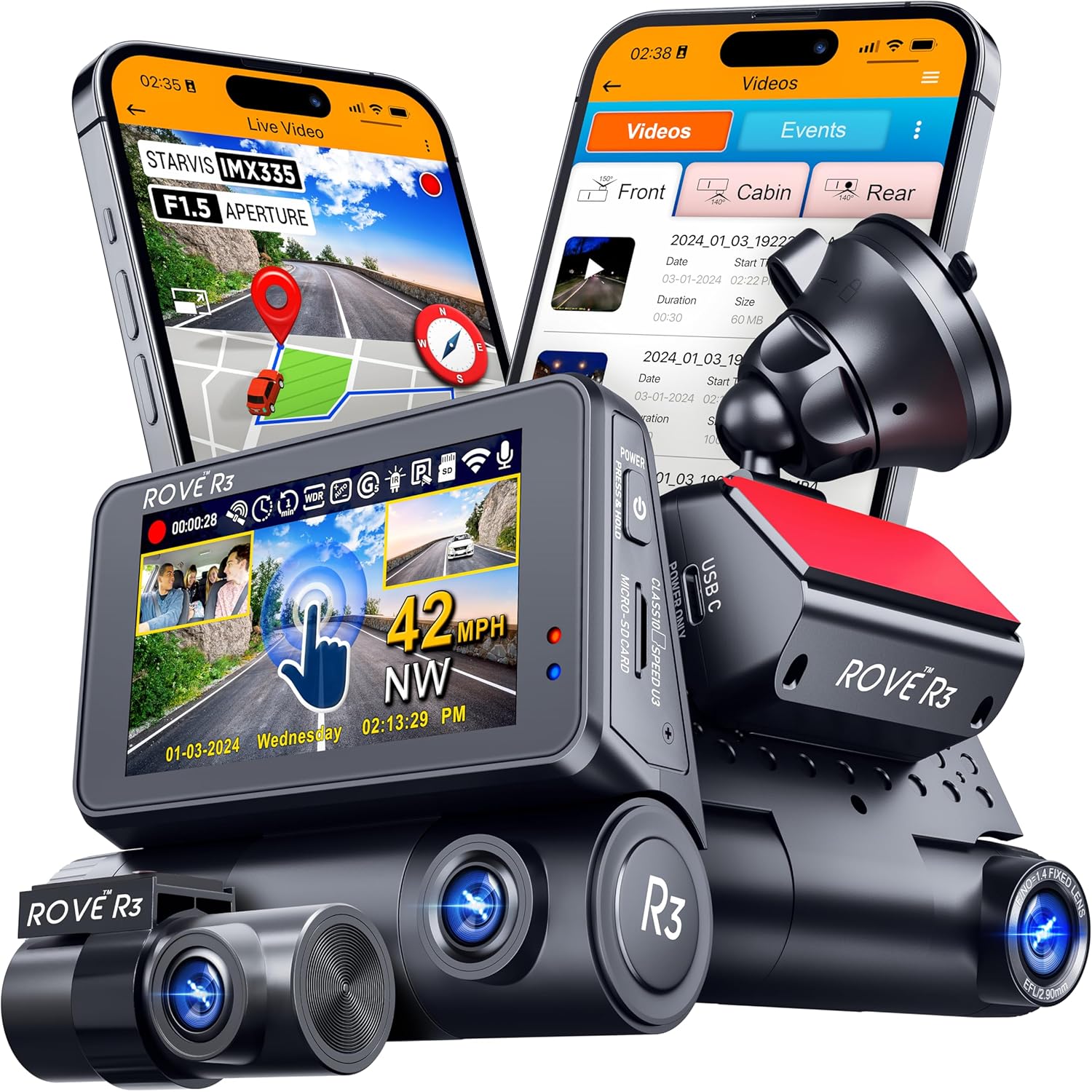
1. Vantrue N4 Pro S — The best dash cam for Walmart Spark drivers doing curbside pickup deliveries overall
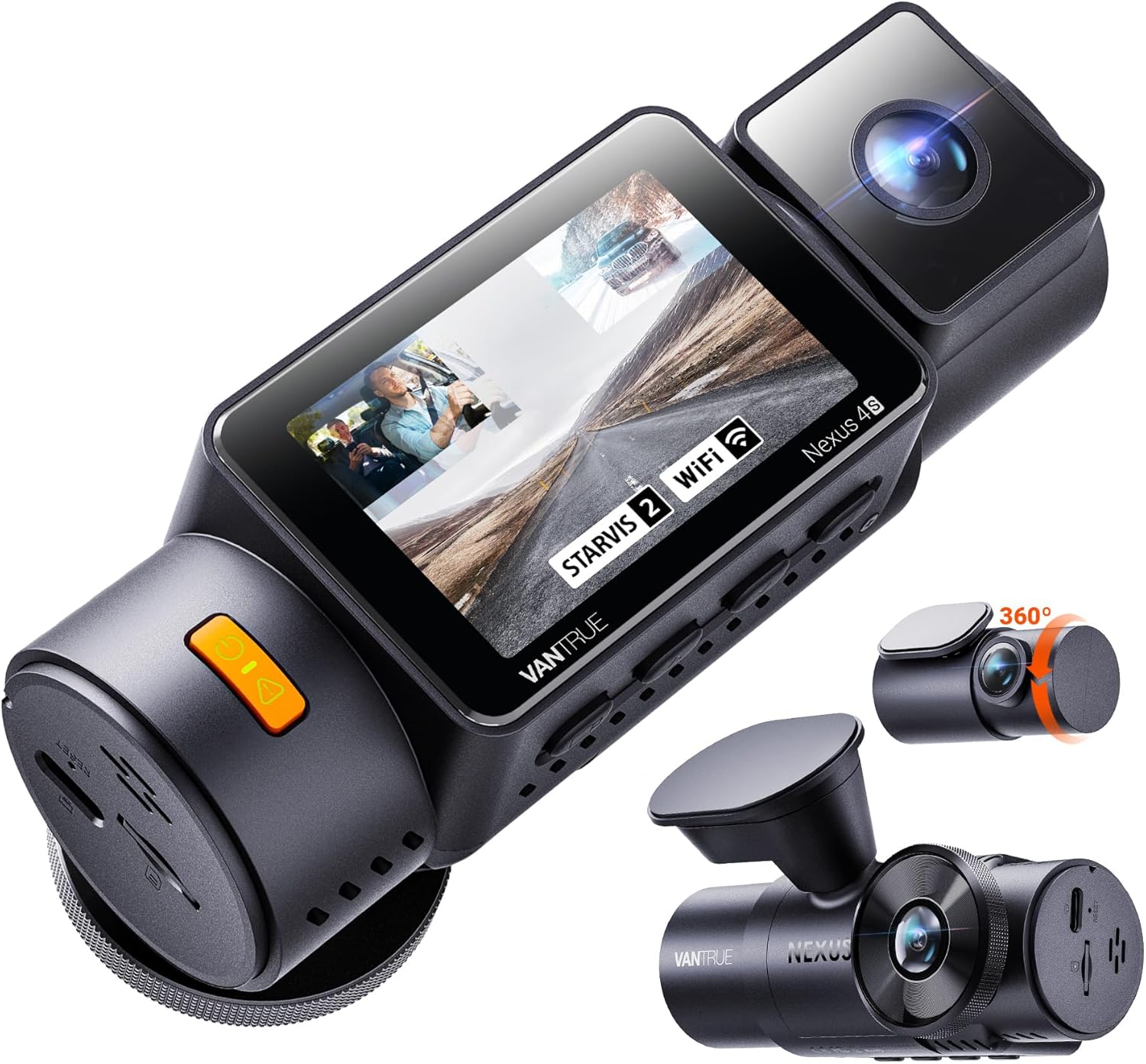
The Vantrue N4 Pro S is the only camera in this roundup with three STARVIS 2 sensors — one for the road, one for the cabin, and one for the rear. That matters because the cabin sensor is the one that vindicates you when a customer claims you swapped an item or took a tip bag. The 4K front channel reads license plates from two cars ahead even at 35 mph, the 1440p cabin channel sees clearly through the windshield reflection during a 5 a.m. batch, and the 1080p rear channel catches shopping carts rolling into your bumper at Walmart pickup. Parking mode runs 24/7 on the included supercapacitor when hardwired, and the Wi-Fi app pulls clips to your phone in under a minute — fast enough to attach to a Spark support ticket before the customer’s complaint even routes. At around $370 it is not the cheapest, but for a driver running 25+ hours a week it pays for itself the first time it kills a false claim.
Check the Vantrue N4 Pro S on Amazon
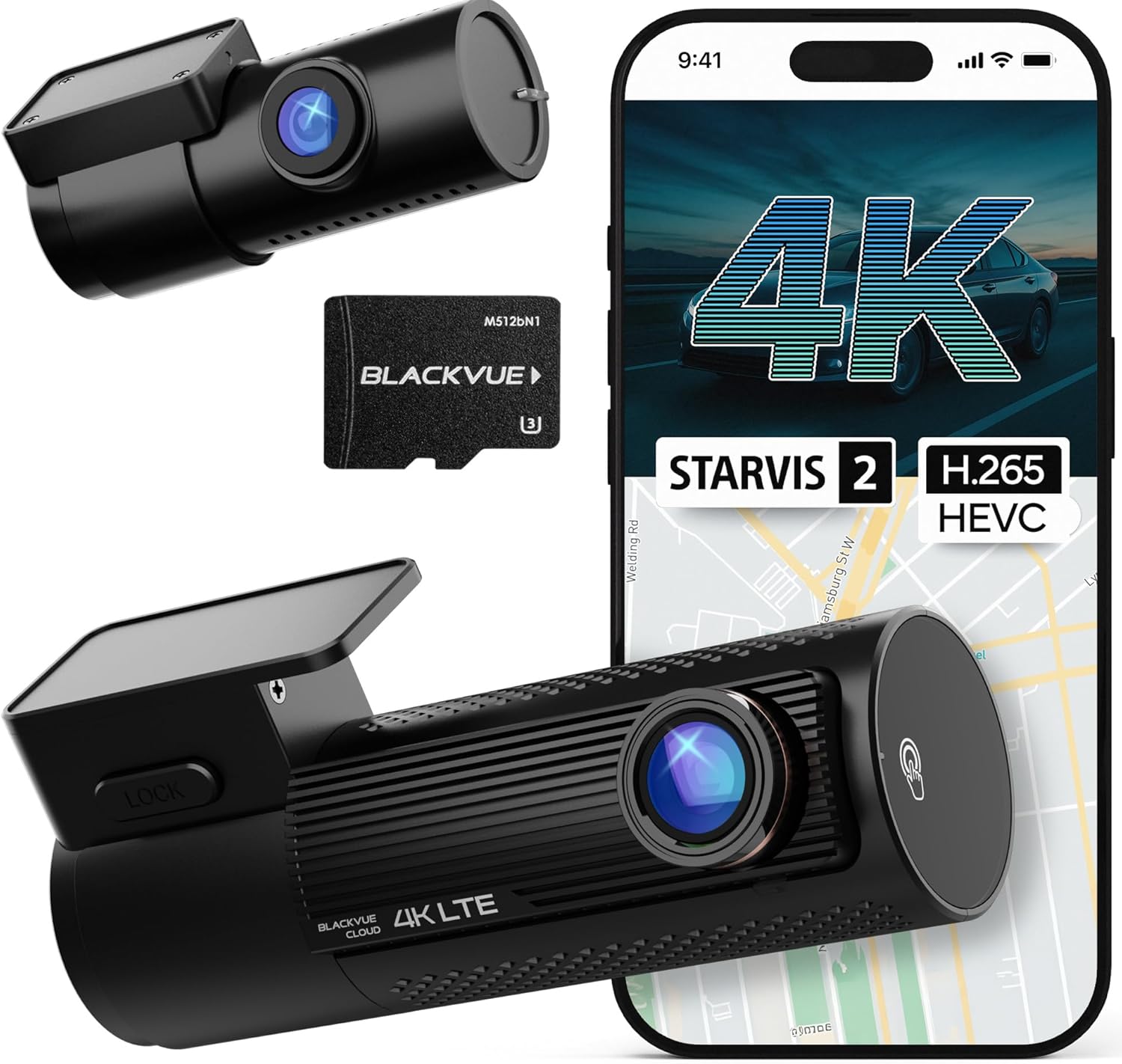
2. 4K 3-Channel Dashcam with 128GB included — Best value 3-channel
If you want full 3-channel coverage without the Vantrue price, this 4K front + 1080p cabin + 1080p rear unit ships with a 128GB high-endurance card already in the box, which alone saves $25-30. The Sony Starvis sensor on the front is a generation behind STARVIS 2 but still resolves plates at night under streetlights, and the cabin IR LEDs do a respectable job in pitch-dark apartment lots. Parking mode is motion-triggered rather than continuous, which means slightly less coverage during a long Walmart wait but also far less drain on a stock 12V battery. A solid pick for drivers who do Spark 10-20 hours a week and want every angle covered.
Check the 4K 3-Channel on Amazon
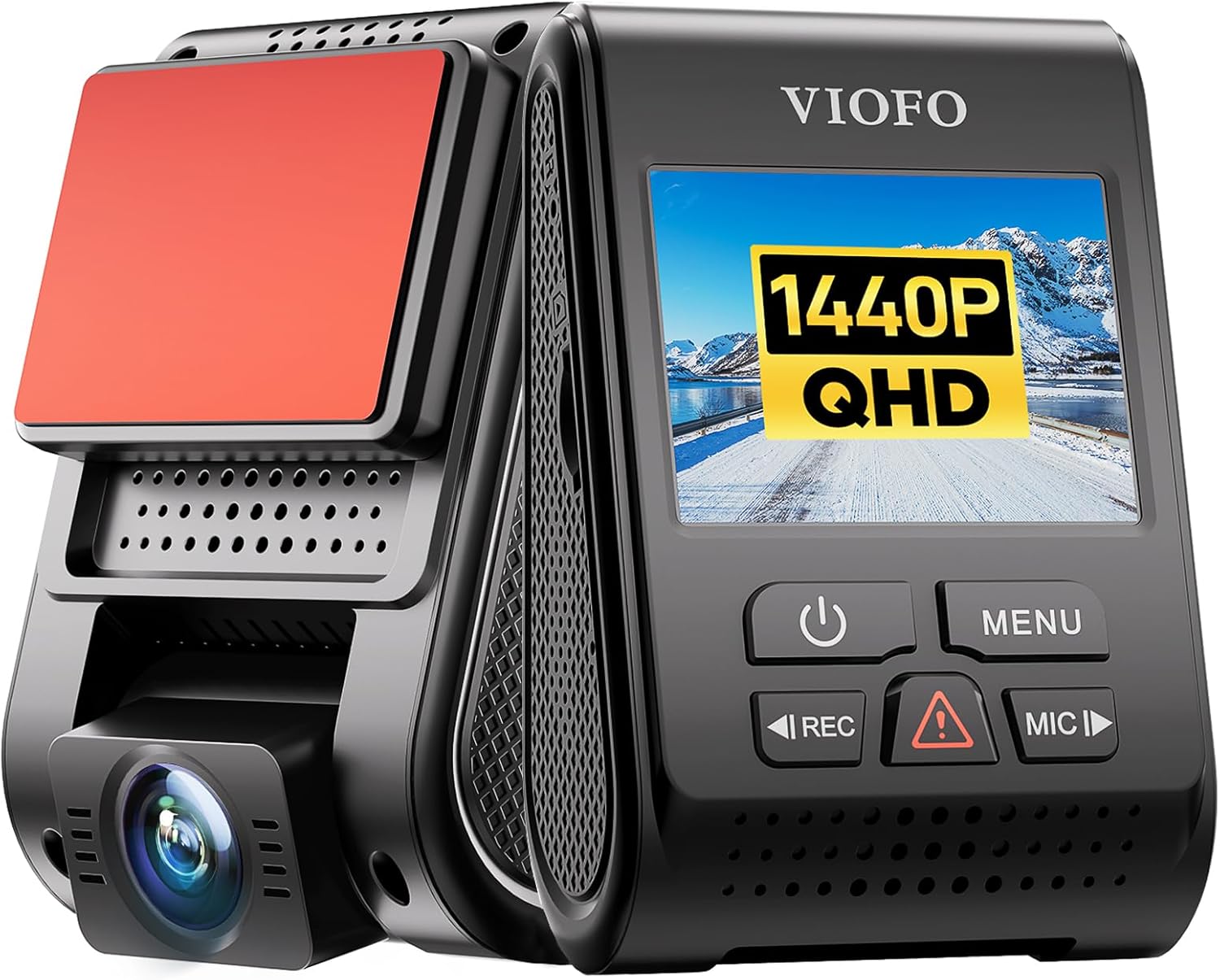
3. ROVE R2-4K DUAL — Budget pick for part-time Spark drivers
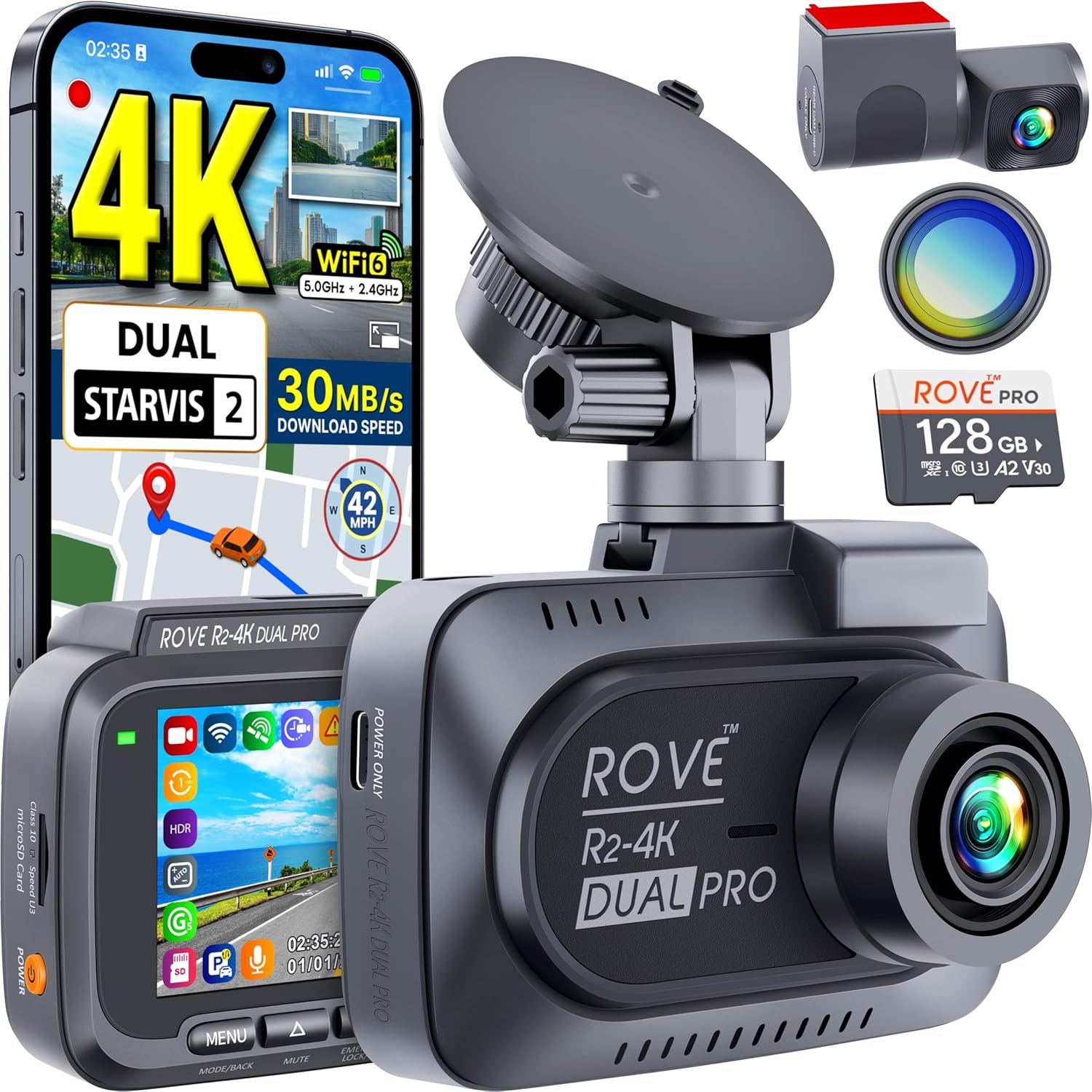
The ROVE R2-4K is the camera I recommend to drivers just starting out on Spark who want real protection without overspending. It is 2-channel (front + rear), so you lose the cabin angle, but the STARVIS 2 sensor on the front is genuinely excellent in low light — better than most $200 cameras — and the built-in GPS auto-stamps speed and coordinates onto every clip. The 1080p rear channel is more than enough to catch a parking-lot bump. With the optional hardwire kit you get full 24/7 parking mode, and 128GB ships in the box. At under $150 with the bundle, this is the best dollar-for-dollar protection a part-timer can buy.
Check the ROVE R2-4K DUAL on Amazon
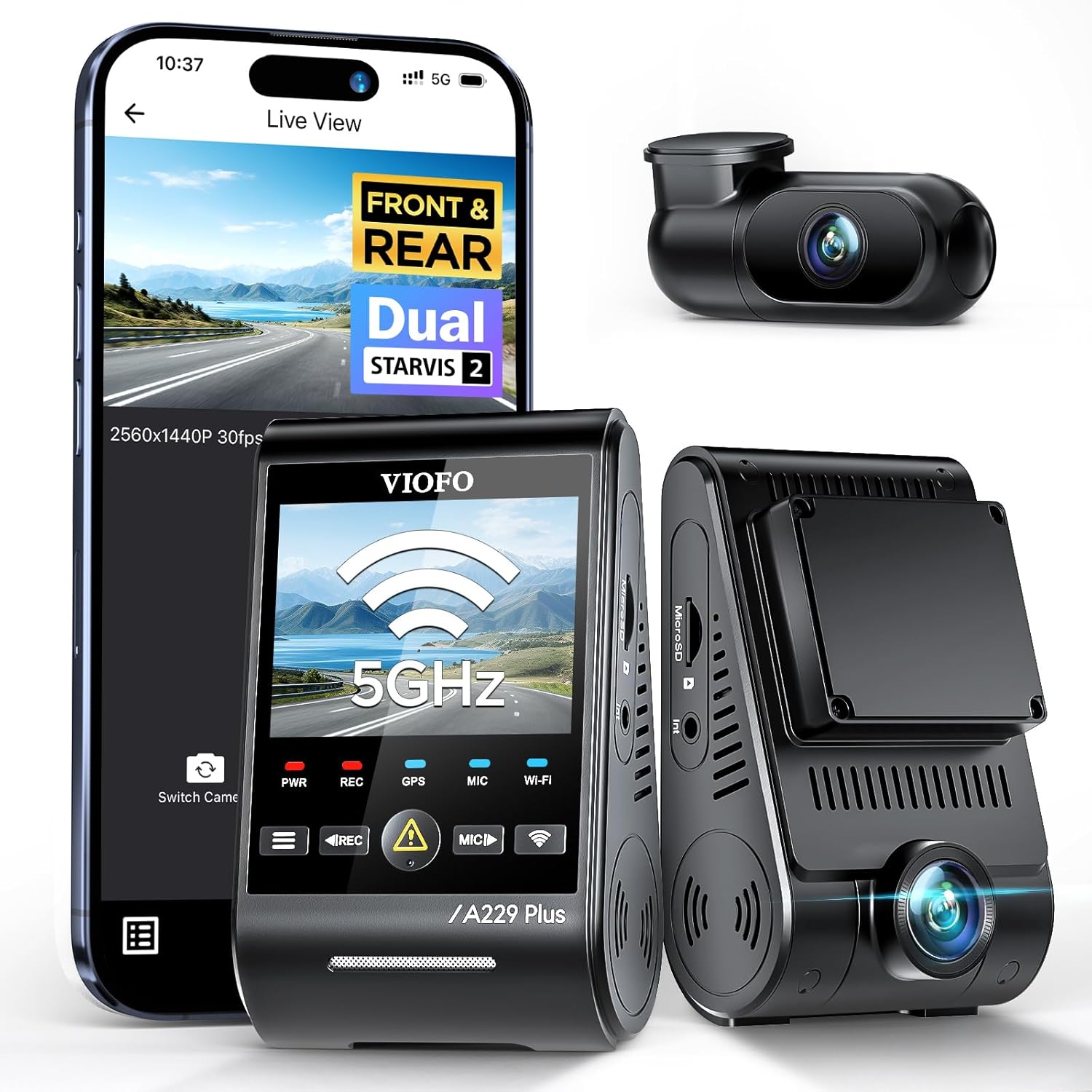
4. REDTIGER F7NP 4K Front and Rear — Most reliable mid-tier
REDTIGER has become the most-recommended brand in the Spark and DoorDash subreddits in 2026 for one reason: they actually replace units that fail under warranty without an argument. The F7NP is a 4K front + 1080p rear STARVIS 2 system with a clean 3.18-inch IPS screen, built-in GPS, a free phone app, and a hardwire kit that enables real 24/7 parking surveillance. If you want a 2-channel that simply works for years without drama, this is it. Pair it with a separate $25 cabin cam if you want a budget 3-channel setup.
Check the REDTIGER F7NP on Amazon
5. VNV 4K + 2.5K Dual — Skip-this-one for Spark unless you have a specific reason
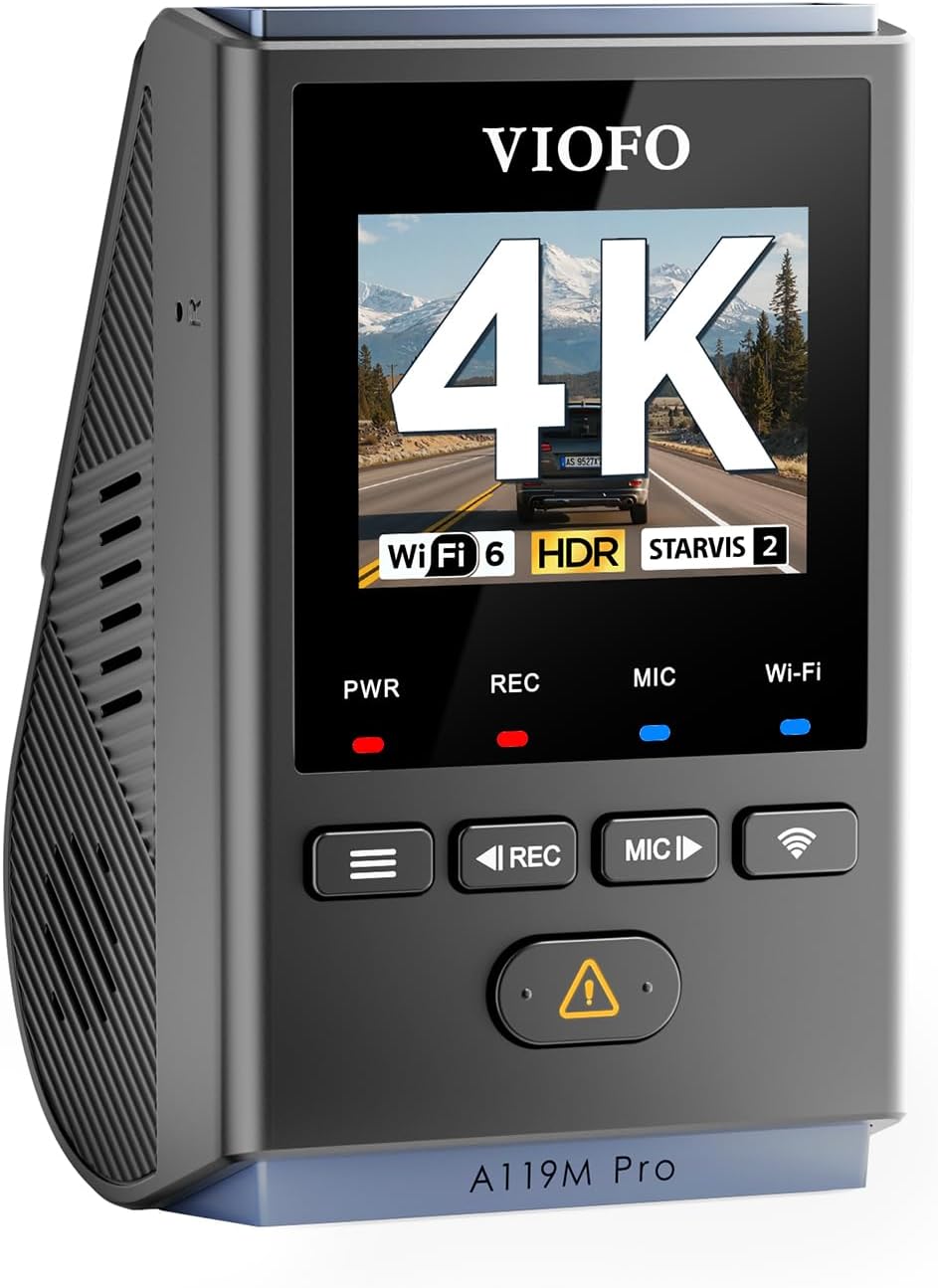
The VNV 4K+2.5K is a perfectly fine commuter camera with a 2.5K rear channel (higher resolution than most rears), but the GalaxyCore sensor is noticeably weaker than STARVIS 2 in the kind of low-light parking lots Spark drivers live in. If your batches are mostly daytime suburban runs and you specifically want a sharper rear feed (say, you also Uber and want to read trailing license plates), this is reasonable. For pure Spark work, the ROVE or REDTIGER at the same price gives you better night performance.
Check the VNV 4K+2.5K on Amazon
How to set up your dash cam for Spark in under 30 minutes
Buying the camera is the easy part. Setting it up correctly is what protects you. Here is the install order I use on every Spark driver’s vehicle:
- Mount the front camera behind the rearview mirror, lens centered on the hood, slightly angled down so the bottom of the frame catches your hood line (this proves the camera was in your car if Spark disputes authenticity).
- Mount the cabin camera (if 3-channel) angled to cover both front seats and the floor where Spark bags sit. Audio on.
- Mount the rear camera on the inside rear glass, lens centered, angled slightly down to catch your bumper line.
- Hardwire the kit to a switched fuse (ACC) plus a constant fuse for parking mode. A 30-minute job at any car-audio shop for $60-80, or DIY with a $15 add-a-fuse kit.
- Insert a high-endurance microSD (128GB minimum, 256GB if you do 40+ hr/week). Regular cards will fail in 60-90 days under loop recording.
- Set the clock to GPS auto-sync and confirm the date stamp on a test clip.
- Pair the Wi-Fi app and practice pulling a clip in under 60 seconds. You will need this skill in a real incident.
For more on hardwiring, see our guide to dash cam hardwire kit installation for gig workers.
Frequently Asked Questions
Does Walmart Spark require dash cam footage to dispute a damaged-order claim?
No, Spark does not require video to file an appeal, but in 2026 Spark support resolves driver appeals far faster when a timestamped clip is attached. Drivers who upload video with their initial appeal report resolution in 24-48 hours versus 5-10 days for text-only appeals.
Can a customer legally record me with my dash cam if it has an interior camera?
In all 50 U.S. states it is legal to record video inside your own vehicle. Audio recording is legal in single-party-consent states (the majority) and in two-party states is legal as long as you post a small visible sticker stating audio recording is in use. Most 3-channel dash cams ship with that sticker in the box.
What is the best dash cam for Walmart Spark drivers doing curbside pickup deliveries on a $200 budget?
The ROVE R2-4K DUAL with the hardwire kit is the best dash cam for Walmart Spark drivers doing curbside pickup deliveries under $200. You get STARVIS 2 night vision, 4K front, 1080p rear, built-in GPS, and 24/7 parking mode — the only sacrifice is the cabin camera, which you can add later for $25.
Do I need 4K resolution or is 1080p enough for Spark?
4K is genuinely useful for the front channel because it lets you read license plates from 2-3 cars ahead, which matters in a hit-and-run. 1080p is fine for the rear and cabin channels — the distances involved are short. Pay for 4K up front, save on the other two angles. See our 4K vs 1080p dash cam comparison for sample footage.
Will running a dash cam in parking mode drain my car battery during a long Walmart wait?
Only if you skip the hardwire kit’s low-voltage cutoff. Every hardwire kit sold in 2026 has a configurable cutoff (usually 11.8V or 12.0V) that shuts the camera off before your battery drops too low to start the car. Set it to 12.0V if you drive a vehicle older than 2018 or have a smaller battery.
How big a microSD card do I need for full-time Spark driving?
For 30+ hours a week on a 3-channel 4K system, use a 256GB or 512GB high-endurance card (Samsung Pro Endurance or SanDisk High Endurance). Standard consumer cards will fail in 2-3 months under the constant loop-write cycle. Budget $40-60 for the right card — it is the most-overlooked cost in dash cam ownership.
What other gig-driver gear pairs well with a Spark dash cam?
A magnetic phone mount rated for heat, a trunk organizer for bag stability, a small headlamp for porch deliveries after dark, and a cheap portable jump starter. We cover the full kit in our best gear for Walmart Spark drivers in 2026 guide and the related best dash cam for DoorDash drivers roundup.
The bottom line
For full-time Walmart Spark drivers, the Vantrue N4 Pro S is the strongest 3-channel system in 2026 and the camera I recommend without hesitation. Part-timers should grab the ROVE R2-4K DUAL with the hardwire kit and add a cabin cam later. Whichever you pick, do not skip the hardwire install — a dash cam that is off when you are parked is a dash cam that will not save you when a Walmart cart rolls into your tailgate.
Key Takeaways
- Choosing the right best dash cam for Walmart Spark drivers doing curbside pickup deliveries means matching capacity and output ports to your actual devices
- Always check actual watt-hours (Wh), not just watts — runtime depends on Wh, not peak output
- Also covers: Walmart Spark dash cam parking mode
- Also covers: best dash cam for Spark delivery driver
- Also covers: dash cam for curbside pickup gig work
- Compare price-per-Wh across models to find the best value for your budget